

Plugixa Recipe 1.0.1: An App Manager, and Listings That Survive Page Caches

Plugixa Recipe 1.0.1 is out. The headline is control: a new App Manager lets you switch the optional parts of the plugin on and off from one screen. The rest of the release is about things working where they used to fail quietly, above all on pages served from a page cache.
App Manager
Not every recipe site wants reviews, collections, favorites, shopping lists, a nutrition label and a submission form. Each of them is now an app with its own card and an Activate or Deactivate button. Switching an app off hides its screens, stops its endpoints answering and removes it from your site. Its data is kept, so you can switch it back on and pick up where you left off.
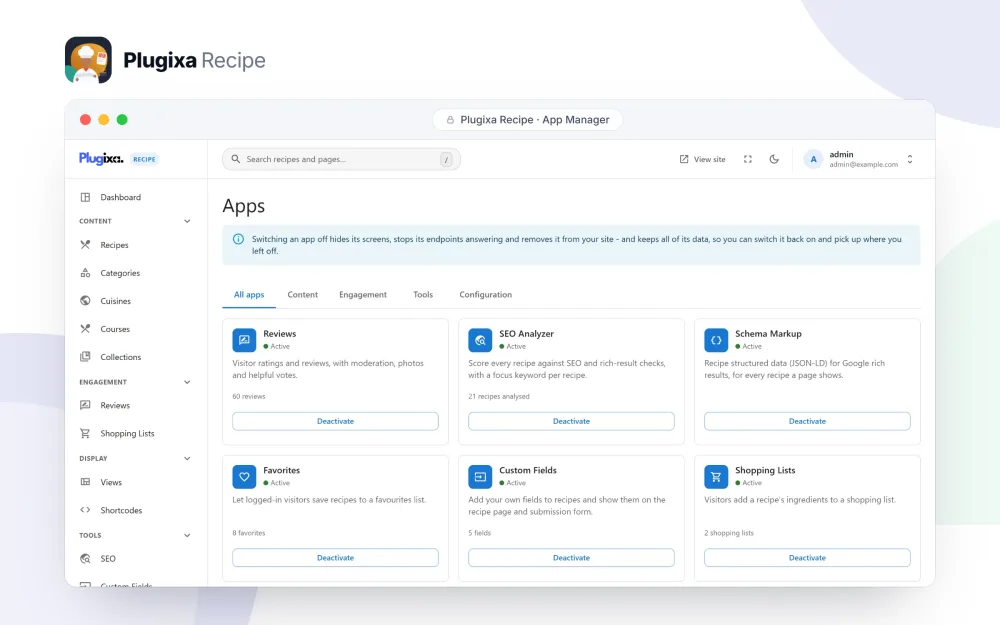
Ten settings that had no effect were removed from the Settings screen at the same time, so what is left there does something.
A search box that filters the listing beside it
The recipe search shortcode now filters the listing it sits beside, instead of sending the visitor to another page. “Load more” and pagination keep the search, so page two of a search is still a search. The Widget Shortcodes guide lists the search shortcode with the other seven.
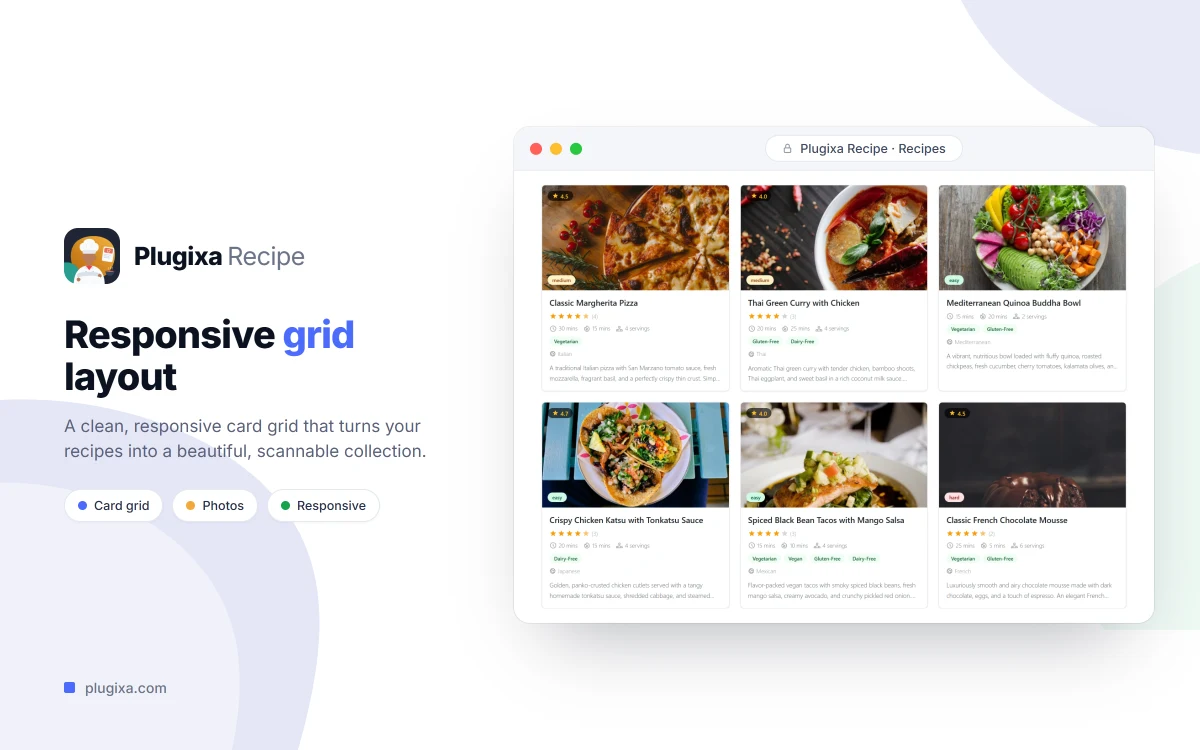
Listings that survive a page cache
A cached page can be hours or days old, and the security token printed into it expires long before the copy does. In 1.0.0 that could leave “load more” doing nothing. In 1.0.1:
- “Load more”, page numbers and infinite scroll keep working on a cached page, however old the cached copy is.
- Loading more reviews, voting a review helpful and sending a review or a recipe no longer fail with an expired security token.
- The “load more” button says so when a request fails, instead of doing nothing.
- “Load more” is no longer shown under a listing that already fits on one page.
Tighter permissions
- Publishing a recipe, taking a published recipe down and moderating reviews now need the publish capability: Authors and above by default. Contributors can still write drafts and submit them for review.
- The colours, sizes, fonts and shadow of a View are validated when the View is saved and again when it is printed.
- A shopping list can only be read or changed by the user it belongs to.
Other fixes
- An address for a recipe or a recipe archive that does not exist answers 404 instead of showing the blog.
- Recipe listings are styled in the Elementor editor preview.
- A review rating outside 1 to 5 is refused, and mistyping a form no longer counts against the hourly submission limit.
Under the surface, the plugin is now built from independent modules, each owning its own database tables. That is what makes the App Manager possible. Every change is listed in the 1.0.1 changelog.