

Contents
On this page
Widget Shortcodes - Plugixa Recipe
Eight lightweight shortcodes for sidebars, landing pages, and cross-linking. Each renders from its own template in templates/widgets/ and enqueues the same frontend CSS as the main [plugixa_recipe] shortcode.
[plugixa_categories] / [plugixa_cuisines]
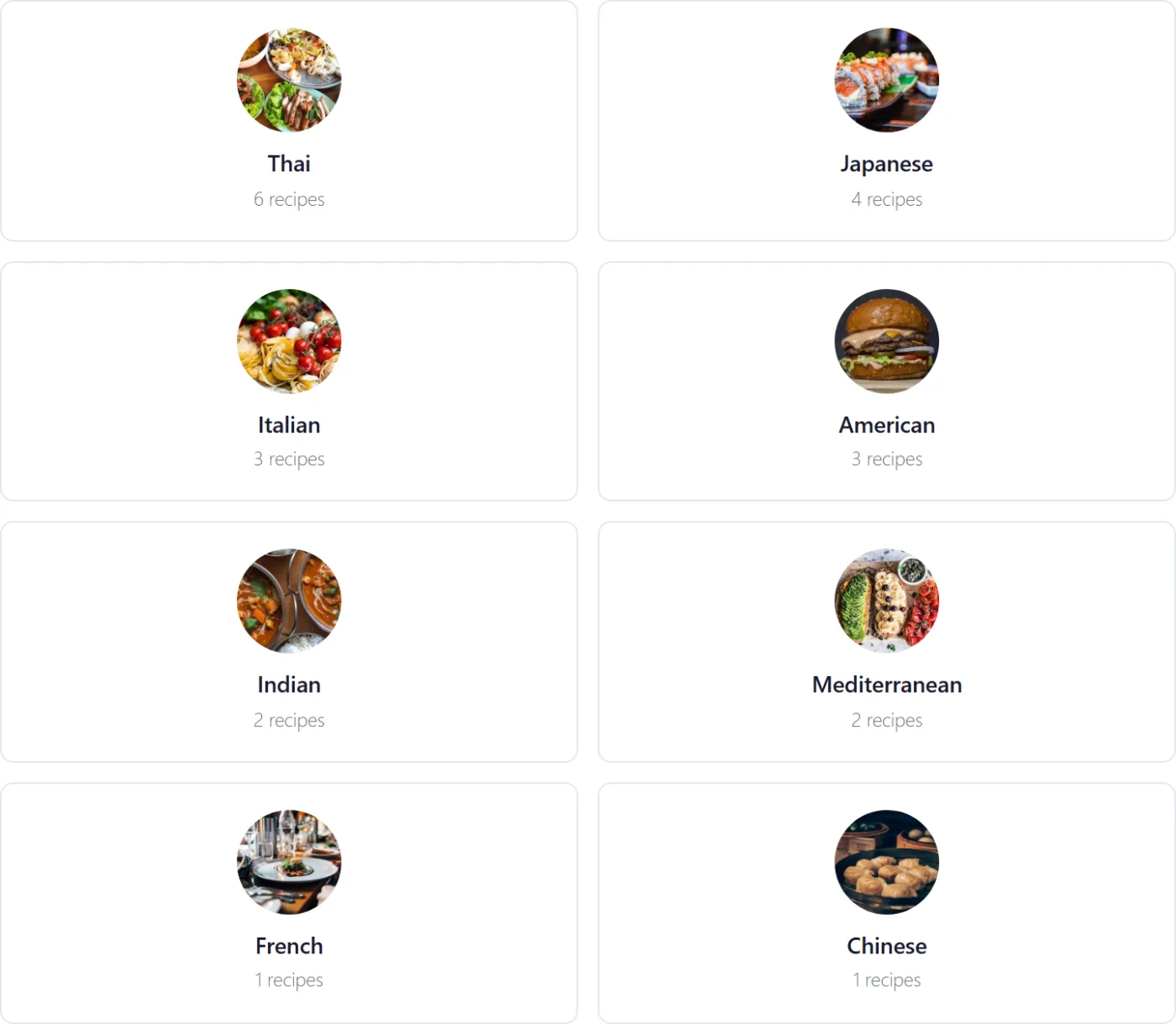
Gallery of categories (or cuisines) as cards that link to /recipe-category/{slug}/ or /recipe-cuisine/{slug}/.
[plugixa_categories columns="4" show_count="true"]
[plugixa_cuisines columns="5" show_image="true" order="display_order"]
| Attribute | Default | Description |
|---|---|---|
columns |
4 | Grid columns |
show_image |
true | Show the category image |
show_count |
true | Show the recipe count per category |
show_description |
false | Show the description |
limit |
-1 | Max cards (-1 = all) |
include |
- | Comma-separated IDs |
exclude |
- | Comma-separated IDs |
order |
display_order | display_order / name / count / id |
orderby_direction |
ASC | ASC / DESC |
[plugixa_latest_recipes]
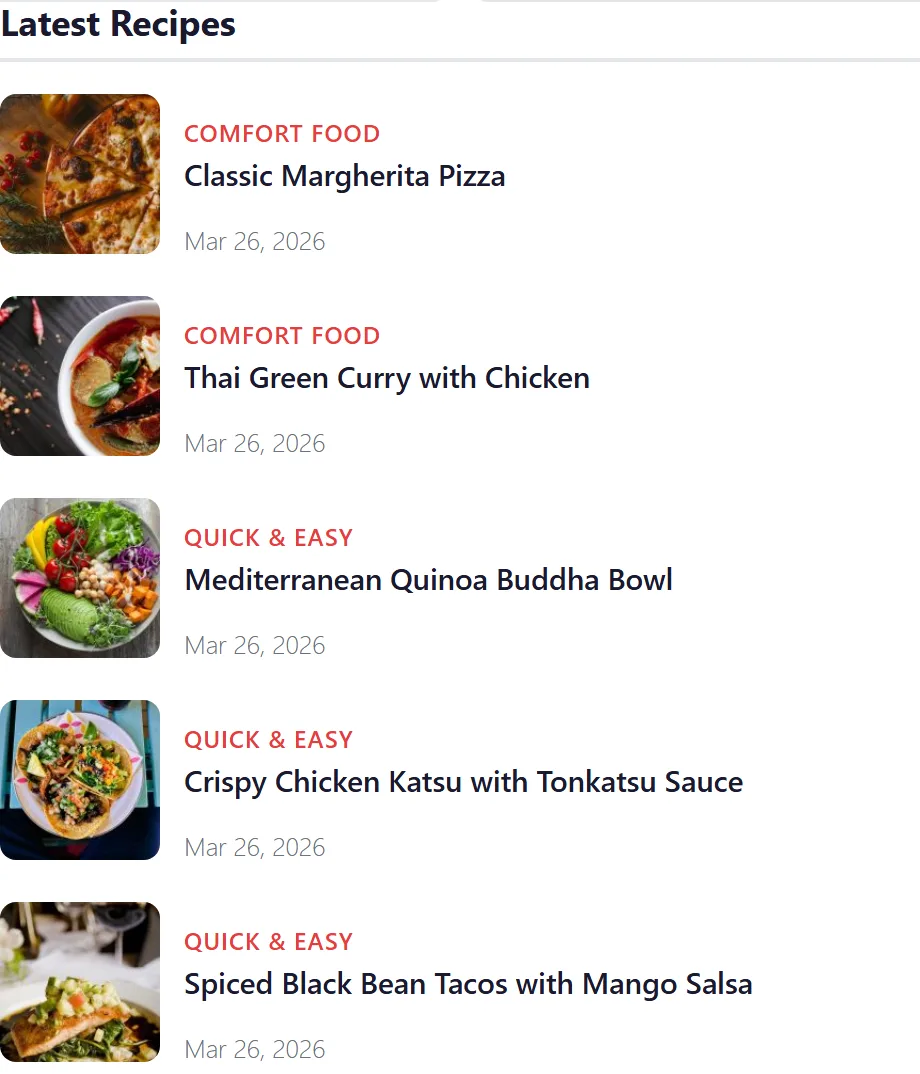
The most-recent recipes. Good for sidebars and home page teasers.
[plugixa_latest_recipes limit="6" columns="3"]
| Attribute | Default |
|---|---|
limit |
5 |
columns |
1 |
show_image |
true |
show_meta |
true |
show_rating |
true |
status |
published |
[plugixa_popular_recipes]
Recipes sorted by view_count (default) or rating_average.
[plugixa_popular_recipes limit="5" orderby="rating_average"]
| Attribute | Default | Description |
|---|---|---|
limit |
5 | |
columns |
1 | |
orderby |
view_count |
view_count / rating_average / like_count |
show_count |
true | Show the metric value |
[plugixa_related_recipes]
When used on a recipe page, shows other recipes that share categories or cuisines with the current one.
[plugixa_related_recipes limit="4"]
Related-by logic (in order):
- Same category and same cuisine.
- Same category only.
- Same cuisine only.
- Fallback to recent.
[plugixa_recipe_search]
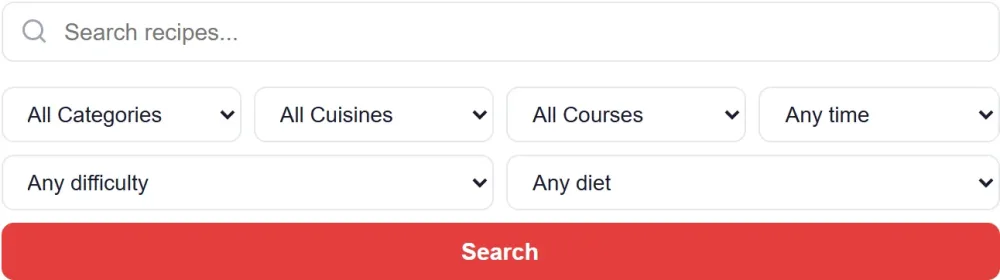
A search form. Placed beside a [plugixa_recipe] listing, it filters that listing, and “load more” and pagination keep the search. With style="expanded", it also filters by category, cuisine, course, total time, difficulty and diet.
[plugixa_recipe_search]
[plugixa_recipe_search style="expanded" title="Find a recipe"]
| Attribute | Default | Description |
|---|---|---|
placeholder |
Search recipes… | Text in the empty search box |
style |
simple |
simple (search box only) or expanded (with filters) |
action |
(current page) | The page the form sends its search to |
title |
- | Optional heading above the form |
[plugixa_recipe_of_day]
A single randomly-chosen recipe that rotates daily (seeded by date). Large card layout.
[plugixa_recipe_of_day]
The seed uses date('Y-m-d') so everyone sees the same recipe on a given day, cache-friendly.
[plugixa_recipe_count]
Just an integer - useful for marketing lines like “Browse our 247 recipes”.
You can now browse [plugixa_recipe_count] recipes!
| Attribute | Default |
|---|---|
status |
published |
categories |
(all) |
cuisines |
(all) |
Using widget shortcodes in Elementor / Gutenberg
All eight shortcodes work inside any block or widget that accepts shortcodes (Gutenberg Shortcode block, Elementor Text Editor, Classic widget, etc.).
Quick Links
Share