

Contents
Performance settings - Plugixa Recipe
The Performance tab covers image handling and the recipe cache.
Go to Recipes → Settings → Performance.
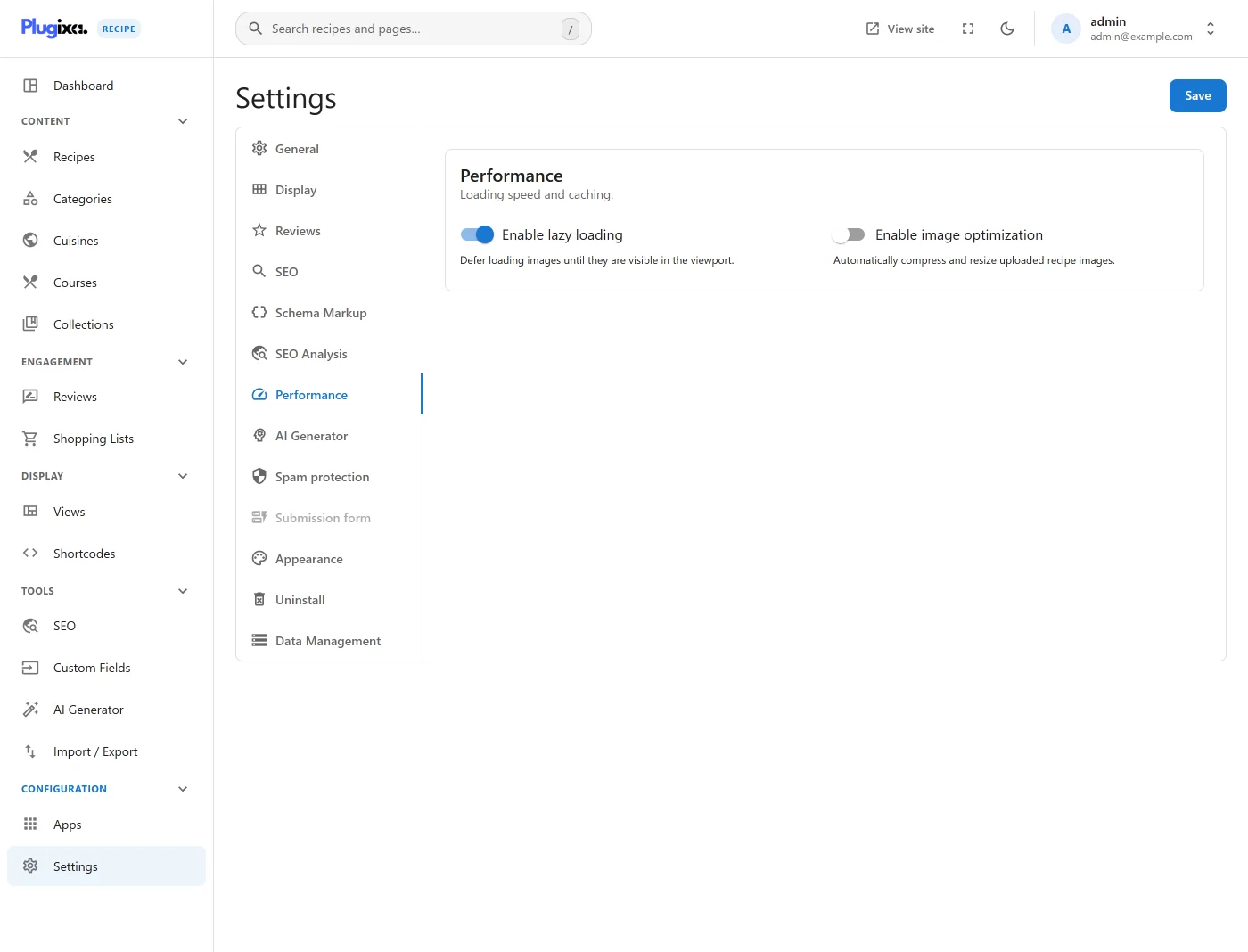
Options
| Key | Default | Notes |
|---|---|---|
enable_lazy_load |
true |
Native loading="lazy" on card and gallery images. |
image_optimization |
false |
Re-encode uploaded images. |
thumbnail_quality |
82 |
JPEG/WebP quality for generated thumbnails. |
enable_cache |
false |
Presented as caching recipe queries. Currently inert: it appears only as a default, and no PHP reads it back. |
cache_duration |
24 |
Hours. Inert for the same reason. |
Leave the two caching switches out of your plans until they do something. A page cache or object cache at the host level is unaffected by them either way.