

Contents
Captcha settings - Plugixa Recipe
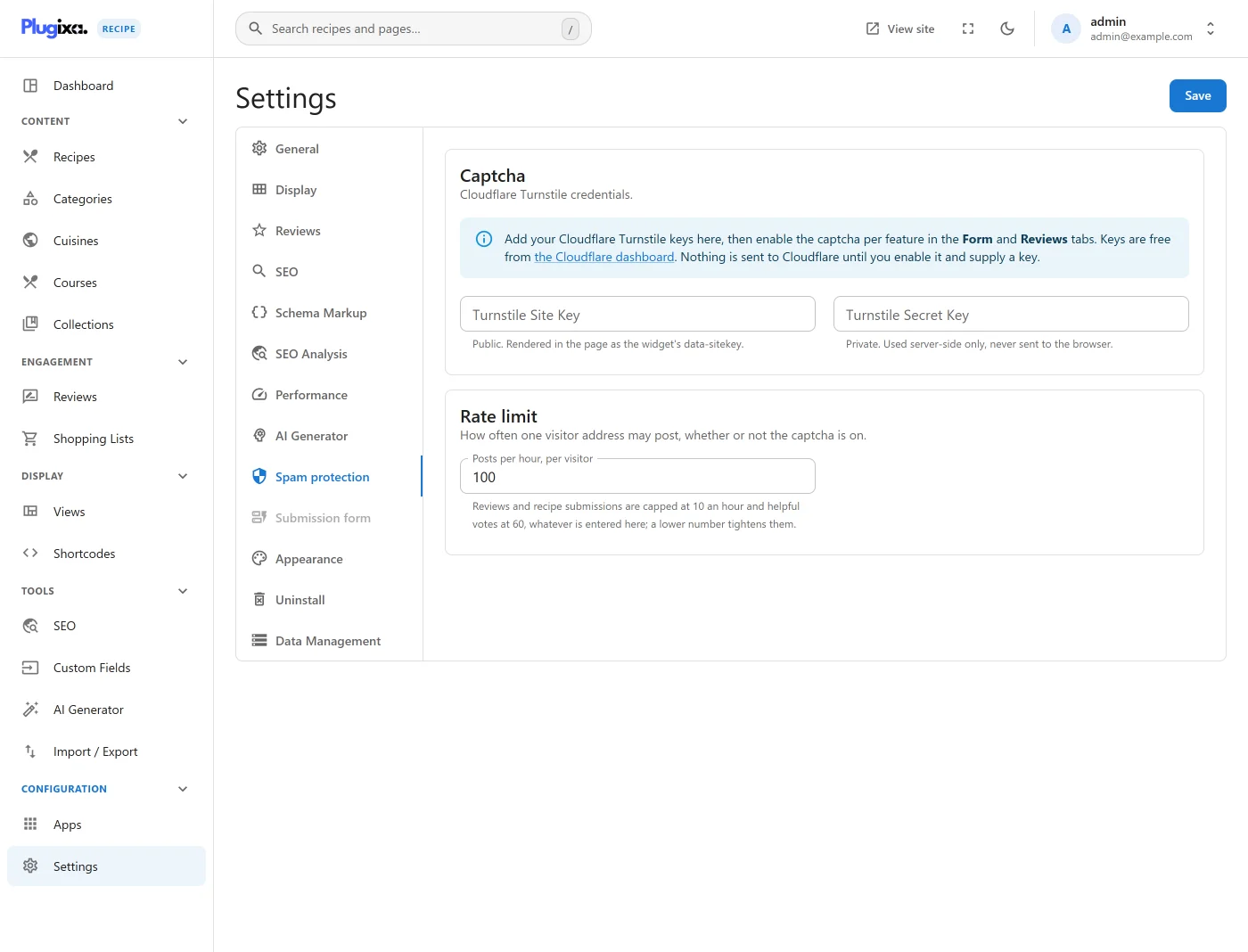
The Captcha tab holds the Cloudflare Turnstile keys used by the public review and recipe-submission forms.
Go to Recipes → Settings → Captcha.
Options
| Key | Default | Notes |
|---|---|---|
turnstile_site_key |
(empty) | Public. Rendered into the page as the widget’s data-sitekey. |
turnstile_secret_key |
(empty) | Private. Used server-side only and never sent to the browser. |
How it is enforced
The keys alone do nothing. Turnstile runs only where you switch it on:
- Reviews:
turnstile_reviews_enabledon the Reviews tab. - Recipe submissions:
turnstile_form_enabledon the Form tab.
When a toggle is on and a secret key is present, the submitted token is verified
server-side against https://challenges.cloudflare.com/turnstile/v0/siteverify
before anything is written. If the secret key is missing the check is skipped
rather than failed, so an enabled toggle with an empty key protects nothing.
Turnstile is one of three defences on those endpoints; the others are a honeypot field and per-IP hourly rate limiting.