

Contents
Settings - Plugixa Recipe
Global plugin configuration lives in the plugixa_recipe_settings WordPress option (a single array with all sub-keys). Most display and behavior values can be overridden by a view, and every view value can be overridden on a per-shortcode basis.
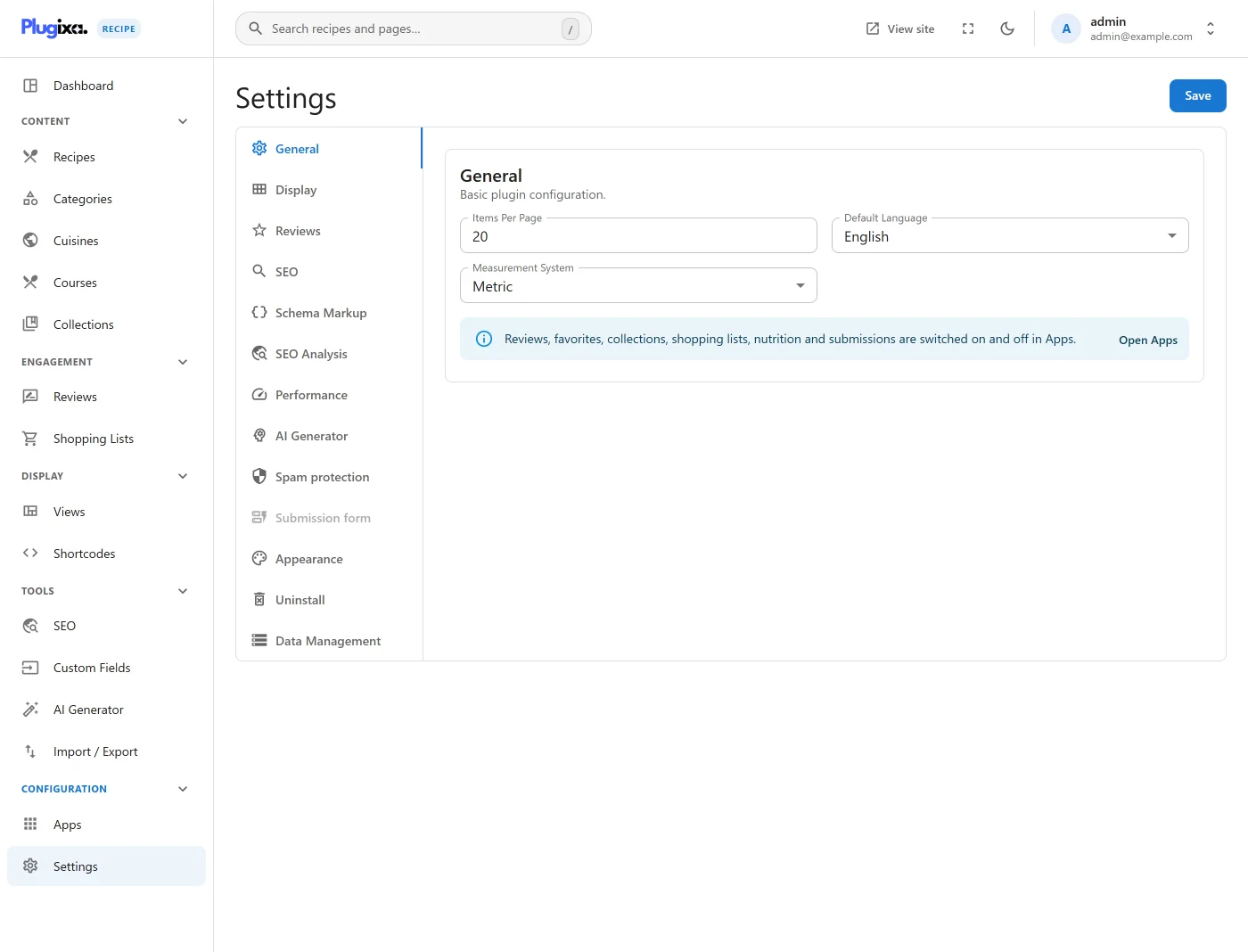
Go to Recipes → Settings. The page is organized across 10 horizontally-scrollable tabs with icons.
Settings priority
Shortcode attribute  >  View config  >  Global settings
(highest priority)                    (lowest priority)
A shortcode like [plugixa_recipes view="cards" limit="6"] wins over a view that has limit=12, which wins over the global default set here.
Some settings are global-only and do not cascade - notably AI provider/keys, REST API policy, Captcha keys, and the uninstall behavior. These apply to the whole site regardless of which view or shortcode is rendering.
Tabs
| Tab | What it controls |
|---|---|
| General | Default view, orderby, submission policy, email notifications |
| Display | Ratings, favorites, share buttons, info bar, card fields |
| Reviews | Guest reviews, auto-approve, photo uploads, helpful votes |
| SEO | JSON-LD schema PRO, Open Graph, Twitter Cards, canonical |
| Performance | Object cache TTL, lazy-load, critical CSS, asset deferral |
| API | Public REST toggle, rate limit, CORS origin, app-password writes |
| AI PRO | Provider (OpenAI / Gemini), keys, model, temperature, language |
| Advanced | Custom CSS/JS, debug logging, uninstall behavior |
| Captcha | Honeypot / reCAPTCHA v2, v3 / hCaptcha keys and threshold |
| Form | Fields shown, required fields, character limits, redirects |
Resetting to defaults
Each tab has a Reset tab button that restores defaults for that tab only - the other tabs keep your changes. Defaults are applied only on fresh installs; the plugin never silently overwrites unsaved values.
REST API
All settings are readable and writable through the plugixa-recipe/v1 namespace:
| Method | Endpoint | Description |
|---|---|---|
GET |
/wp-json/plugixa-recipe/v1/settings |
Read the full settings array. |
POST |
/wp-json/plugixa-recipe/v1/settings |
Update any subset of keys. |
GET |
/wp-json/plugixa-recipe/v1/settings/dashboard |
Dashboard stats (recipe counts, reviews). |
DELETE |
/wp-json/plugixa-recipe/v1/settings/demo-data PRO |
Remove demo recipes loaded via Advanced → Load Demo Data. |
Read/write endpoints require the manage_options capability. Custom clients must include the wp_rest nonce in the X-WP-Nonce header.
Hooks
Filters and actions fire around settings save and defaults - see Hooks Reference for exact signatures. Common uses: adjusting defaults on first install, sanitizing values before DB write, or reacting to config changes from an add-on.
Related
- Views - visual presets (colors, typography, layout) override the global defaults
- Shortcodes - per-instance attribute overrides
- Hooks Reference - full hook signatures
- REST API - full API reference across all controllers