

Contents
General settings - Plugixa Recipe
The General tab holds the plugin’s name, the admin list length, the language and unit defaults, and the switches that turn whole features on and off.
Go to Recipes → Settings → General.
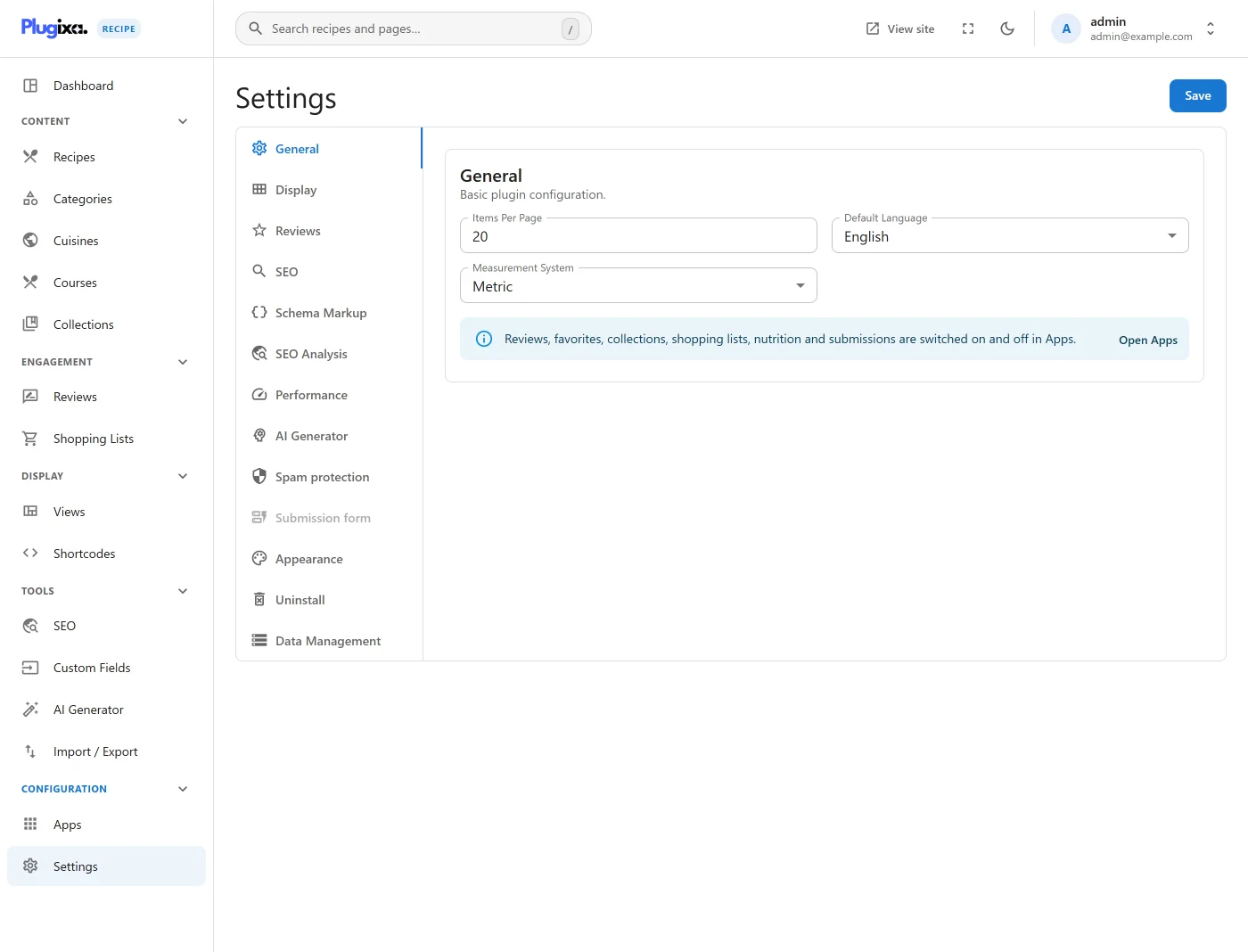
Options
| Key | Default | Notes |
|---|---|---|
plugin_name |
PlugixaRecipe |
The name shown in the admin header. |
items_per_page |
20 |
Rows per page in the admin lists. |
default_language |
en |
Default content language. |
measurement_system |
metric |
Which system new recipes default to. It does not convert anything already written; see Ingredients. |
enable_reviews |
true |
Reviews and ratings. |
enable_favorites |
true |
Visitor favourites. |
enable_collections |
true |
Collections and cookbooks. |
enable_shopping_lists |
true |
Shopping lists. |
enable_nutrition |
true |
The nutrition label. |
enable_seo |
true |
SEO output and the SEO tab. |
enable_unit_conversion |
true |
The units system. |
Pro does not add a switch to this tab. It registers a whole AI Generator
tab, a Schema Markup section inside the SEO tab and a Data Management
section inside Advanced, through registerSettingsSection. The free build
registers none of them, so those tabs show their free half rather than a row of
disabled upsells.