

Contents
Import / Export - Plugixa Recipe
Bulk move recipes in and out of Plugixa Recipe. Supported formats:
| Format | Import | Export |
|---|---|---|
| Plugixa JSON | ✅ | ✅ |
| CSV | ✅ | ✅ |
| WP Recipe Maker (WPRM) | ✅ | - |
| WordPress REST export | ✅ | ✅ |
The Import / Export screen
Navigate to Recipes → Import / Export.
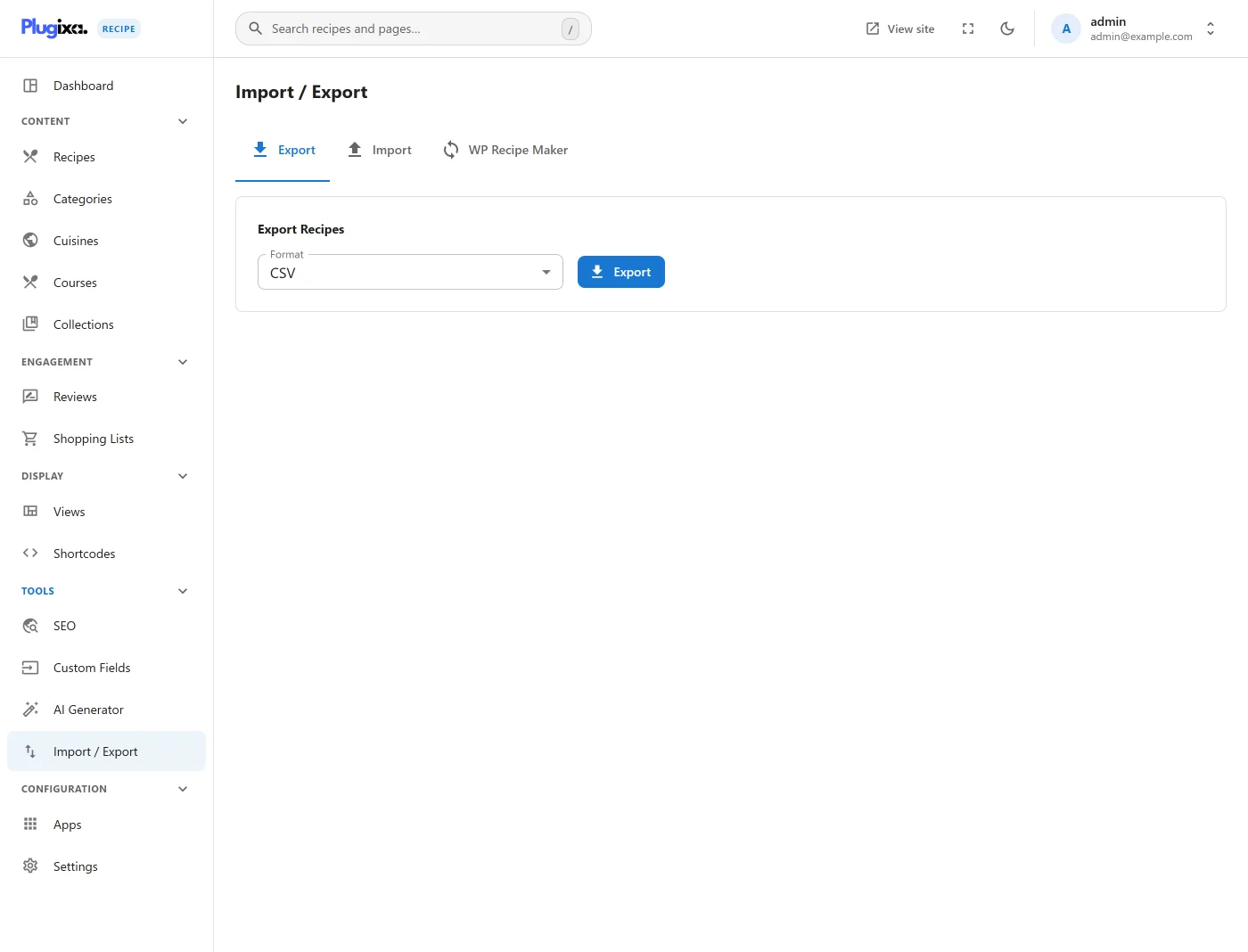
Two tabs: Import and Export.
Exporting
Options
- Format:
JSONorCSV. - Scope: All recipes · Published only · Filtered (pick category / cuisine).
- Include: ingredients · instructions · nutrition · reviews · custom fields · images (as URLs).
Result
The export is streamed as a download. Large exports run in chunks of 100 recipes and show a progress bar. The resulting file is a clean, versioned artifact you can store as a backup or migrate to another WordPress install.
Importing
Step 1 · Upload a file
Pick a file from your computer:
plugixa-recipes.json- the plugin’s own JSON format.recipes.csv- any CSV with at leasttitleandingredientscolumns.wprm-export.json- from WP Recipe Maker → Tools → Export.
The plugin auto-detects the format.
Step 2 · Map columns (CSV only)
If your CSV has non-standard column names, the mapper lets you map them to recipe fields:
| Internal field | Typical CSV column |
|---|---|
| title | name, recipe_name |
| description | summary, desc |
| ingredients | ingredients_raw |
| instructions | steps, directions |
| prep_time | prep, prep_minutes |
| cook_time | cook, cook_minutes |
| category | category, type |
| cuisine | cuisine |
Custom fields can be targeted by their field_key.
Step 3 · Preview & import
The plugin shows the first 5 rows as a preview so you can confirm mapping, then imports in batches of 20 rows.
Idempotency
When importing, the plugin matches on the recipe slug. Existing recipes are updated (not duplicated); new slugs create new recipes. Set “Also update” off to skip existing rows.
Image handling
Images are referenced by URL in the import file. The plugin:
- Downloads each image into the WordPress media library (once - deduped by URL).
- Records the resulting attachment ID in the recipe / step record.
Broken URLs are logged and the corresponding recipe is imported without images.
WPRM migration notes
WP Recipe Maker:
- Custom taxonomy (course/cuisine) maps to the plugin’s own courses/cuisines.
- WPRM custom fields are imported into Plugixa custom fields (field_key matches WPRM key).
- WPRM’s rating counts are imported as a single aggregate (reviews aren’t migrated by default).
CLI (future)
A WP-CLI import/export command is planned - watch the repo for wp plugixa-recipe import ….
Hooks