

Contents
Cuisines - Plugixa Recipe
Cuisines tag a recipe by regional or cultural tradition (Italian, Japanese, Mexican, …). A recipe can belong to multiple cuisines (e.g., “fusion” recipes).
Cuisines work alongside Categories (what kind of meal) and Courses (breakfast, main, dessert). The three taxonomies are independent - you can combine them freely in shortcodes.
Pre-seeded cuisines
The plugin ships with 16 cuisines seeded on activation:
Italian · French · Chinese · Japanese · Indian · Mexican · Thai · Greek · Spanish · Middle Eastern · Korean · Vietnamese · American · Mediterranean · Brazilian · Moroccan
You can add, rename, or delete any of these from Recipes → Cuisines.
The cuisines list
Navigate to Recipes → Cuisines.
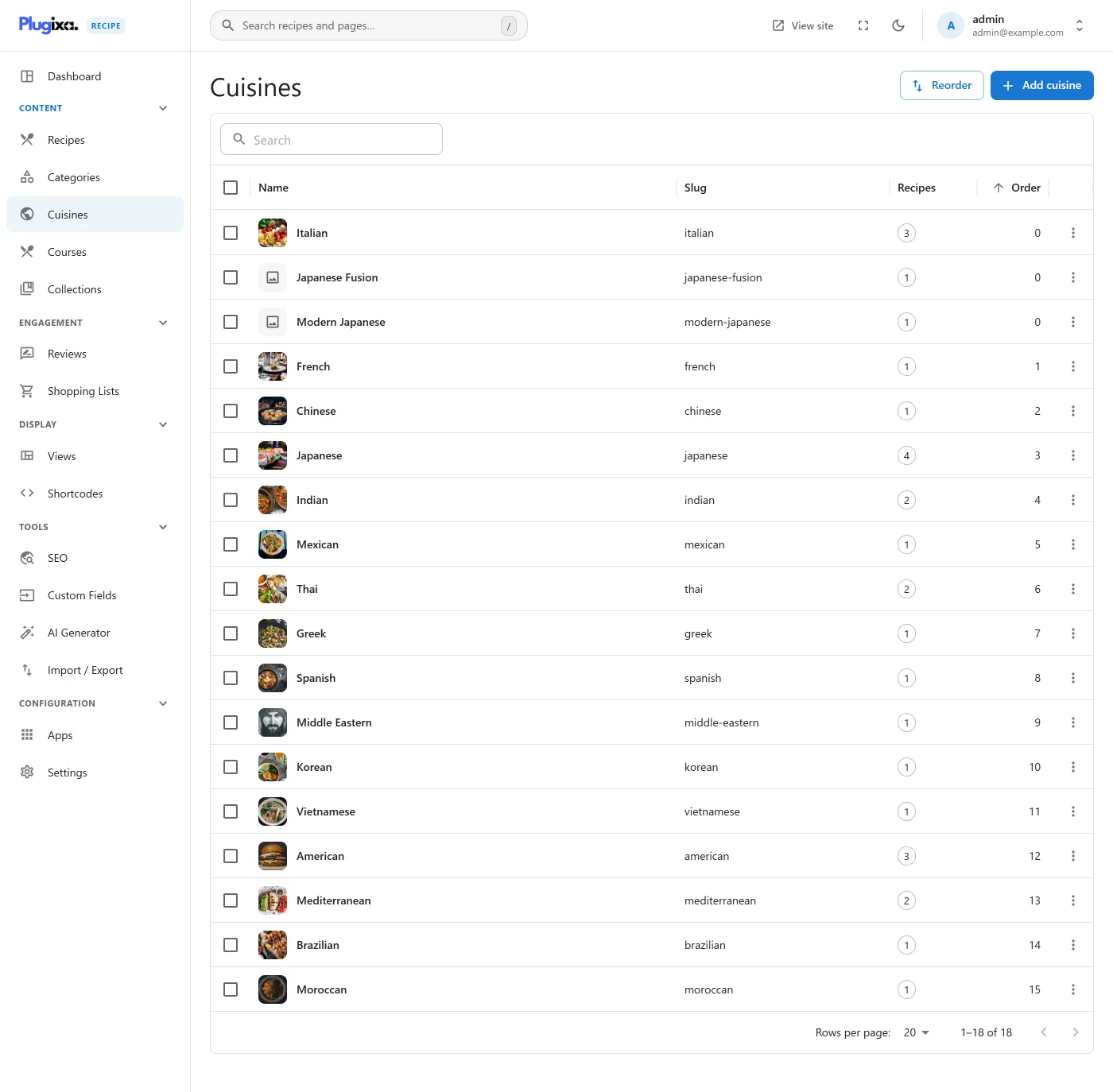
Each row shows name, slug, description, image, and how many recipes use the cuisine.
Create a cuisine
Click Add New.
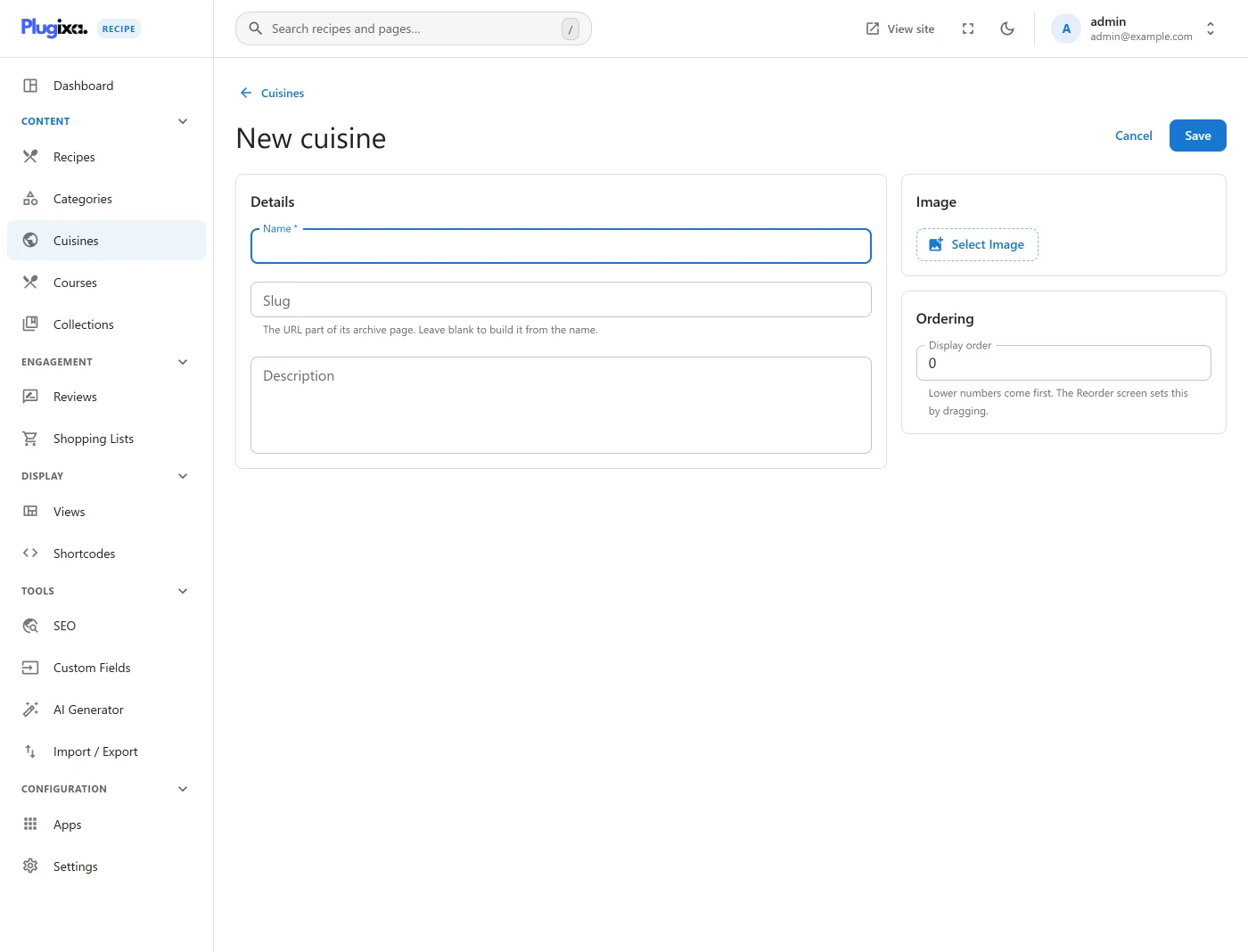
| Field | Description |
|---|---|
Name * |
Display label (e.g., “Peruvian”) |
Slug * |
URL-safe identifier; auto-generated from the name |
| Description | Shown on the archive page |
| Image | Optional cover image (used by the [plugixa_cuisines] widget) |
Reorder cuisines
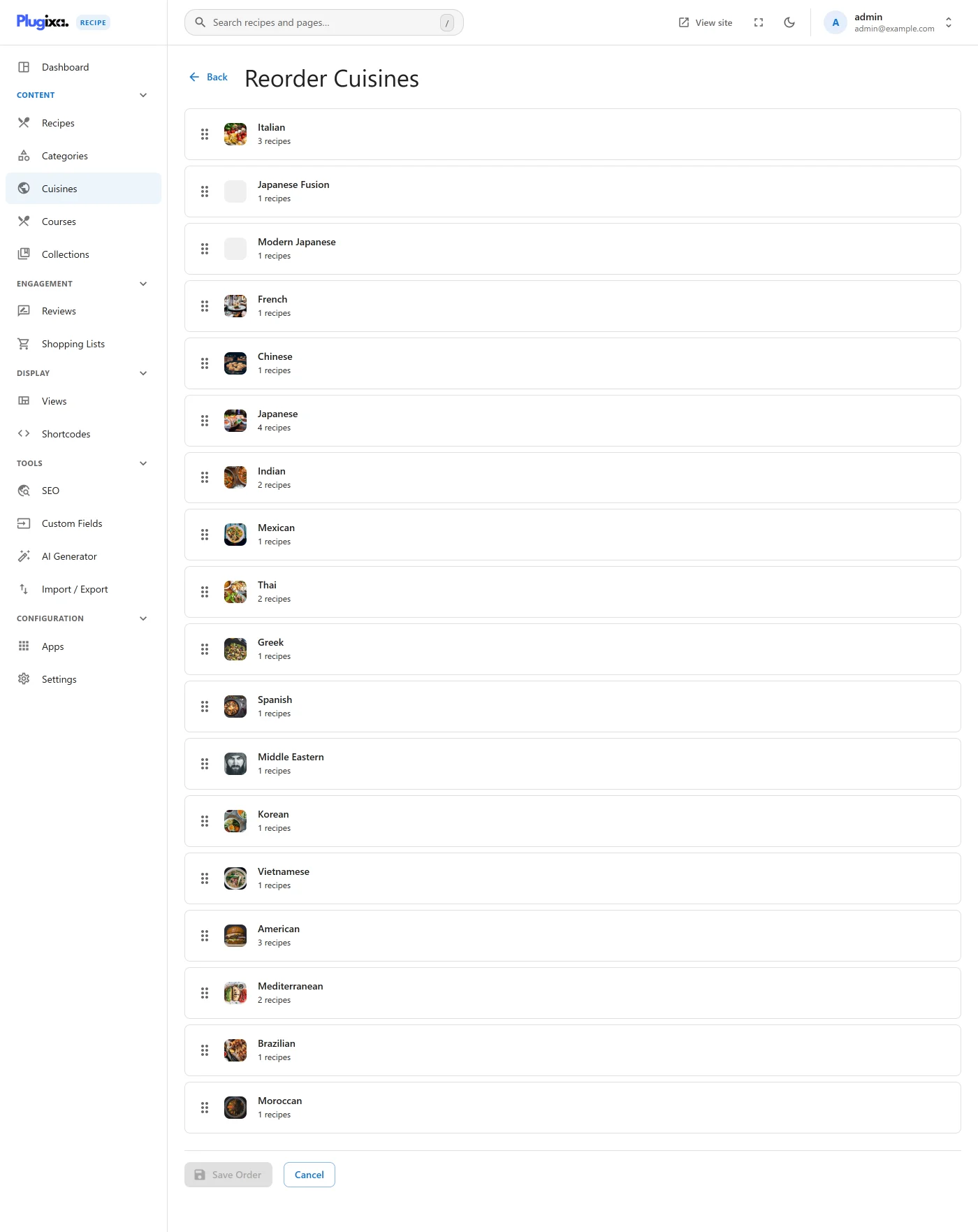
Go to Recipes → Cuisines → Ordering to drag-and-drop cuisines into your preferred order.
Assign cuisines to a recipe
Open a recipe and switch to the Tags & Diet tab. Pick one or more cuisines from the autocomplete.
Cuisines in shortcodes
Limit a grid to one or more cuisines:
[plugixa_recipe cuisines="italian,french"]
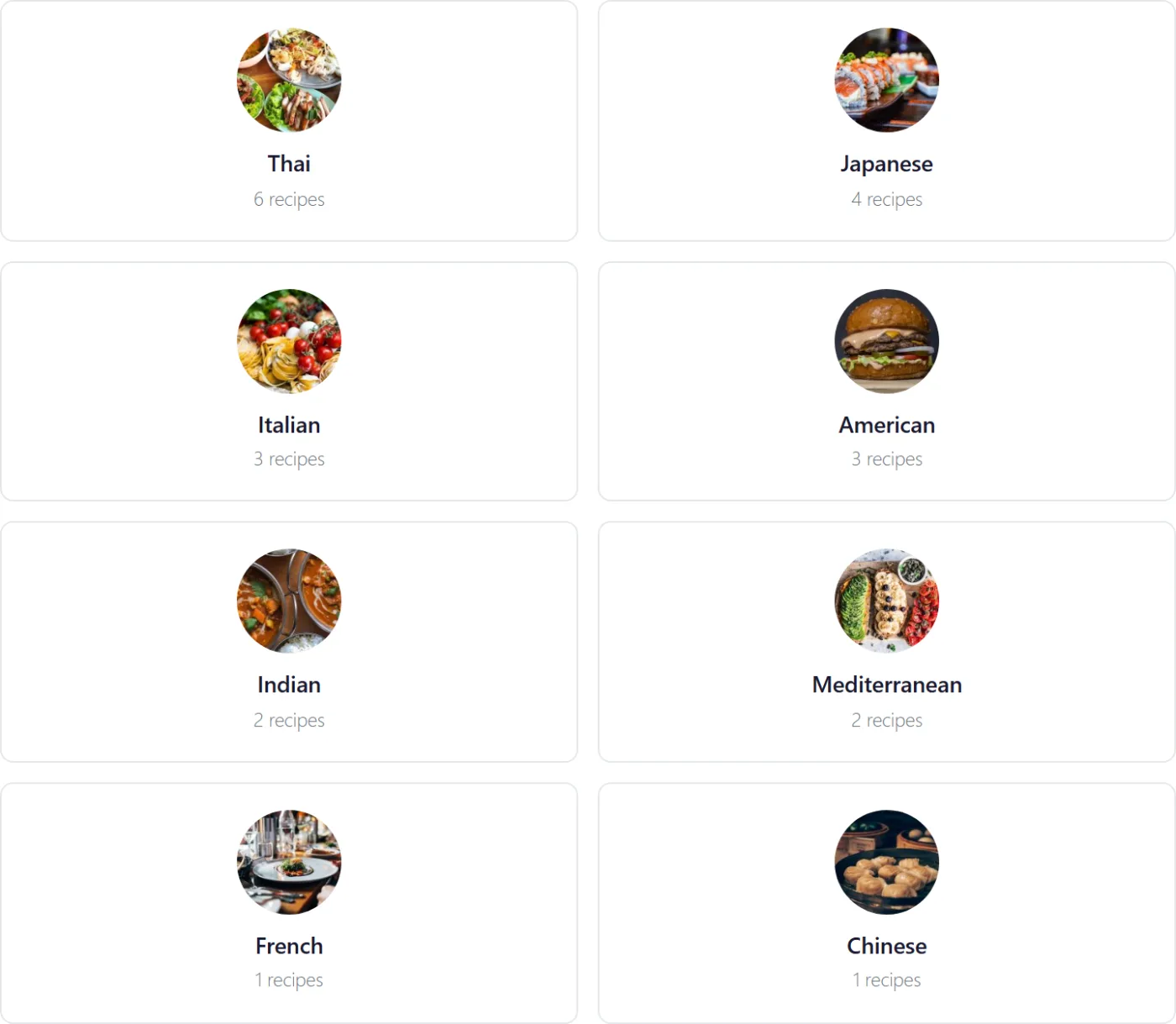
The [plugixa_cuisines] widget renders a gallery of cuisine cards - each linking to /recipe-cuisine/{slug}/:
[plugixa_cuisines columns="4" show_count="true"]
Cuisine archive page
Each cuisine has a standalone archive at:
/recipe-cuisine/{slug}/
The archive reuses the archive.php template and applies the default view.
Multilingual cuisines
Like categories, cuisines use the translation_group + language_code pattern. Create a French translation, link it to the same translation group, and WPML/Polylang will show the correct cuisine per language automatically.