

Contents
Reviews settings - Plugixa Recipe
The Reviews tab controls moderation, what a reviewer must supply, images, engagement features and spam protection.
Go to Recipes → Settings → Reviews.
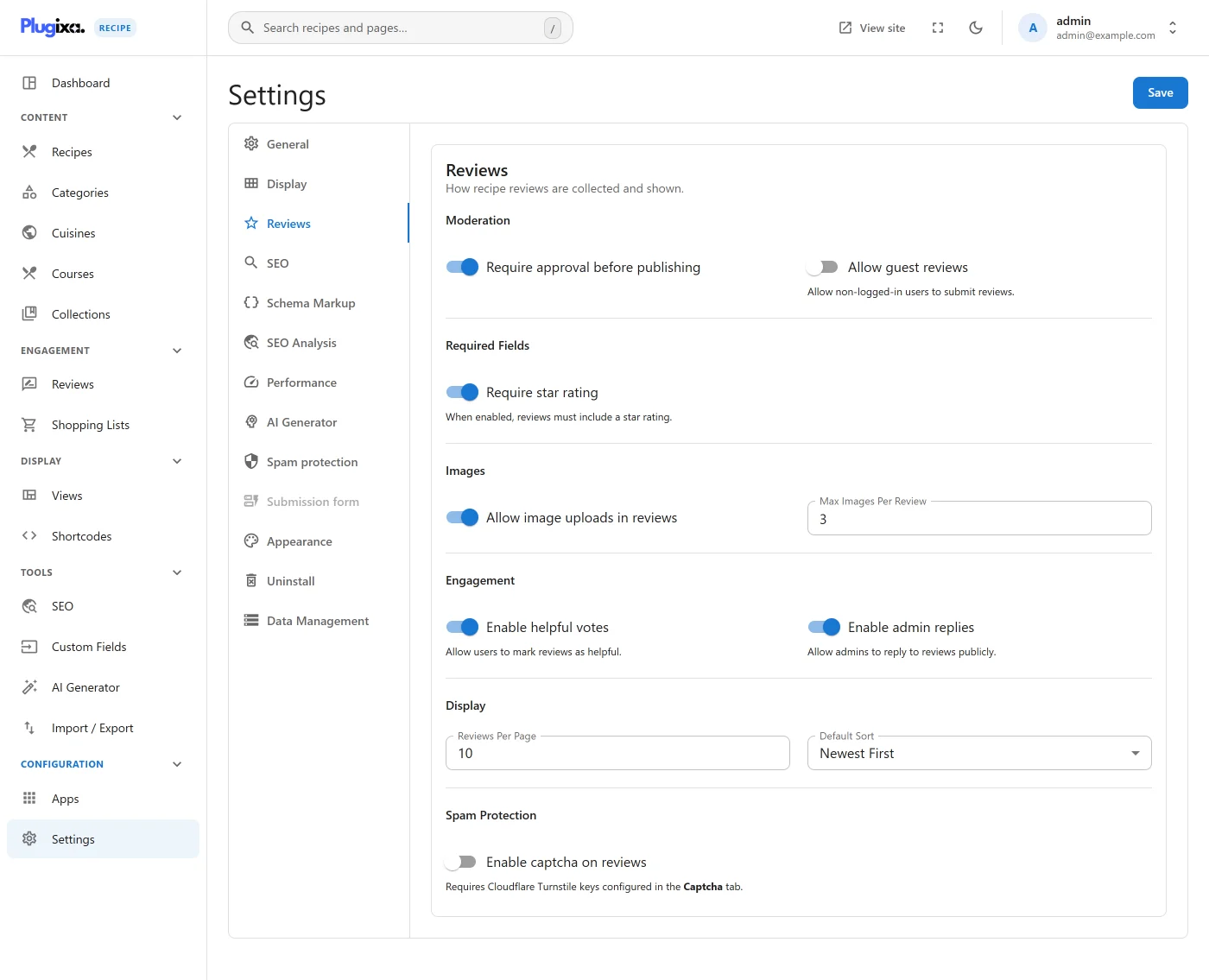
The capture above predates the move from reCAPTCHA to Cloudflare Turnstile and still shows the old label. The setting is now
turnstile_reviews_enabledand the keys live on the Captcha tab.
Options
| Key | Default | Notes |
|---|---|---|
review_moderation |
true |
Hold reviews for approval before they appear. |
allow_guest_reviews |
false |
Let visitors who are not logged in submit reviews. |
require_rating |
true |
A review must carry a star rating. |
review_enable_images |
false |
Allow image uploads on reviews. |
review_max_images |
3 |
Maximum images per review. |
review_enable_helpful_votes |
true |
Let readers mark a review helpful. |
review_enable_admin_reply |
true |
Let admins reply publicly. |
reviews_per_page |
10 |
Reviews shown per page. |
reviews_default_sort |
newest |
newest, oldest, highest, lowest or helpful. |
turnstile_reviews_enabled |
false |
Require a Turnstile challenge on review submission. |
Turnstile is only enforced when the toggle is on and a secret key is set; with either missing the check is skipped rather than failing closed. Review submissions are additionally rate limited per IP per hour; see API settings.