

Contents
Display settings - Plugixa Recipe
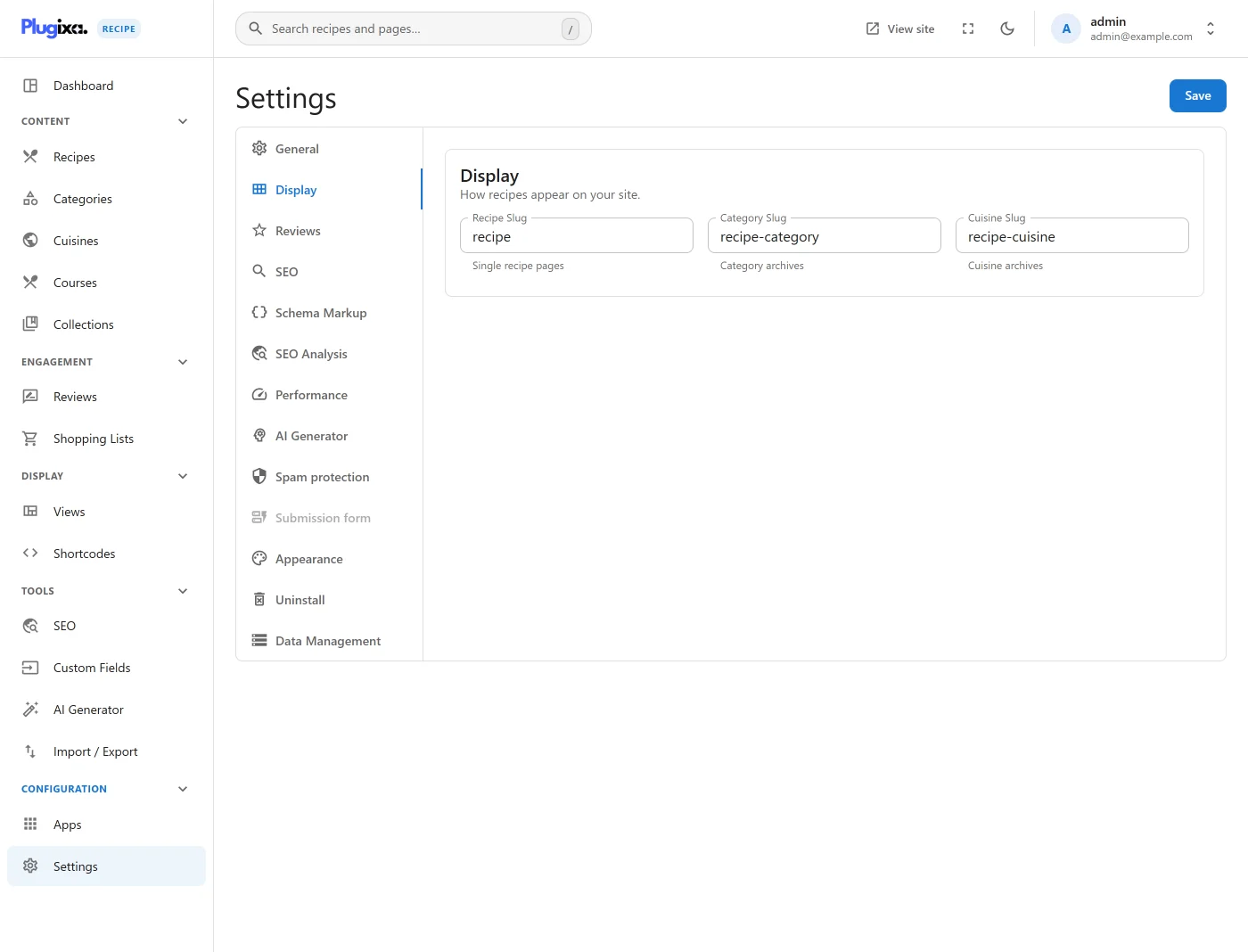
The Display tab sets the default layout and the URL slugs.
Go to Recipes → Settings → Display.
Options
| Key | Default | Notes |
|---|---|---|
default_layout |
grid |
grid, masonry, list or slider. Used when a shortcode names no view. |
recipe_slug |
recipe |
URL segment for single recipe pages. |
category_slug |
recipe-category |
URL segment for category archives. |
cuisine_slug |
recipe-cuisine |
URL segment for cuisine archives. |
show_breadcrumbs |
true |
Breadcrumbs on recipe and archive pages. |
The three slugs are read through plugixa_recipe_url_slug(), which falls back to
the defaults above when a slug is left empty, and passes the value through
sanitize_title() before it reaches a rewrite rule.
Changing a slug changes your URLs. The stored rewrite rules are flushed when the configured slugs change, but anything already linking to the old URL will 404. See Permalinks.