

Contents
Advanced settings - Plugixa Recipe
The Advanced tab holds two switches in the free build: what happens to your data when the plugin is uninstalled, and a debug toggle. Pro adds a third section to the same tab, covered at the bottom of this page.
Go to Recipes → Settings → Advanced.
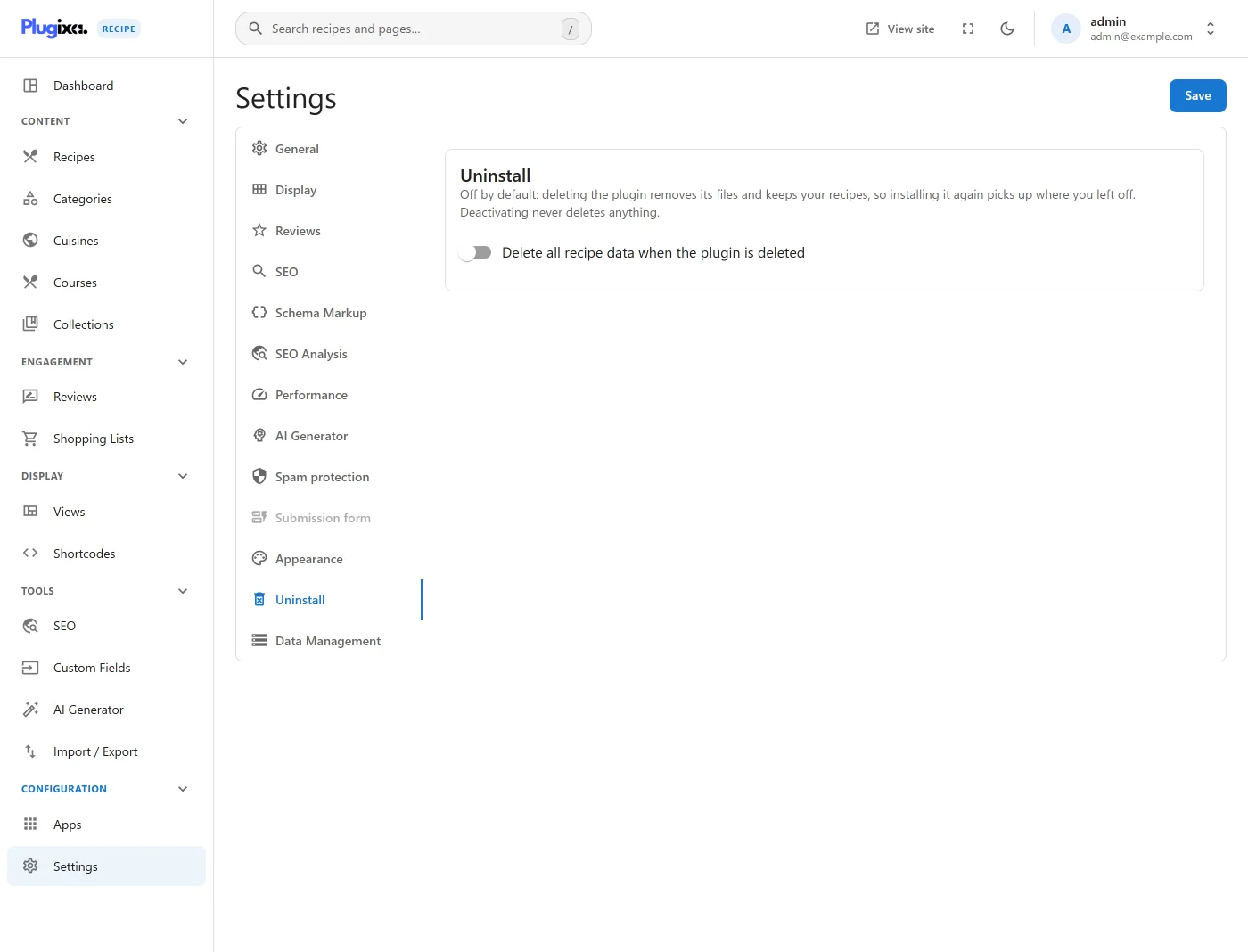
Options
| Key | Default | Notes |
|---|---|---|
delete_data_on_uninstall |
false |
When off, uninstalling the plugin leaves every table, option and uploaded image in place. When on, uninstall.php drops all 24 tables, the plugin’s options and its custom capabilities. |
enable_debug |
false |
Intended to enable detailed logging to WordPress’s own wp-content/debug.log. See the note below. |
Delete all data on uninstall
This is off by default, so deactivating and deleting the plugin is not destructive: reinstalling picks up every recipe exactly where it was.
Switch it on and the admin shows a red confirmation panel, because the deletion
is permanent and runs without a second prompt at uninstall time. The setting is
read by class-uninstaller.php; if it is off, the uninstaller returns before
touching anything.
If you mean to remove the data, switch this on before deleting the plugin. Turning it on after deletion has no effect, because the setting is deleted with everything else.
Enable debug mode
This toggle currently does nothing. The setting is offered in the admin, validated, and saved into
plugixa_recipe_settings, but no code in the plugin reads it back, so switching it on changes no behaviour and produces no extra logging. It is documented here because it is visible in the interface, not because it has an effect.
To get diagnostic output today, use WordPress’s own constants in wp-config.php:
define( 'WP_DEBUG', true );
define( 'WP_DEBUG_LOG', true );
define( 'WP_DEBUG_DISPLAY', false );
Errors then land in wp-content/debug.log. The plugin writes no log file of its
own, and there is no wp-content/uploads/ log to look for.
What is not on this tab
There are no Custom CSS or custom JavaScript fields, here or in the view
editor, and any values left over from an earlier install are deleted on upgrade.
If you need custom styling, enqueue a stylesheet from your theme or a small
plugin and target the .pxr-* classes the templates already carry, or override a
template outright by copying it into your-theme/plugixa-recipe/.
Data Management PRO
With Pro active, a third section appears on this tab, holding the demo-data control. It is a toggle, Show “Reset Demo Data” button below, and only when that is on does the Reset Demo Data button appear.
Reset Demo Data is destructive and is not limited to demo content. It
TRUNCATEs 21 tables and re-seeds them, so every recipe, category, cuisine, review, collection, shopping list, saved view and saved shortcode in the install is deleted, whether the seeder created it or you did. The hidden-by- default arrangement is the only safeguard. See Demo Data before using it.
There is no Load Demo Data button; seeding happens as the second half of the reset.