

Introducing Plugixa Advanced User Role Editor 1.0.0: Roles in Plain Words

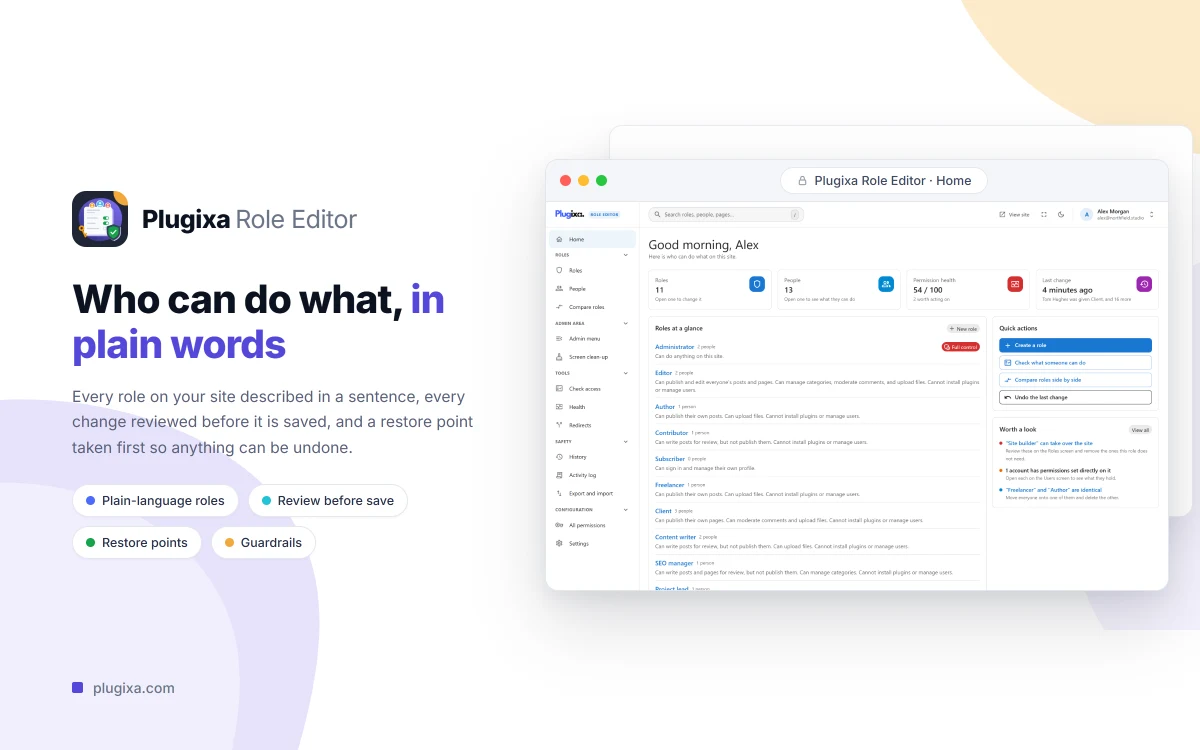
Meet Plugixa Advanced User Role Editor, version 1.0.0. It shows each role on your site as a page you can read.
What it does
Most role editors show a grid of four hundred capability names like edit_theme_options and let you tick boxes. This one says “Can publish and edit everyone’s posts and pages. Cannot install plugins or manage users.” You change it with plain choices, such as Posts, Write and edit, Their own or All, and the capability names stay one click away for when you need them.
Safe before, reversible after
Editing roles is how sites get broken, so the plugin is built around two rules:
- Nothing is saved until you have reviewed it. Every change, to roles and to people, waits in one bar at the bottom of the screen that says how many people it affects. Anything that hands over control of the site is called out and waits for you to type its name.
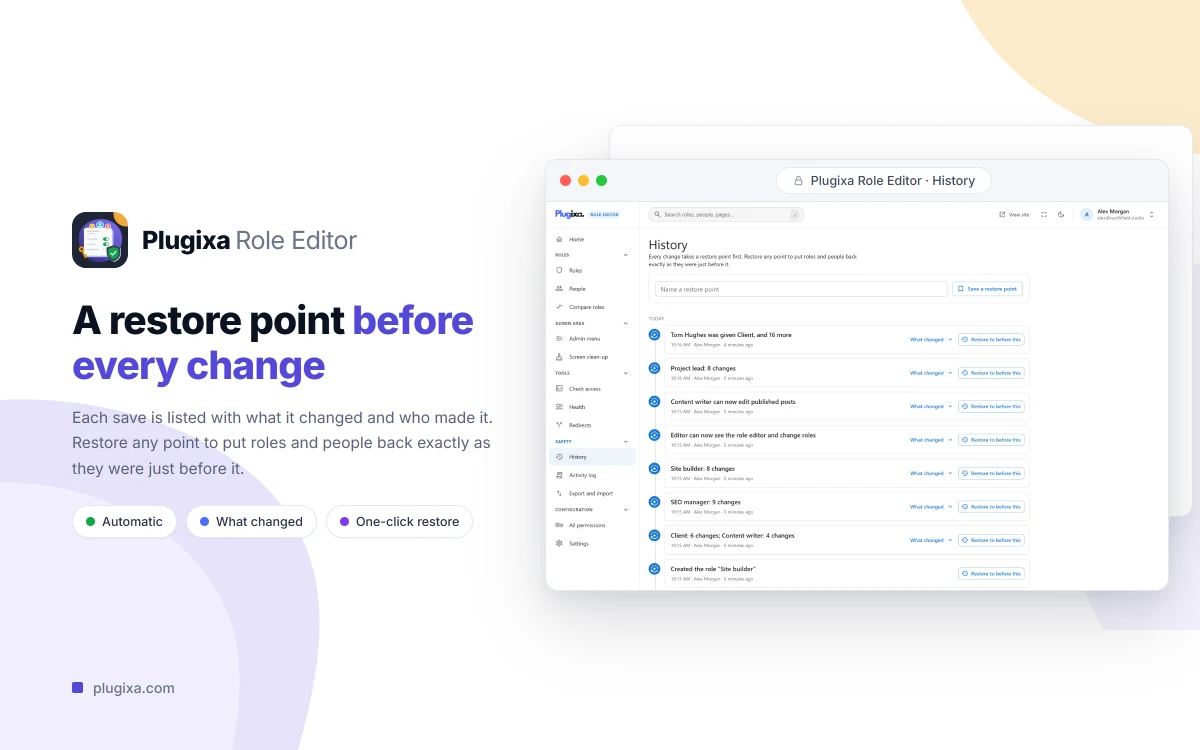
- Everything can be undone, people included. A restore point is taken before every save. History lists each one as a sentence, and the very first restore point is your site before the plugin was installed.
Highlights
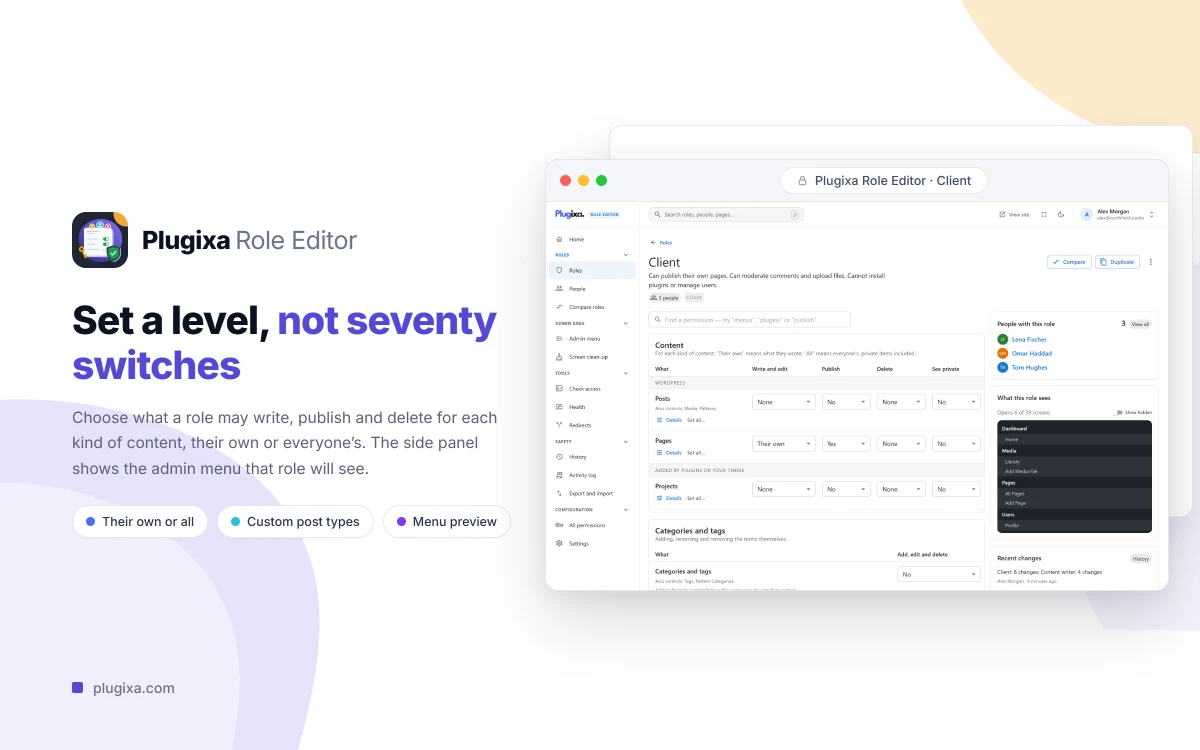
- A page per role, with a one-sentence summary, who holds it, and what it sees in the admin menu.
- Permission levels instead of checkboxes: write and edit (none, their own, all), publish, delete and see private, for each kind of content.
- New roles from a job: Client, Content writer, SEO manager, Moderator, and Shop assistant when WooCommerce is active.
- A page per person: several roles in the order that decides which wins, and extra permissions granted or blocked on one account.
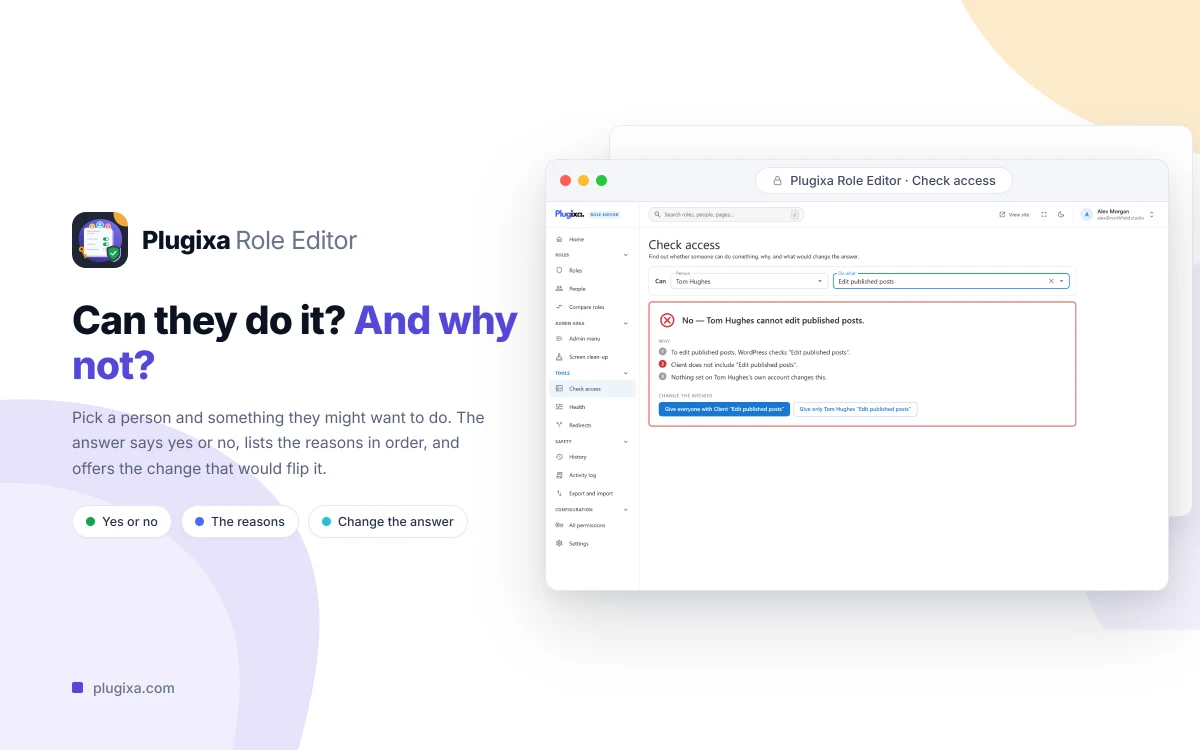
- Check access: pick a person and something they might do, and get yes or no, the reasons, and one-click fixes.
- Permission health: roles below Administrator that can take over the site, identical roles, accounts with no role and leftover capabilities.
- Export and import as JSON, reading exports from Members and role CSV files from User Role Editor.
- Guardrails that are not options: nobody can grant a permission they do not hold, lock themselves out, or demote the last administrator.
Free and Pro
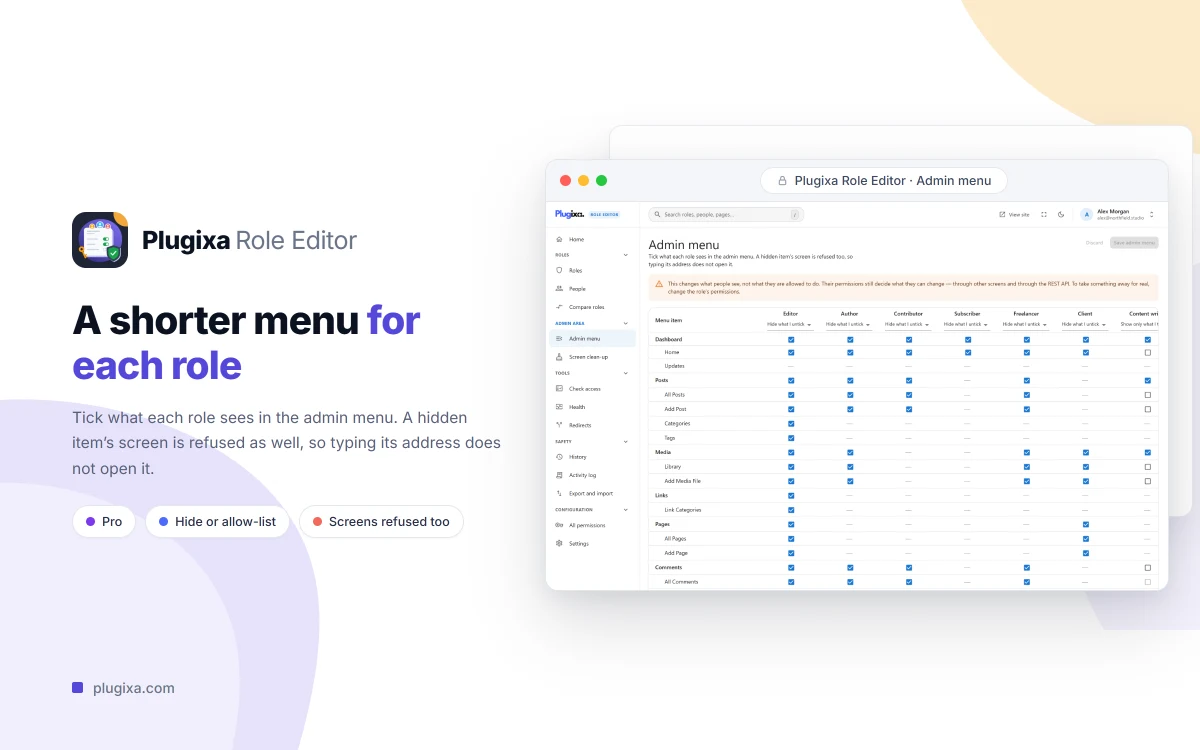
Everything above is free, including History and restore. Pro adds three things for people who hand a site to a client: control of the admin menu per role, a cleaner admin screen per role, and an activity log with undo and CSV export. Pro costs €49 a year for one site, €99 for five sites and €179 for unlimited sites.
Plugixa Advanced User Role Editor needs WordPress 6.5 and PHP 8.2 or later. Start with Getting Started, compare the editions in Free vs Pro, or see the plugin page.