

Introducing Plugixa Stream: A Series Streaming Site Built into WordPress
Meet Plugixa Stream. It turns your WordPress site into a series streaming platform: vertical short dramas, widescreen series, movies and anime, a home screen of rows you curate, and a full-screen player that fits phones, tablets, desktops and TVs. Your videos stay on your own site, and the free edition has no limit on titles, episodes or viewers.
Every screen, every shape
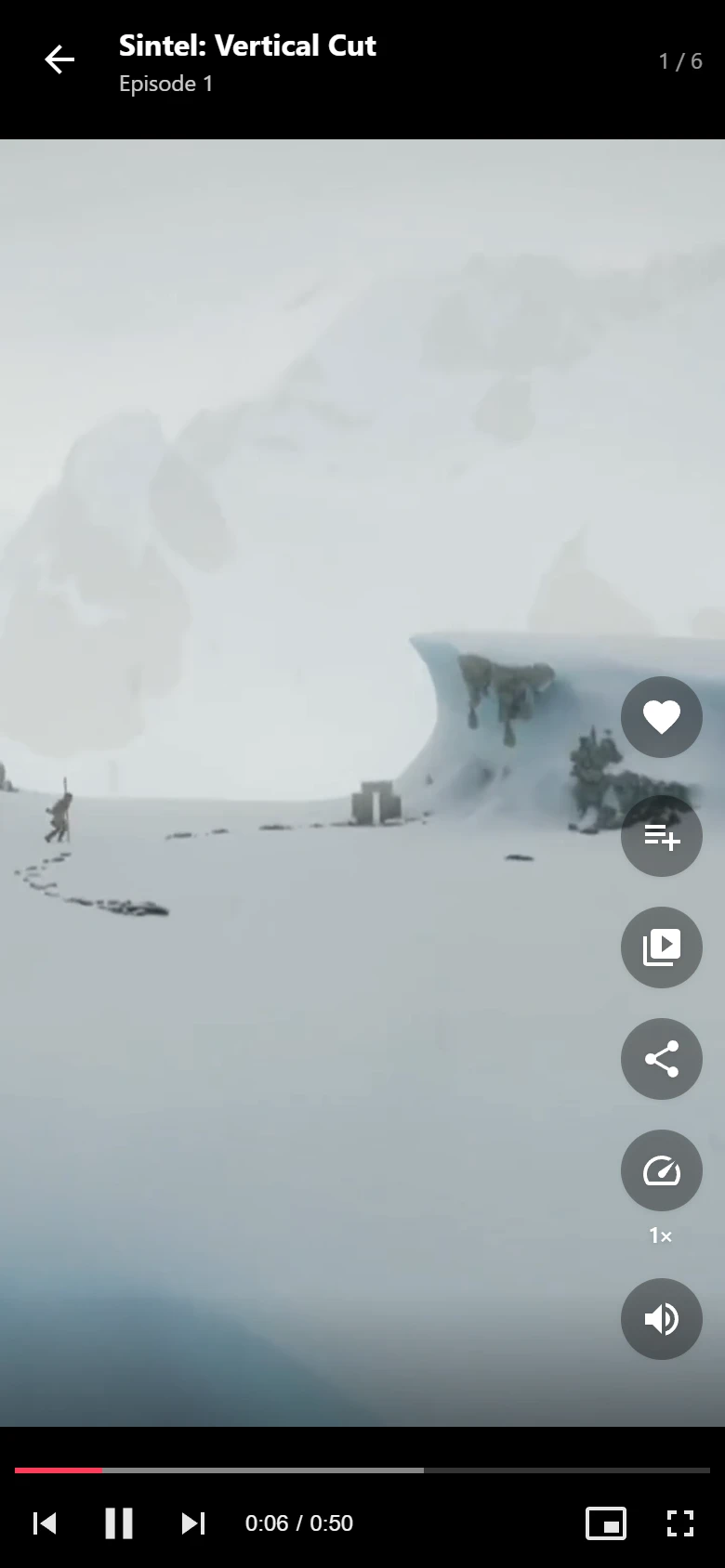
Short dramas are shot for phones, while classic series and films are made for a wide screen. Plugixa Stream shows every video at its own shape. A vertical episode fills a phone from top to bottom, a 1080p or 4K widescreen episode fills a desktop or a TV, and nothing is cropped to fit a screen it was not made for. Episodes can be one minute long or an hour.
On a phone, viewers swipe up to the next episode, which is already buffering. On a desktop they use the previous and next buttons or the keyboard. The player has playback speed, picture-in-picture, AirPlay, a Skip intro button and a countdown to the next episode.
Free episodes first
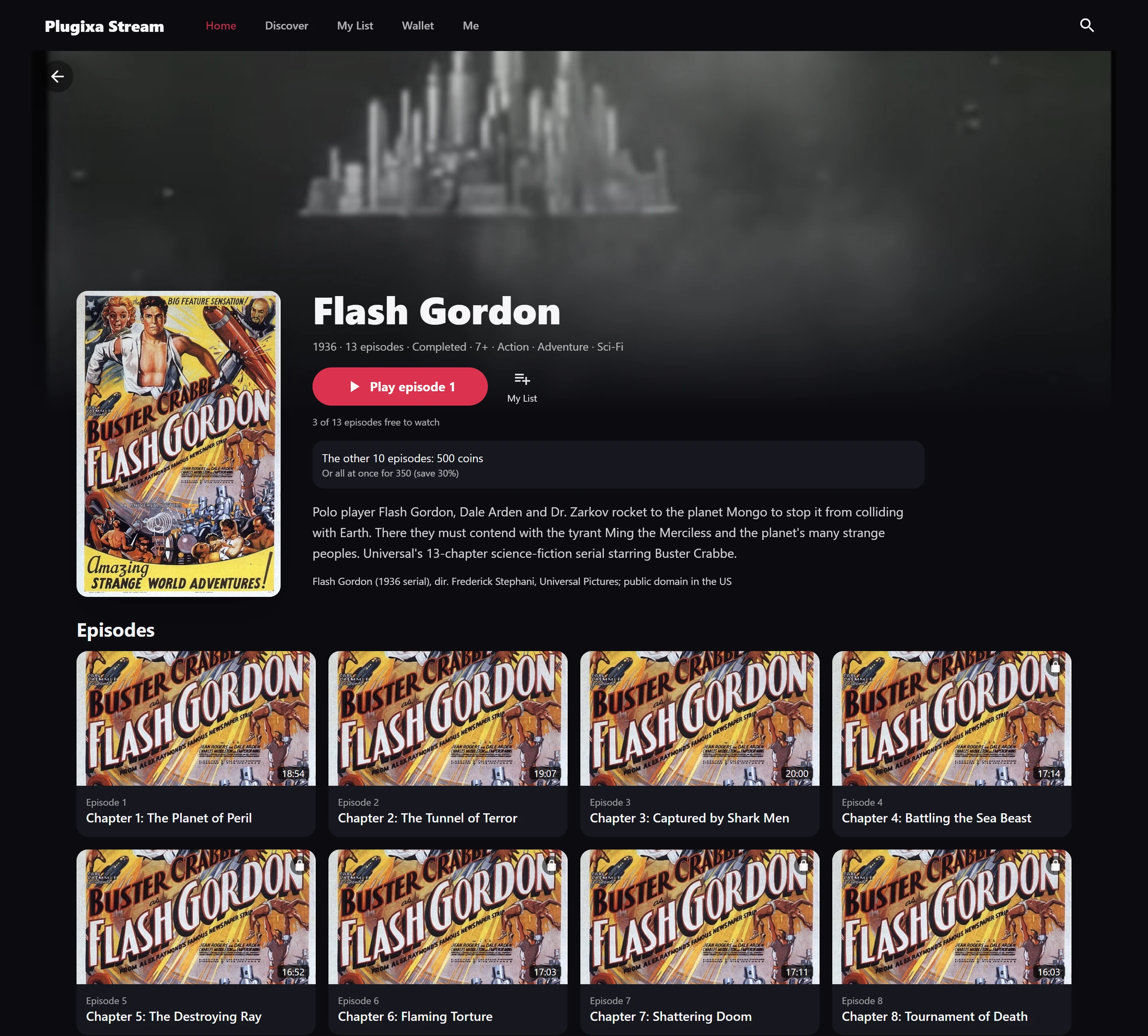
Each series opens with free episodes. The first 5 are free by default, and you can change that number for the whole site, for one series, or mark a single episode as always free or never free. A locked episode is checked on the server, so its video address is never sent to a viewer who may not play it.
Viewers who sign in resume where they left off on any device. Guests resume in their browser, and their progress follows them into the account when they sign up.
A catalog you manage in one app
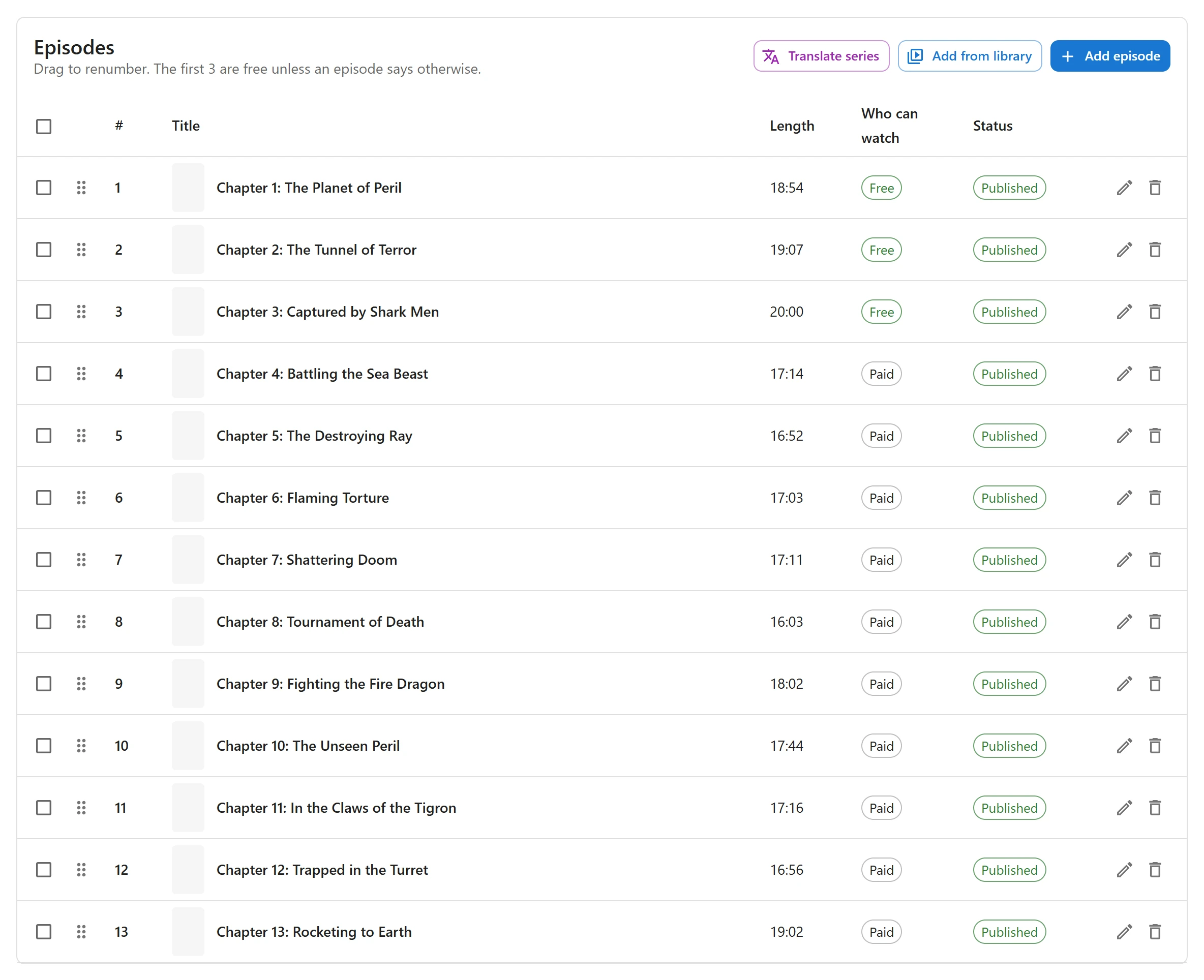
Create a series or a movie with its poster, banner, synopsis, genres and age rating, then add its episodes one by one or a whole season at once from the Media Library. Episodes can play from your own server (a Media Library file or an MP4 address) or from YouTube, Vimeo or another embed. Files are delivered by your web server, never streamed through PHP.
Highlights of the free edition
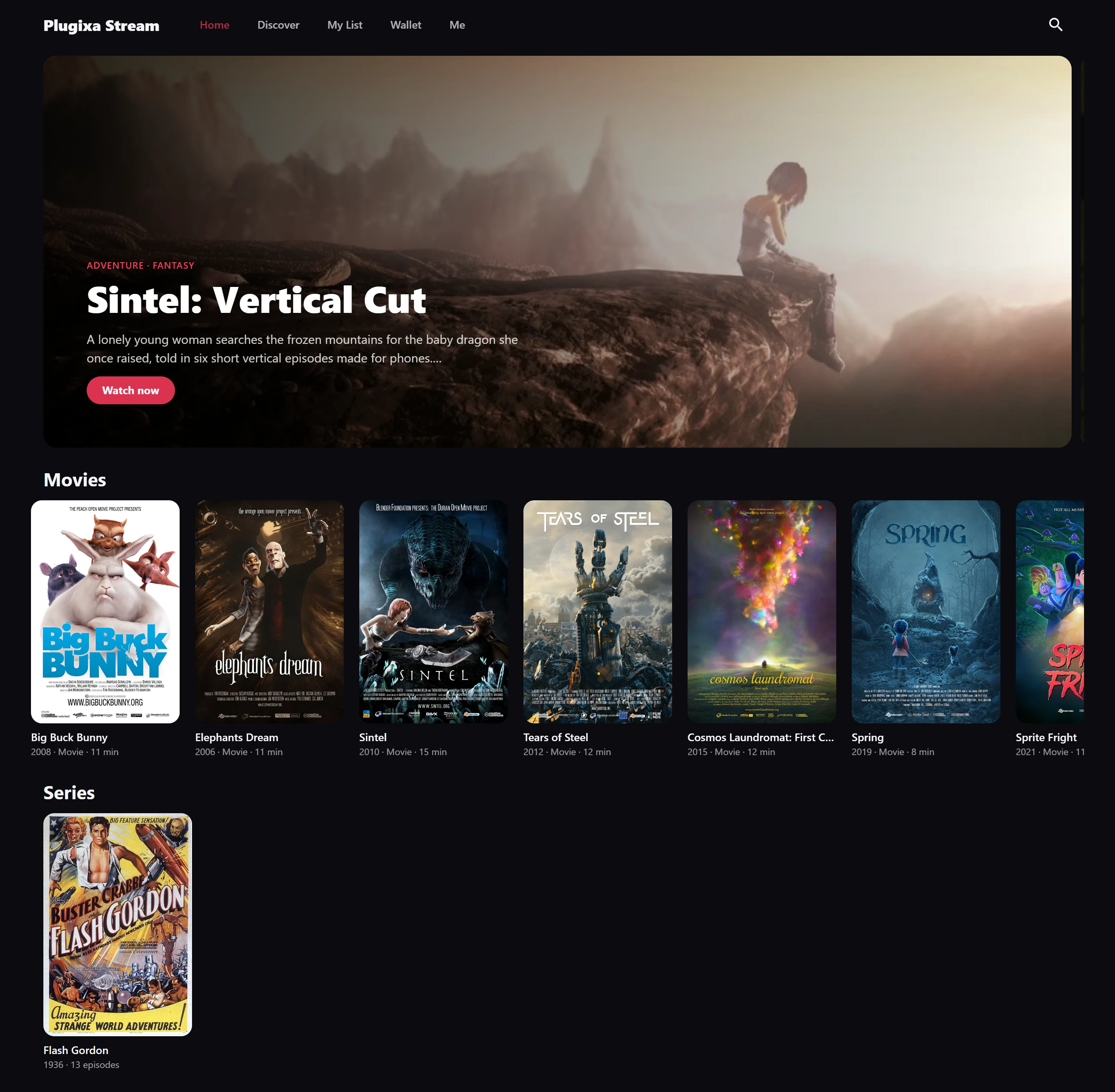
- A home screen you curate: a featured carousel, Continue watching, and rows of trending, newest, featured, genre or hand-picked titles.
- Search and genre filters, My List, likes and watch history for every viewer.
- Scheduled release: publish an episode on a date and time.
- CSV import and export of the whole catalog, to move between sites or edit hundreds of titles in a spreadsheet.
- Found in search: server-rendered series and episode pages with structured data, inside your own theme.
- Shortcodes and blocks for a catalog row, a series card or banner, and Continue watching on any page, plus block theme templates.
- Your brand: colors, corner roundness, font and logo for the viewer app, and support for Arabic and other right-to-left languages.
- GDPR tools: viewing history is part of the WordPress personal-data export and erase tools.
What Pro adds
Pro is for sites that earn from their videos. Viewers buy coin packs and spend them to unlock an episode, a whole series or a movie, or subscribe to a VIP plan that opens every episode. Checkout runs through Stripe and PayPal with refunds and a test mode, and you get prices per series and per episode, promo codes, a free trial on the first VIP plan, a daily check-in bonus and video ads from a VAST tag or Google IMA. VIP members never see the ads.
Pro also adds HLS streams from your server or any CDN with a quality menu, subtitle files and dubbed audio languages, encoding into 4K, 1080p, 720p and 480p with FFmpeg on your own server, Bunny.net hosting, AI subtitles with OpenAI Whisper and AI translation with Claude using your own keys, casting to a Chromecast or Google TV, profiles with a kids mode, screen limits, email notifications, ratings and reviews, titles filled from The Movie Database, cast and crew pages and custom fields.
Pro costs 59 EUR a year for one site or 149 EUR a year for unlimited sites, with the same features in both. See Free vs Pro for the full comparison.
Get started
Install the plugin, create your first series and open the Watch page the plugin created on activation. The Getting started guide walks you through it step by step, and the documentation covers every feature.