

Contents
On this page
WooCommerce Analytics - Plugixa Multi Currency for WooCommerce
WooCommerce Analytics adds order totals up as they are, so an order of 100 EUR and one of 100 USD make “200” in a US dollar store. Pro converts each order to your store currency before WooCommerce adds it up, with the rate saved on that order, so the reports add up correctly.
Open Settings and the WooCommerce Analytics tab.
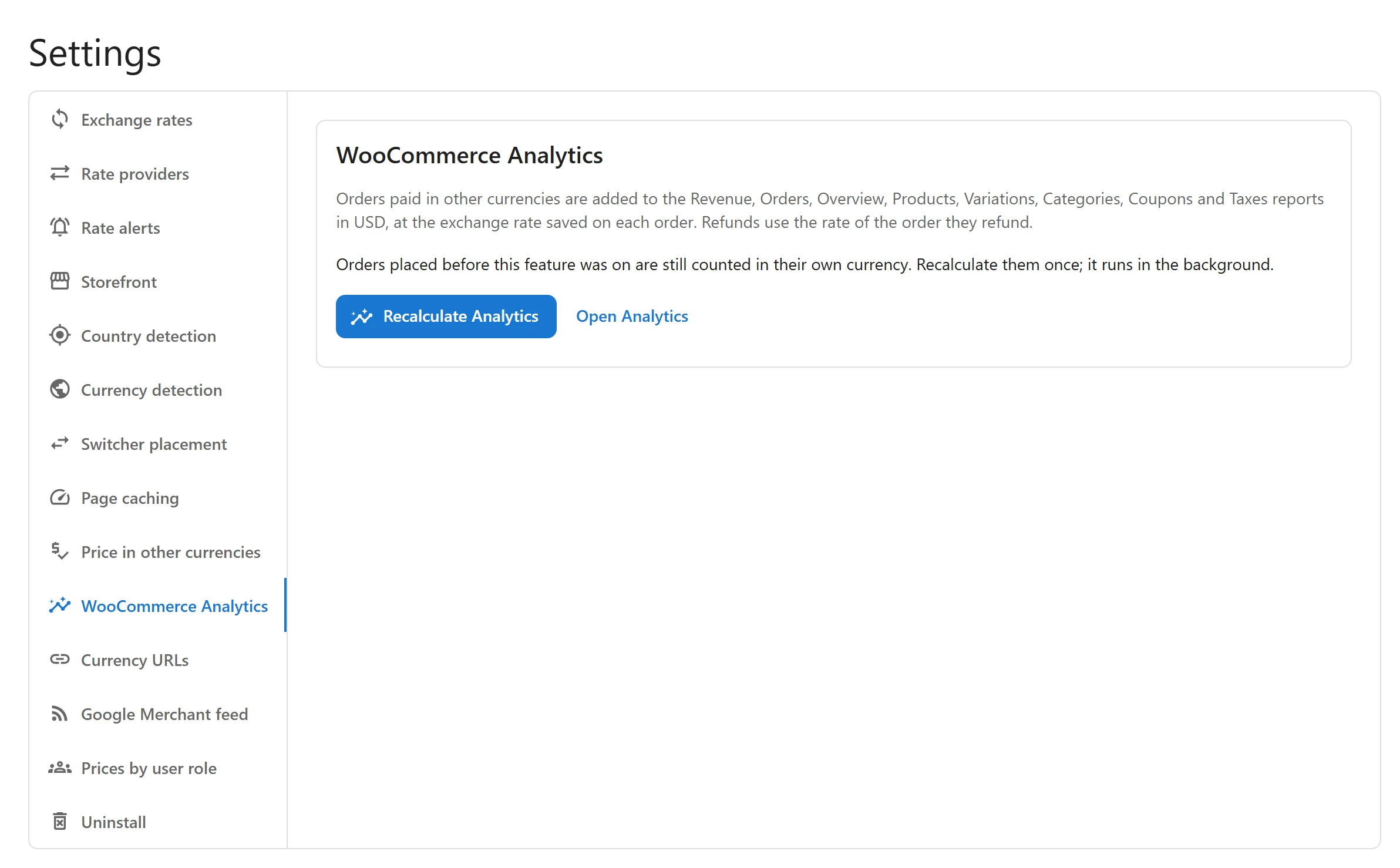
What is converted
Nothing to switch on: with the Analytics in your store currency app active, every new order in another currency is converted as WooCommerce writes it into its Analytics tables.
| Report | Converted |
|---|---|
| Revenue, Orders and Overview | Yes: order totals, taxes, shipping and net revenue. |
| Products, Variations and Categories | Yes: each product line of the order. |
| Coupons | Yes: each coupon’s discount. |
| Taxes | Yes: each tax line. |
Each order is converted with the factor saved on it when it was placed (the rate with the margin), never with today’s rate. Refunds use the rate of the order they refund.
Recalculate older orders
Orders placed before the app was active are still counted in their own currency. Recalculate them once:
- Click Recalculate Analytics.
- The tab says how many orders were queued: Reports update within a few minutes.
Every order in another currency, and its refunds, is written again into WooCommerce’s Analytics tables, in batches in the background through Action Scheduler. Click Open Analytics to check the Revenue report.
Orders placed before the plugin saved exchange rates have no rate to convert with, and keep their own currency.
Good to know
- Your orders themselves are not changed: only WooCommerce’s Analytics tables are.
- If you switch the app off, new orders are written to Analytics in their own currency again. Switch it back on and click Recalculate Analytics to convert them.
- For a quick view per currency, see Revenue reports; for your accountant, the Order export.
Quick Links
Share