

Introducing Plugixa FAQ: FAQs That Show Up in Google

Say hello to Plugixa FAQ - our take on what a FAQ plugin should feel like in the block-editor era.
Here’s the honest truth: most FAQ plugins haven’t really changed since 2018. You get a clunky settings page, an accordion that needs CSS surgery to look right, and zero help with the one thing FAQs are genuinely great for - showing up in Google. We rebuilt the whole thing.
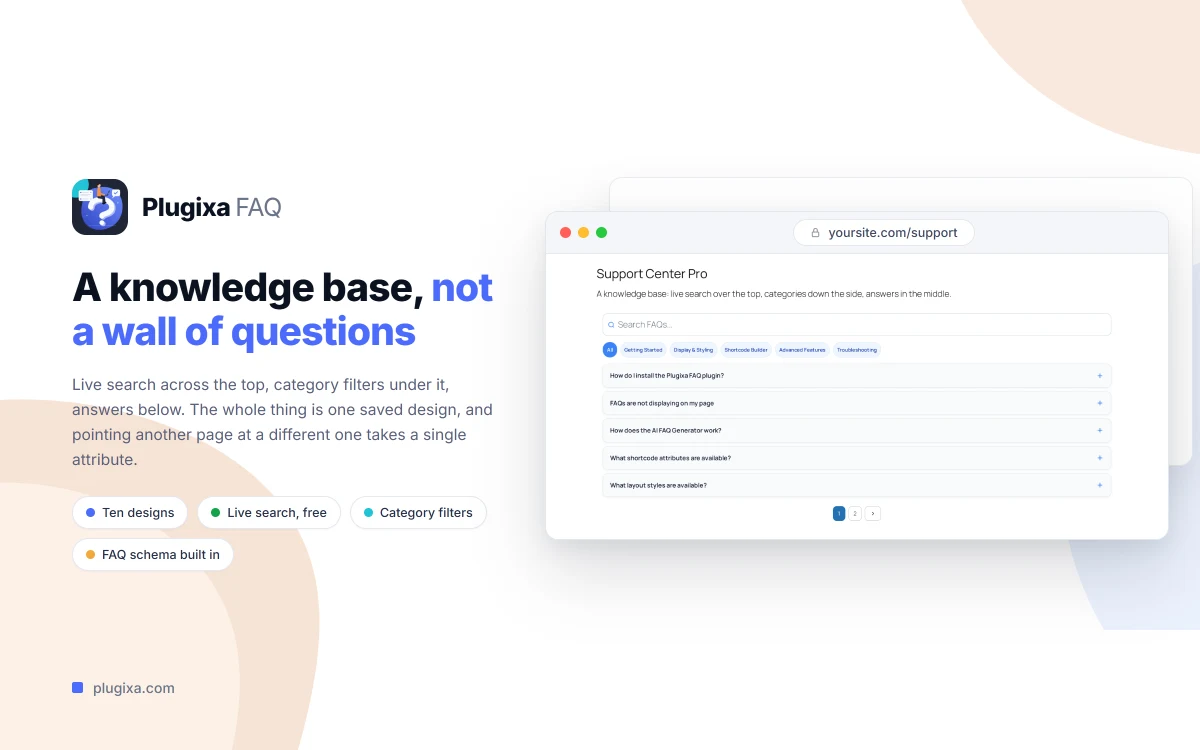
Built for how Google reads FAQs
The headline feature is invisible to your visitors and very visible to search engines: every FAQ you publish ships with built-in Schema.org FAQPage JSON-LD. That’s the markup that lets your questions appear directly in Google’s rich results - no separate SEO plugin, no pasting code into your theme.
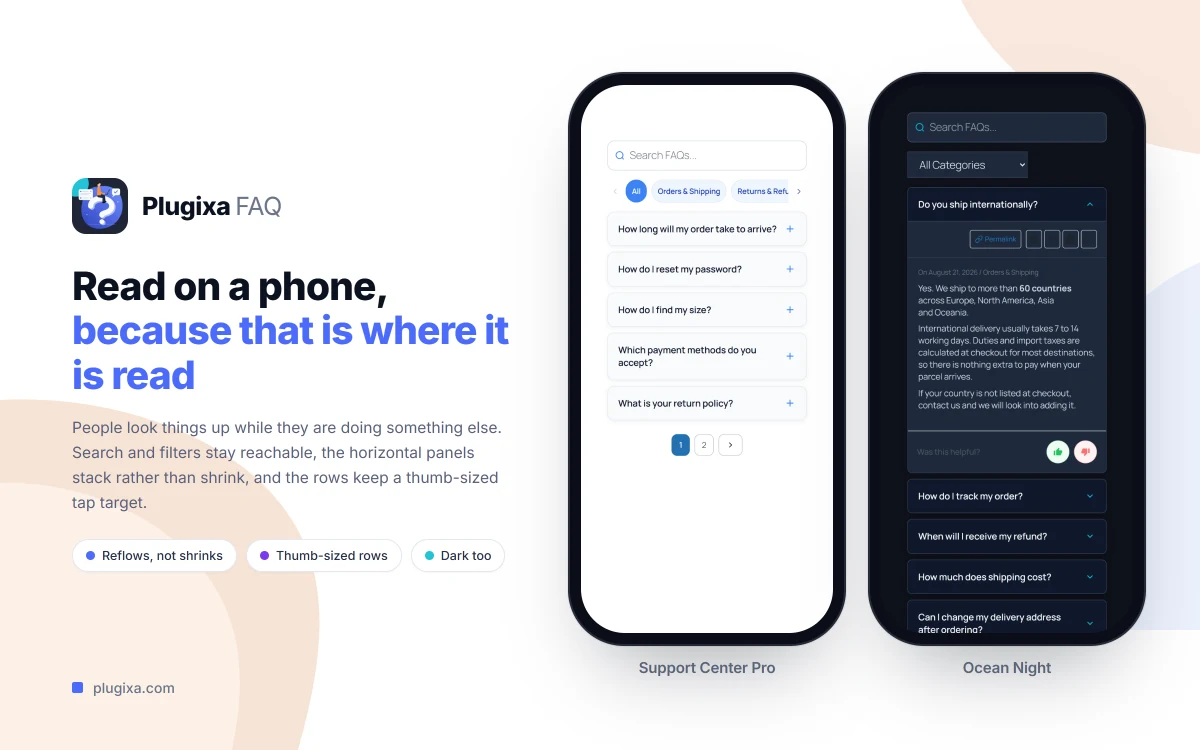
On the page itself you get accordion displays with multiple animation styles, category organization with drag-and-drop ordering, and live search across every published question. It’s WCAG 2.1 accessible out of the box - keyboard navigation, ARIA labels, real screen-reader support - and it drops into Elementor, Divi, or Gutenberg without a fight.
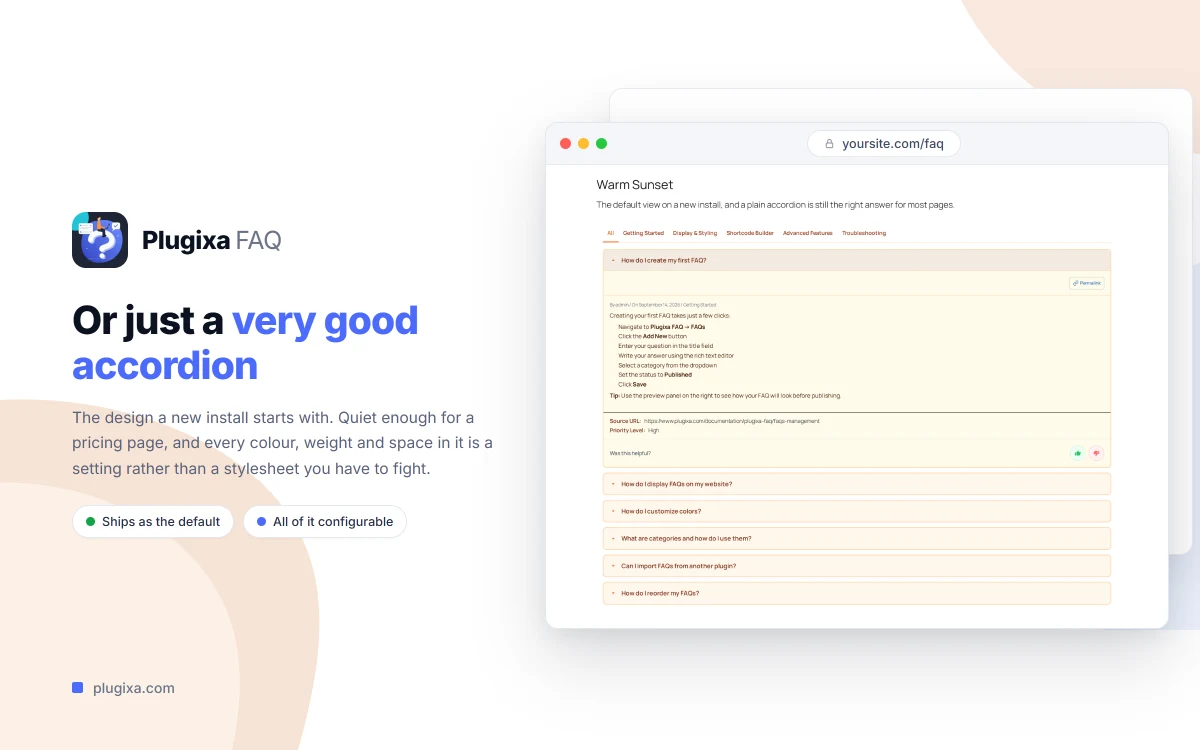
Modern where it counts
Behind the scenes it’s a Material UI React admin with a REST-driven editor, so editing FAQs feels fast instead of like filling in a 2015 form. There’s a flexible [plugixa_faq] shortcode, a widget for sidebars and footers, and 60+ hooks plus a REST API if you like to build on top.
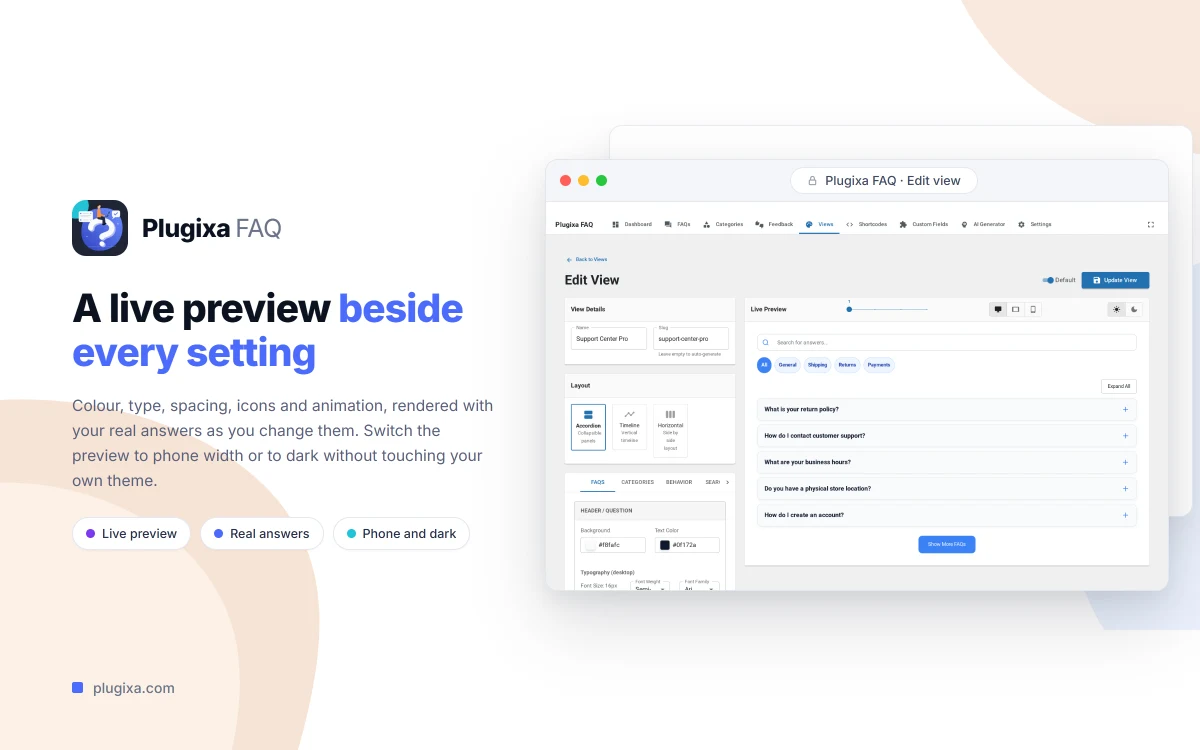
Free to start
Plugixa FAQ is free forever for the core: native FAQs, posts and pages as FAQs, categories, live search, the Gutenberg block, and the “Was this helpful?” feedback widget. Pro (€39/year) adds the things bigger sites ask for - WooCommerce product FAQs, nested categories and sub-questions, an analytics dashboard, JSON/CSV import and export, and frontend submissions.
Take a look at the Plugixa FAQ plugin page for the full feature breakdown and screenshots.