

Introducing Plugixa Inventory: Stock You Can Trust, Per Warehouse

Meet Plugixa Inventory, a plugin that turns WordPress into a working stock system for assets, consumables and the things you sell.
Records live in the plugin’s own database tables rather than as posts, so lists, filters and reports stay fast as your history grows.
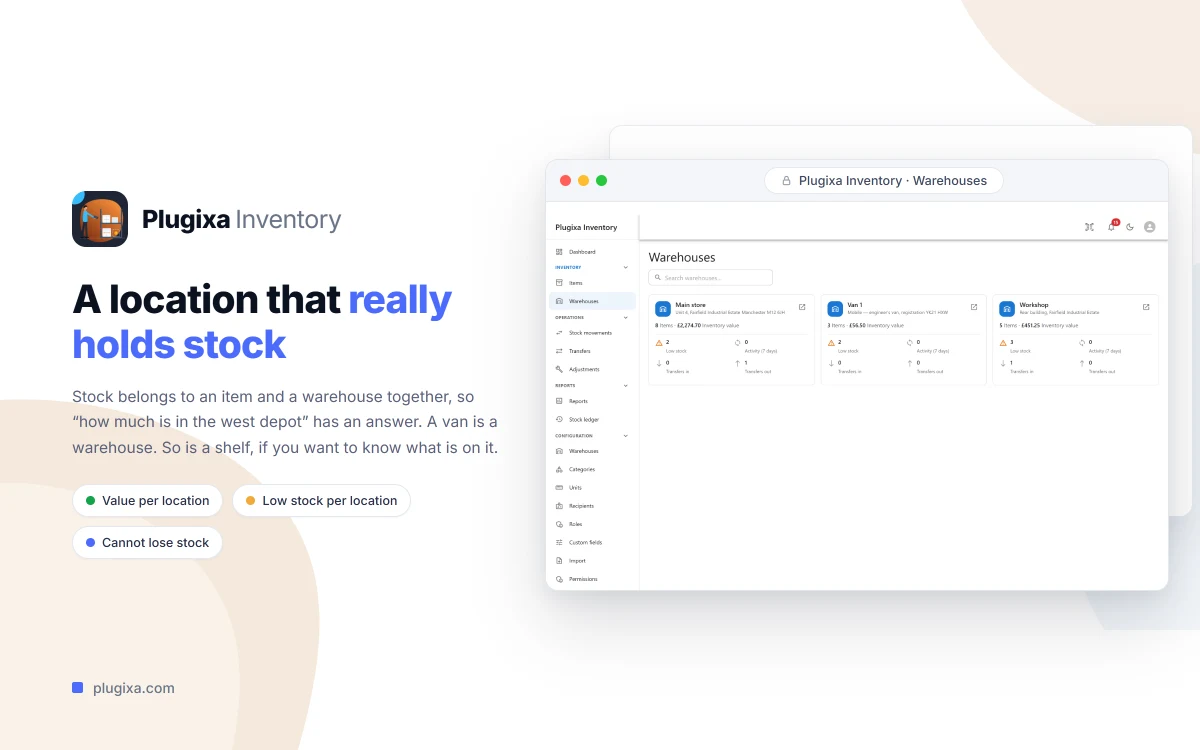
Stock that is actually per warehouse
Every quantity is held against an item and a warehouse together. “How much is in the west depot” is a question the dashboard can answer, instead of every item having one stock number and one address. Each warehouse gets its own view with a stock list, a low-stock list and an activity feed.
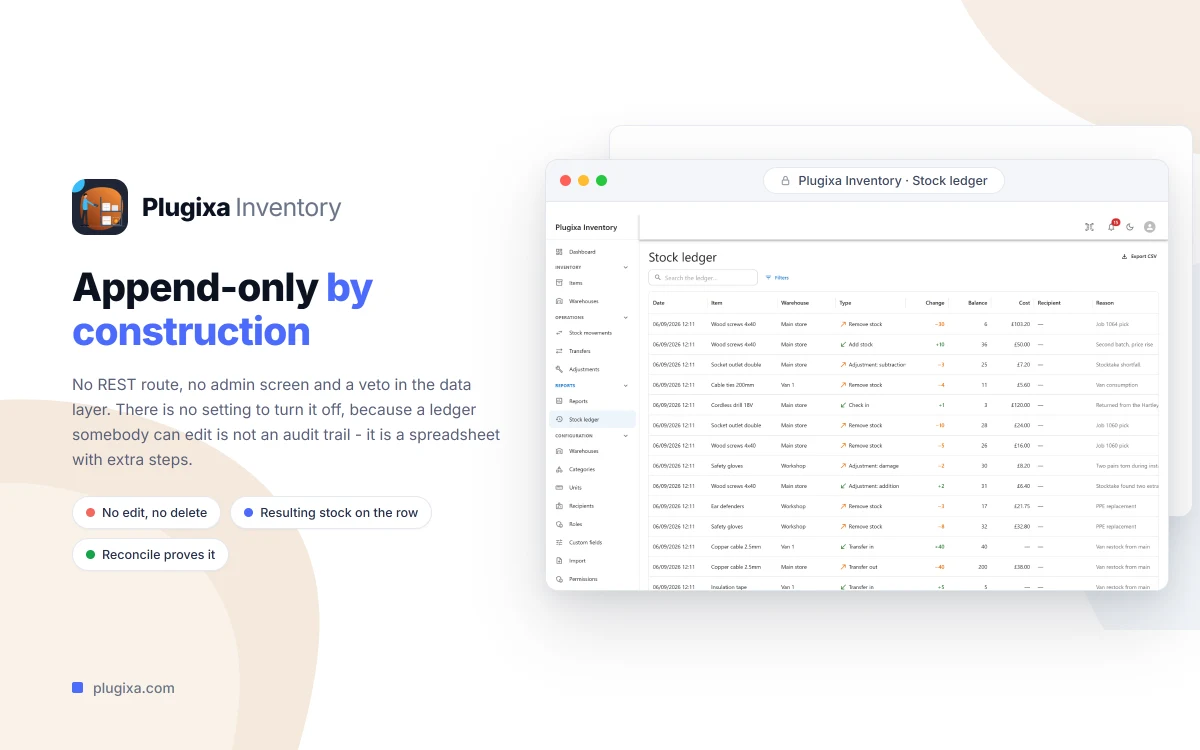
A ledger nobody can edit
Every change to every quantity is written to an append-only stock ledger. No REST route, no admin screen and nothing in the data layer can edit or delete a ledger row. A mistake is corrected the honest way: with a second, opposite document that everyone can see.
On-hand quantities are derived from that ledger, and a built-in reconcile proves they still match, on demand from the admin or with wp plugixa-inventory stock reconcile. A daily check compares every on-hand quantity against the ledger and reports anything that disagrees. It reports; it never corrects anything silently.
Movements that cannot oversell
Stock movements (add, remove, check in and check out) are drafted first and then finalised. Finalising is what writes the ledger, and a finalised document can no longer be edited or deleted. Two people finalising at the same moment cannot oversell: the sufficiency check is part of the write itself, so there is no gap between checking and writing.
Numbers you can act on
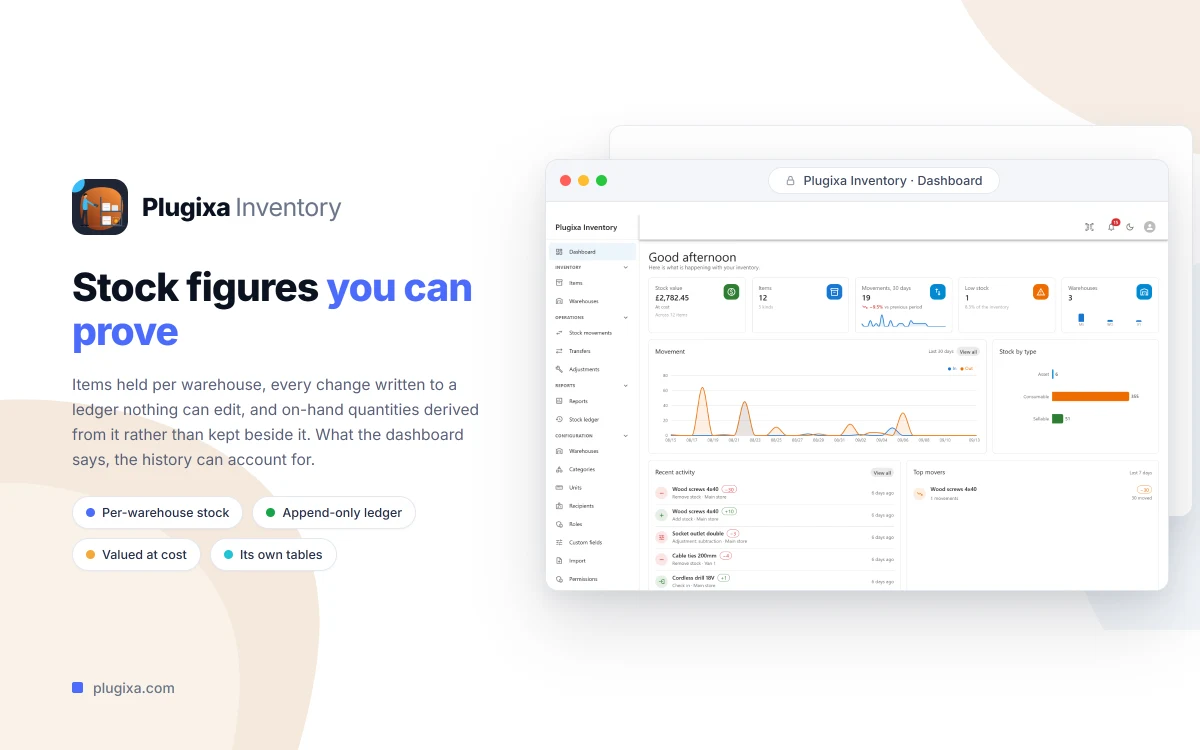
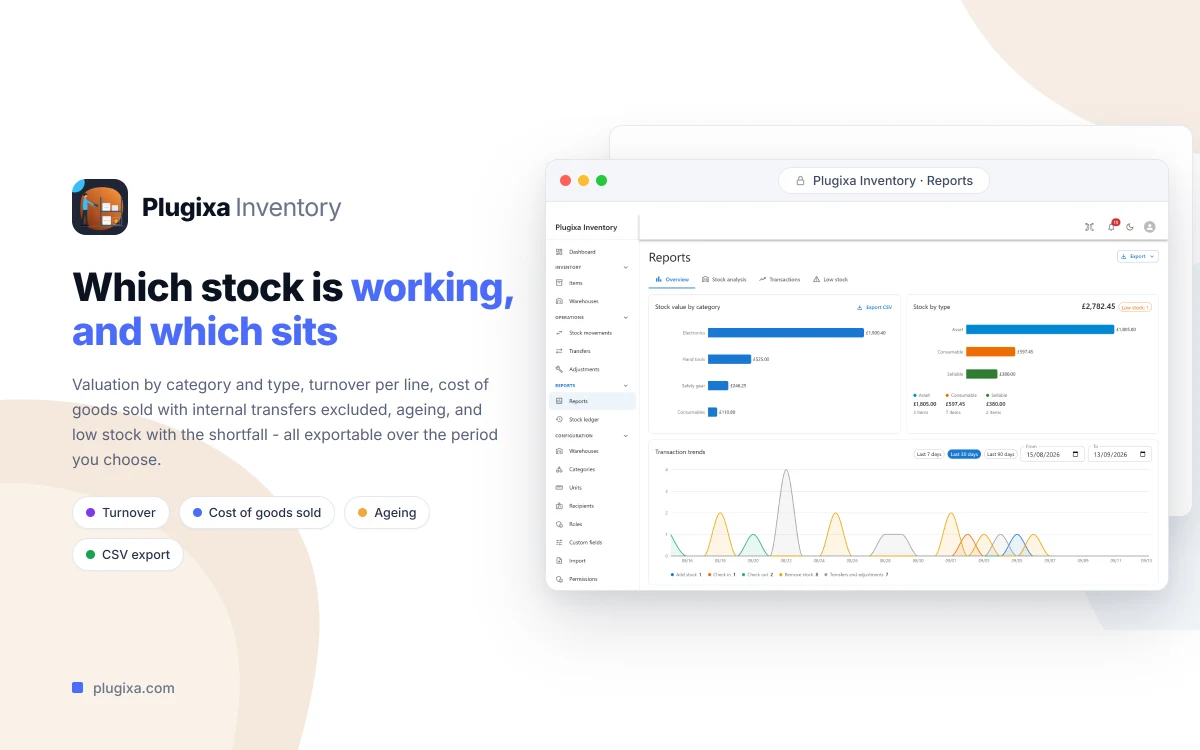
The dashboard shows stock value by type and by warehouse, a movement trend, top movers and the items closest to running out. Valuation at cost is free, using average costing. Pro keeps a cost layer per receipt, which brings FIFO and LIFO costing, plus turnover, cost of goods sold and ageing reports.
Getting your data in and out
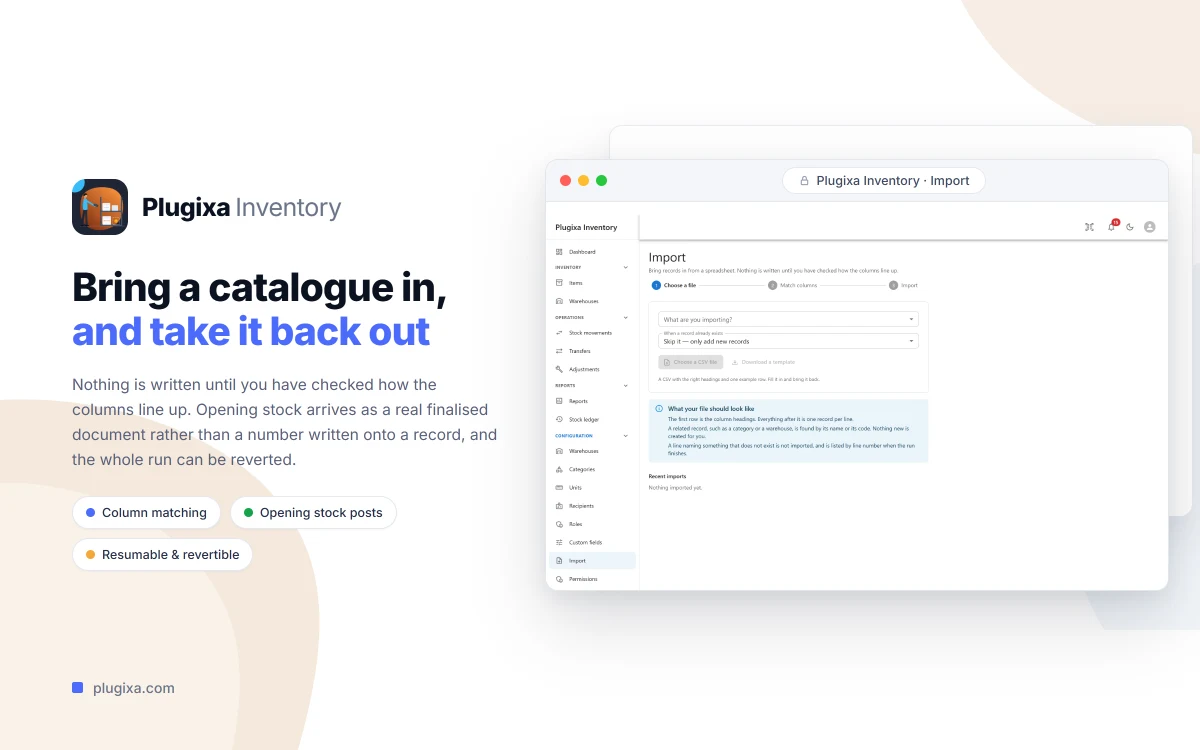
CSV import covers items, categories, warehouses and people, with a column-matching step, lookups by name or code and errors reported by line number. Opening stock arrives as a real finalised movement, so the ledger and the valuation agree from the first day, and every import is batched, resumable and revertible. Every list has an Export button that writes exactly what you are looking at, filters included.
You can also put the whole application on a page of your own site with the [plugixa_inventory_app] shortcode, with barcode scanning and quick search, using the same API and the same permissions as the admin.
Free to start
Plugixa Inventory is twenty-four apps: thirteen are free and eleven are Pro. The free edition is a working stock system, not a trial. Pro adds warehouse transfers, inventory adjustments, FIFO and LIFO costing, reports, custom fields, units of measurement with conversions, roles and record-level permissions, desktop notifications, dark mode and installing it as an app. Pro costs €69 a year for one site or €99 a year for unlimited sites.
Plugixa Inventory needs WordPress 6.5 and PHP 8.2 or later. Read Getting Started, see how the stock ledger works, or explore the Plugixa Inventory page.