

Introducing Plugixa Video: A Video Platform Built into WordPress
Meet Plugixa Video. It turns your WordPress site into a video platform: a library of videos you manage from one fast admin app, channels, series and playlists, and one player for every source, on your own site and with no external video service.
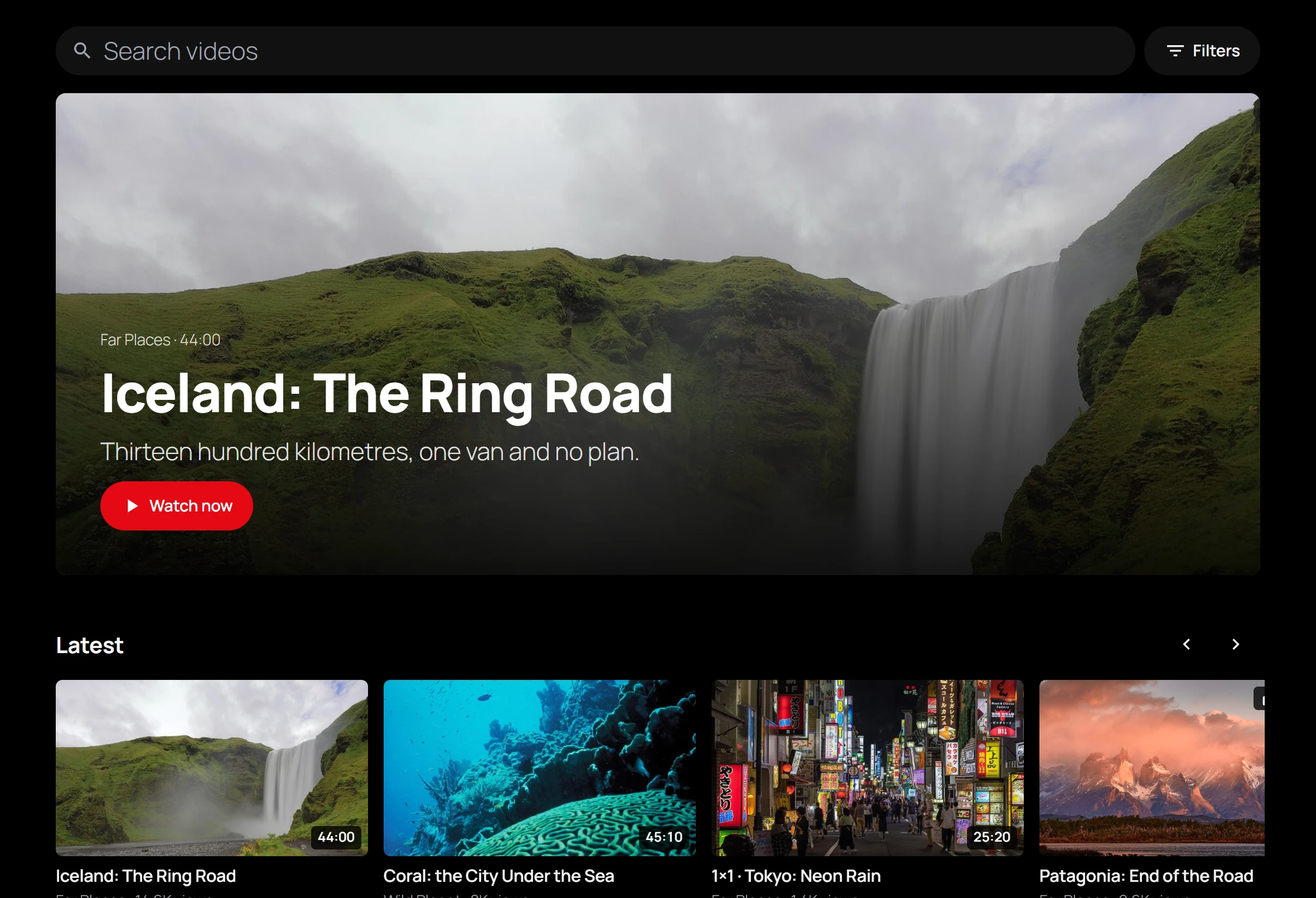
One player for every source
Upload a file, pick an MP4 from your media library, link an HLS stream from your CDN, or paste a YouTube or Vimeo link. They all play in the same player, with the same controls: playback speed, WebVTT subtitles, keyboard shortcuts, picture-in-picture and full screen, and controls that work on touch screens.
When your server has FFmpeg, an uploaded file is converted in the background into adaptive HLS in 720p, 480p and 360p, so the picture follows each viewer’s connection, or they pick a quality from the menu. Without FFmpeg, a file browsers can play, such as an H.264 MP4, simply plays as uploaded. Signed-in viewers pick up where they left off, on any device.
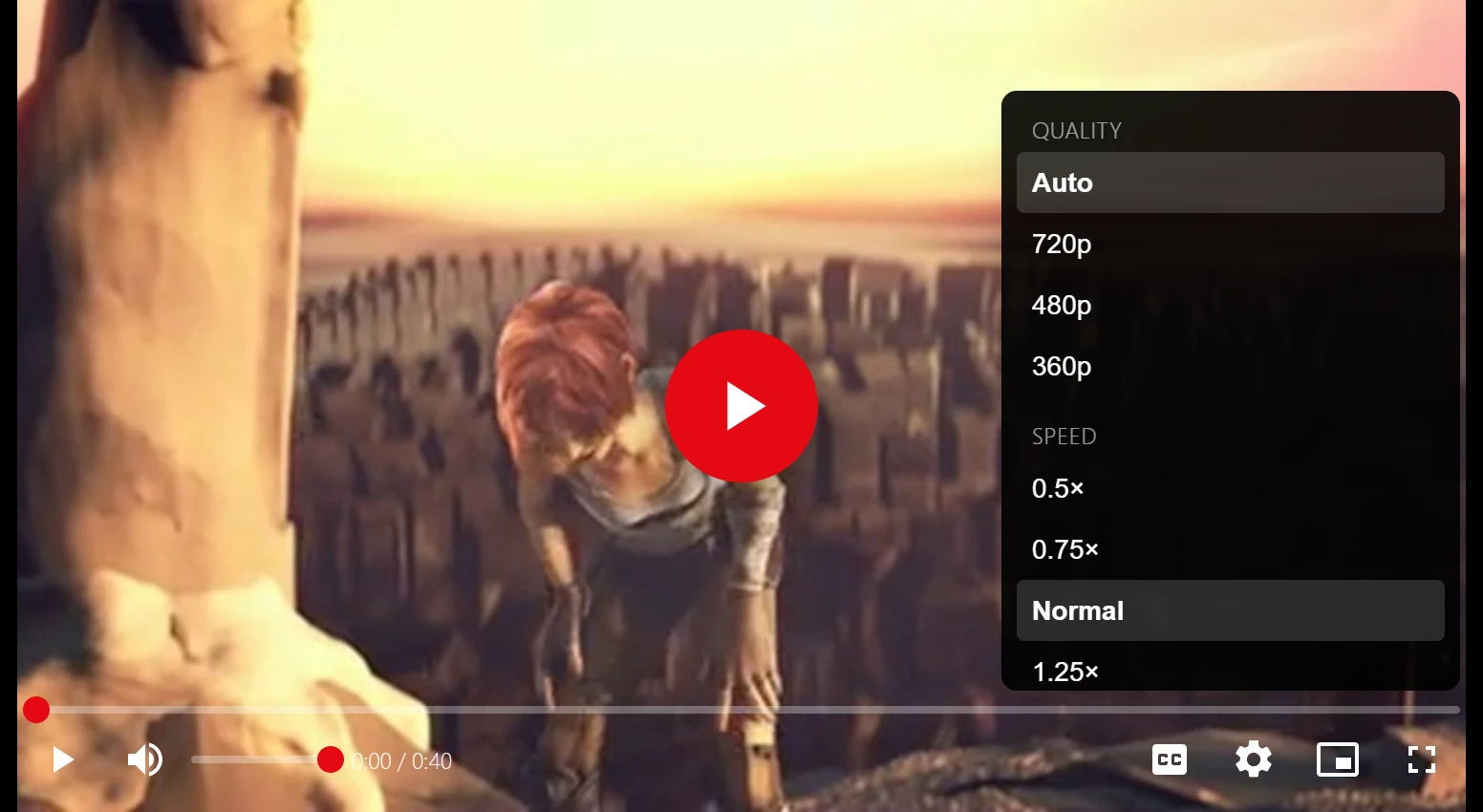
Members-only means members-only
Each video is open to everyone or to signed-in members, and can be unlisted, shared by link only with an optional password. The page never contains the address of a protected video: the player asks the server for it, and the server only answers after checking access. Videos converted on your own server play through signed playlist links that expire. So a cached page cannot hand a members-only video to someone who may not watch it.
Channels, series and a library for every member
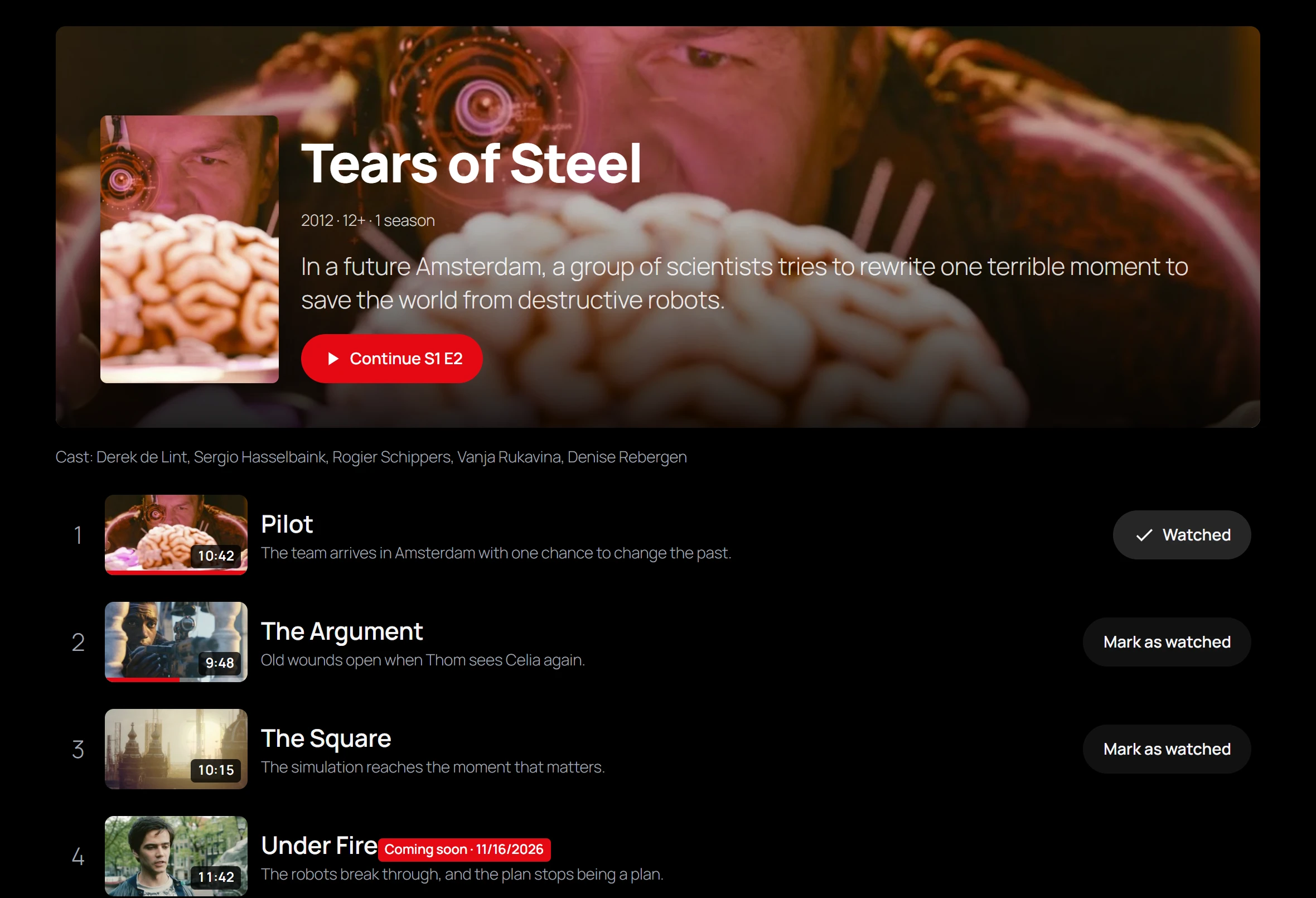
Creators get a channel page that members subscribe to in one click. Movies and series have seasons and episodes, progress bars, Continue watching, Mark as watched and Coming soon releases on the date you choose. Members build playlists they reorder by drag and drop, and find everything in their own library: what they started, new videos from their subscriptions, their favorites and their history.
Highlights of the free edition
- A browse page with categories, instant search and a filter panel.
- Chapters from lines such as
00:00 Introin the description, and a clickable transcript that viewers read, search and jump through. - Related videos and Up next, ranked by series, tags, categories and channel, with hand-pinned picks first and autoplay of the next video.
- Analytics without cookies: views and watch time per day and your top videos, stored on your own site. Viewers are told apart by a hash under a secret replaced daily, and those hashes are deleted after a day.
- A Creator role that manages its own videos, channels and series and nothing else, with optional moderation before anything goes live.
- Found in search: video structured data on each video page and a video sitemap, plus oEmbed so a video link embeds the player on other sites.
- Privacy-friendly embeds: YouTube videos use youtube-nocookie.com and Vimeo videos load with Do Not Track.
- Blocks, shortcodes and Elementor widgets, full-width templates for block themes, and an App manager to switch features on and off.
The free edition has no limit on videos, channels or viewers. Nothing in it is time-limited or switched off pending payment.
Plugixa Video Pro
Pro is a separate download for sites that sell their videos. It adds pay-per-view, rentals and recurring memberships with Stripe and PayPal built in, so no WooCommerce is needed, and refunds and disputes remove access automatically. You get receipts, numbered invoices, an earnings ledger with CSV export, and audience insights that show where viewers stop watching and how often a video buffers.
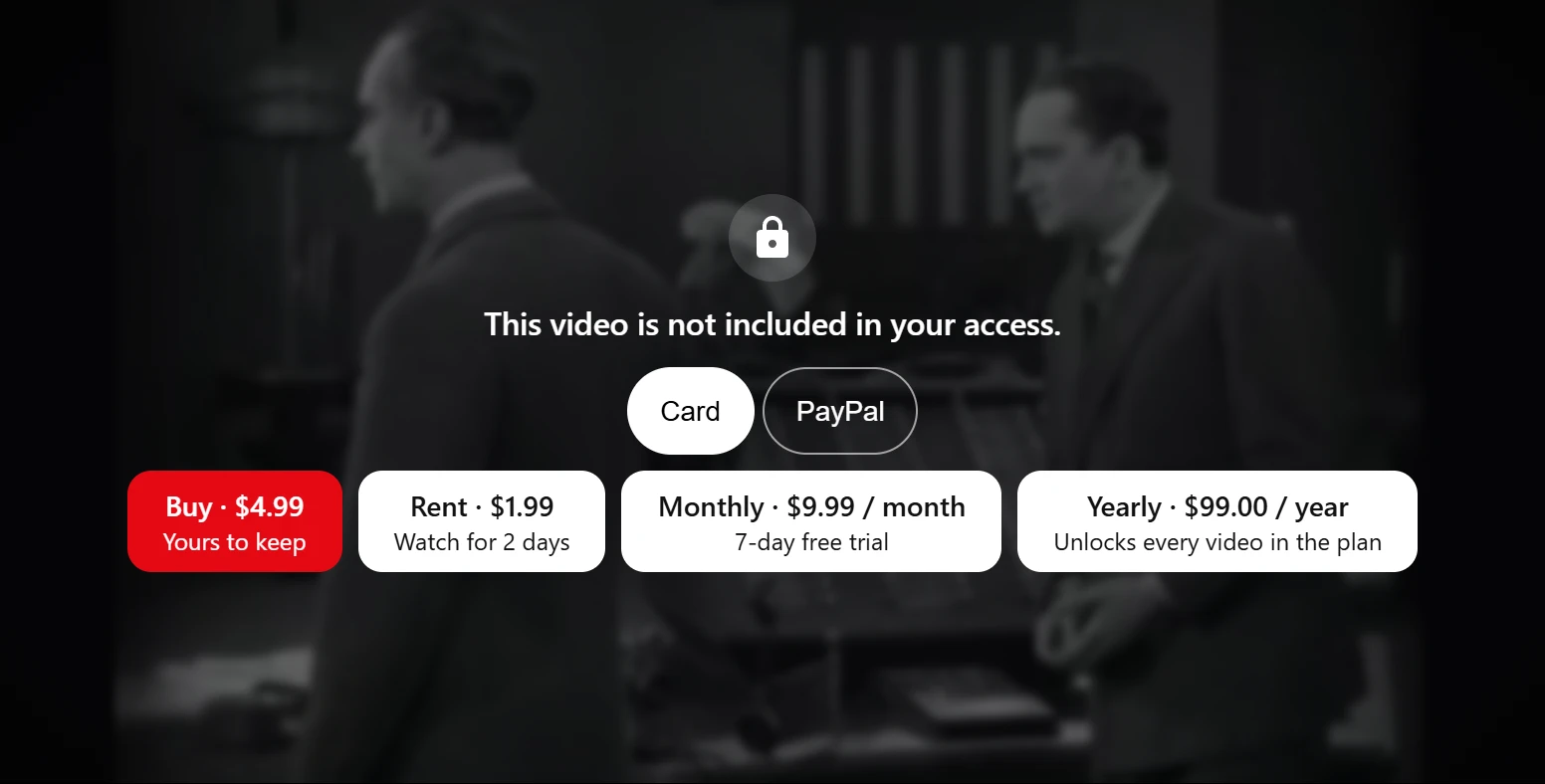
Pro also converts videos up to 1080p, can hand encoding and delivery to Bunny Stream, imports videos, channels and playlists from YouTube and Vimeo and keeps them in sync, generates and translates AI subtitles with your own OpenAI key, and adds extra audio tracks, new-video notifications with email digests, custom fields and a player logo. The licence for unlimited sites adds 1440p and 4K, and revenue sharing with your creators.
Pro costs €59 a year for one site, or €89 a year for unlimited sites.
Get started
Download and install the free plugin, and the setup wizard checks your server, creates the browse and library pages, and helps you add your first video. Then read the documentation, starting with Getting started.