

Introducing Plugixa Team: Your Org Chart, Auto-Drawn

Next up: Plugixa Team - a team-member plugin built for the block-editor era, with one feature most team plugins don’t even attempt.
If you’ve ever built a “Meet the Team” page, you know the drill: a rigid grid, no real structure to the data, and no way to show who reports to whom. We wanted something that treats your team as actual structured data, not just a wall of photos.

Four layouts, including an org chart
Plugixa Team ships four frontend layouts - grid, list, carousel, and an org-chart view that auto-renders your reporting structure from the groups you define. Each member is a proper profile: skills, social links, custom fields, and a bio. Organize people into groups or departments with drag-and-drop ordering, and the frontend adapts without you touching CSS.
That org-chart view is the part we’re proud of. Define your groups and hierarchy once and the chart draws itself - handy for agencies, schools, and any company whose “about” page is more than a flat list.

Let AI draft the bios
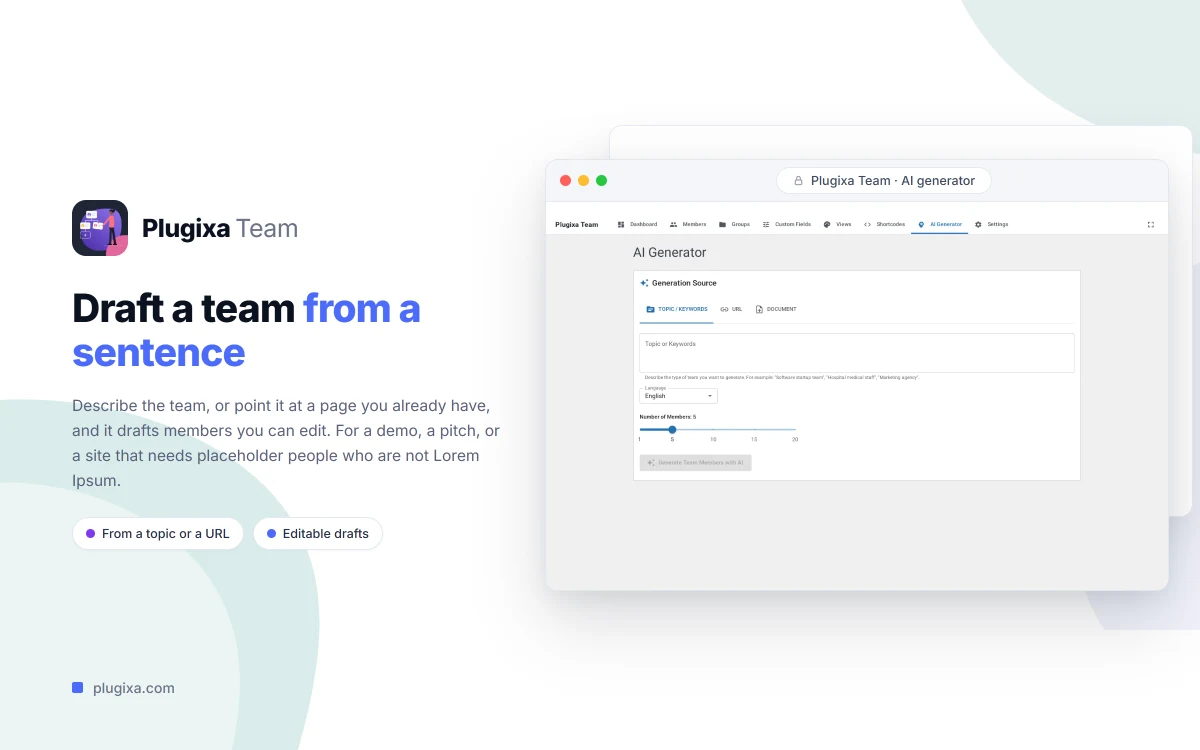
Writing twenty team bios is nobody’s idea of fun. The Pro AI generator drafts a member bio from a one-sentence prompt, or even scrapes an existing staff page or document to bootstrap your whole team. You review and edit before anything saves - it’s a head start, not a black box - and it runs on OpenAI or Google Gemini with your own key.
Free to start
The core is free forever: member profiles, groups and departments, the grid/list/carousel layouts, the Gutenberg block, and the [plugixa_team] shortcode. Pro (€39/year) unlocks the org-chart layout, the AI generator, a custom-fields builder with 11 field types, and a frontend submission form so people can add themselves to the roster.

See it in action on the Plugixa Team plugin page.