

Meet the Plugixa Plugins: FAQ, Testimonial, Team, and Recipe
Plugixa ships four plugins today, each built around one job done well. Here’s a guided tour - what they do, who they’re for, and where to go next.
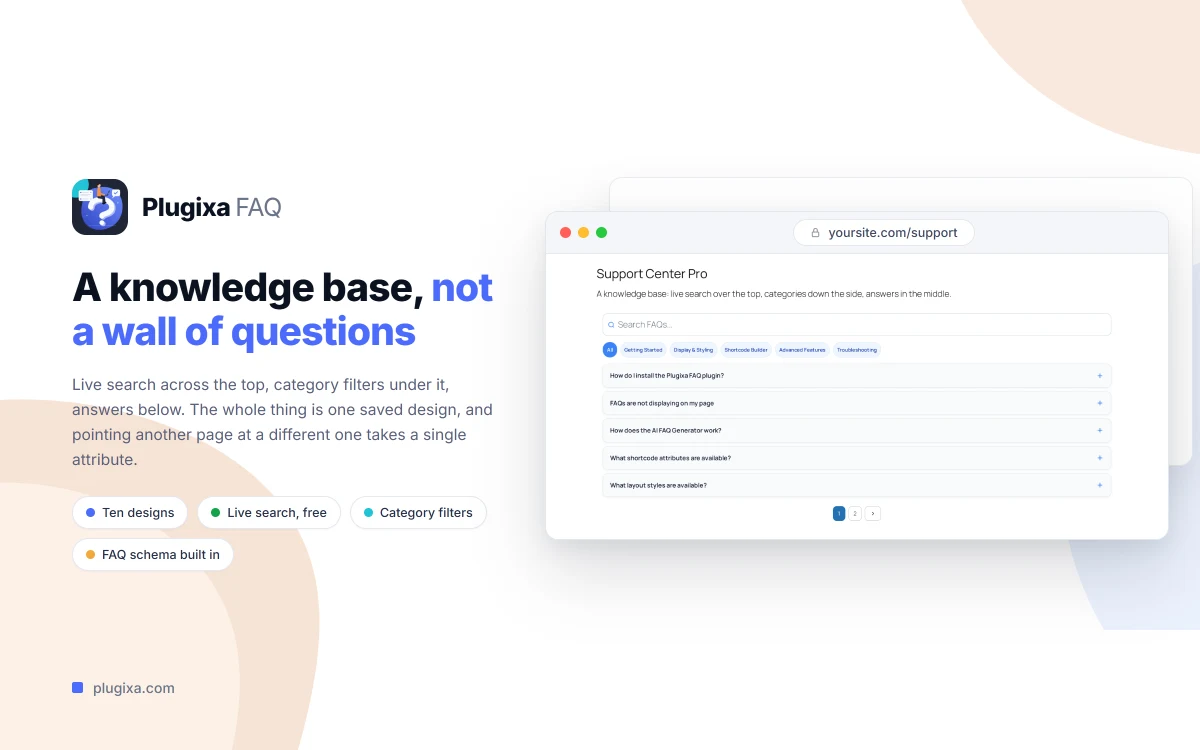
Plugixa FAQ
Beautiful FAQ sections with AI-powered content generation.
Every site needs an FAQ section, and most existing plugins either look dated or skip the JSON-LD schema that unlocks Google rich results. Plugixa FAQ gives you a modern FAQ system with accordion, list, and toggle layouts, a visual shortcode builder with live preview, and a built-in AI generator that can write answers from URLs, PDFs, or your existing WordPress content.
Highlights:
- Multiple display styles with full visual customization
- Categories with custom icons and color coding
- Automatic FAQ schema (JSON-LD) for rich results
- OpenAI and Google Gemini integrations for AI generation
- Feedback widget to measure which answers actually help
Learn more: Plugixa FAQ · Documentation
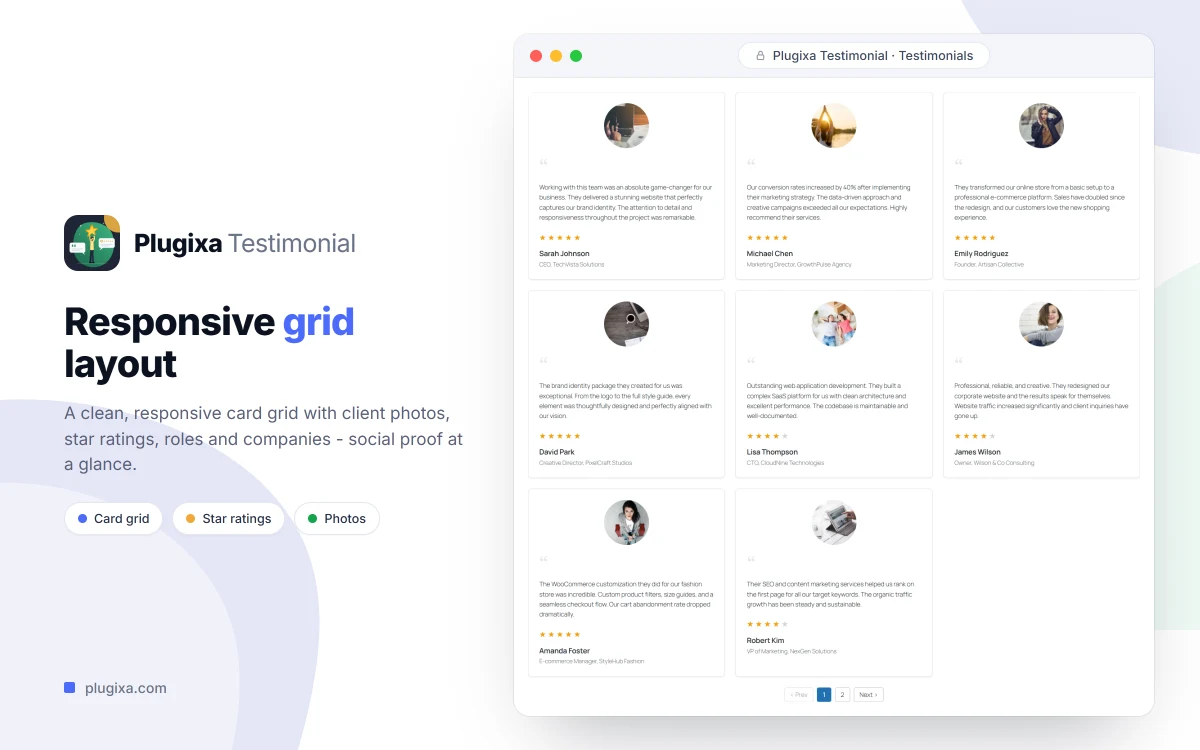
Plugixa Testimonial
Showcase client testimonials with beautiful, customizable layouts.
Social proof shouldn’t look like it was bolted on. Plugixa Testimonial gives you a dedicated system for collecting and displaying client reviews - with layouts that match modern sites, not generic widget aesthetics. Review schema is emitted automatically, so star ratings and quotes can surface in search results.
Highlights:
- Multiple frontend layouts built for brands that care about design
- Review schema for search engine rich snippets
- AI-assisted testimonial import and formatting
- Works as a shortcode, Gutenberg block, or Elementor widget
Learn more: Plugixa Testimonial · Documentation
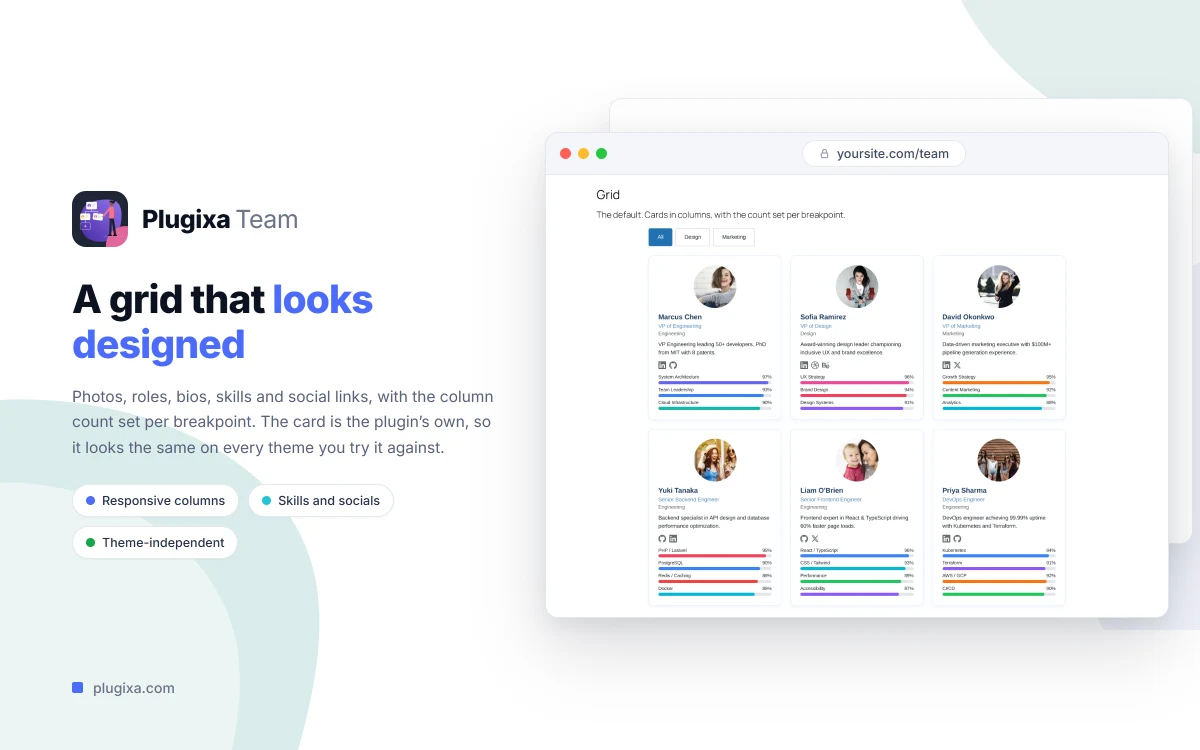
Plugixa Team
Display your team with 9 stunning layout options.
Agencies, SaaS companies, restaurants, and non-profits all need a good-looking team page - and nobody enjoys wrestling with a shortcode builder to get one. Plugixa Team ships nine ready-made layouts for team member showcases, each with profile customization, skills, social links, and per-member visual tuning.
Highlights:
- Nine professionally designed layouts out of the box
- Rich profiles with skills, bios, and social links
- Person schema for SEO
- Full control over typography, colors, and spacing per layout
Learn more: Plugixa Team · Documentation
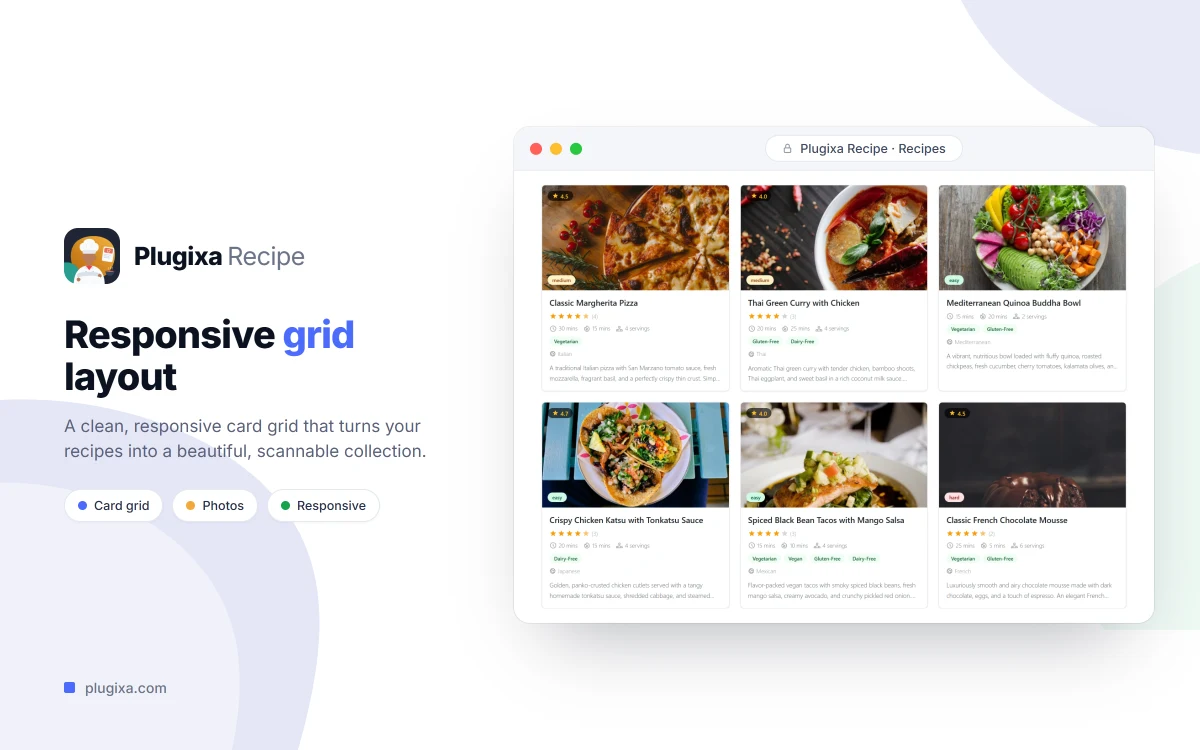
Plugixa Recipe
Publish beautiful recipes with nutrition, reviews, and meal plans.
Running a food blog on a generic plugin costs you the features that actually drive traffic: Recipe schema with cook time, ratings, and nutrition; ingredient scaling; print-friendly templates. Plugixa Recipe is built specifically for food publishers, with structured ingredients and instructions, nutrition facts, user reviews, shopping lists, and meal-plan collections.
Highlights:
- 5 display layouts and 9 frontend shortcodes
- Automatic Recipe schema (cook time, ratings, nutrition)
- Favorites, shopping lists, and meal-plan collections
- Metric/imperial conversion and print support
- AI-powered recipe generation from URLs or PDFs
Learn more: Plugixa Recipe · Documentation
Which one should I start with?
- Almost every site: Plugixa FAQ - universal, SEO-boosting, fast to set up.
- Agencies and service businesses: pair Plugixa Testimonial with Plugixa Team for a complete social-proof + about-us story.
- Food creators: Plugixa Recipe is the purpose-built option.
All four plugins share the same design language, admin patterns, and schema-first approach - so combining them on one site feels consistent, not like stitching together unrelated add-ons.