

Contents
Plugixa FAQ
A FAQ plugin built around one idea: the answers and the design are separate things. Questions live in the plugin’s own database tables, with categories, custom fields, an author and a page of their own. A view is a saved design. A shortcode points at a view.
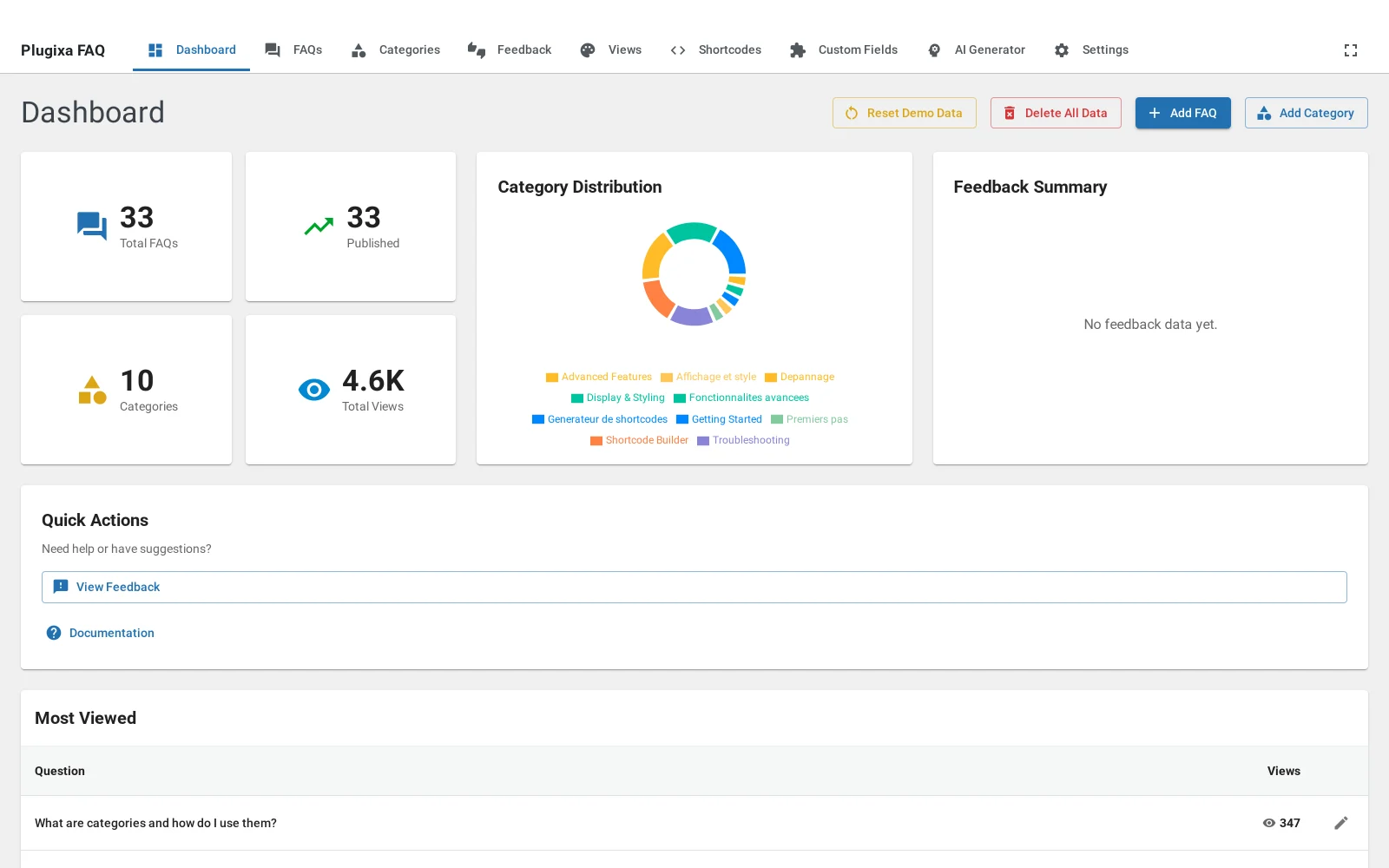
That separation is what the rest of the documentation keeps coming back to. It is why the same twelve answers can be a searchable knowledge base on your support page and three quiet rows under a pricing table, why changing a design does not mean editing forty posts, and why “how do I make it look like that” is always answered in one place.
The pieces
| Thing | What it is |
|---|---|
| FAQ | A question, an answer, a category, and optionally an image, custom fields and child questions |
| Category | A group, with an icon and a colour, that visitors can filter by |
| View | A saved design: layout, colours, type, spacing, icons, search and pagination |
| Shortcode | A saved set of options, so [plugixa_faq id="3"] means something specific |
A view answers “what does it look like”. A shortcode answers “which answers, in what order, with search on or off”. You can use either on its own, and most sites end up using both.
What is free and what is not
The free build is a complete plugin rather than a trial. It has unlimited FAQs, categories and views, the accordion layout light or dark, live search, category filters, FAQ schema, the shortcode builder, the Gutenberg block, the Elementor widget, nested questions, permalinks, content from your posts and pages and media, JSON and CSV import and export, and Polylang or WPML support.
Pro adds the timeline and horizontal layouts, custom fields, the AI generator, the submission form, feedback voting, the WooCommerce integration and PDF export. Pages covering a Pro feature are marked PRO in the sidebar.
What to read next
- Getting started puts a working FAQ on a page in about five minutes.
- Views explains saved designs, which is the concept everything else builds on.
- The shortcode is the full attribute reference.
- Free vs Pro is the honest line between the two builds, feature by feature.