

Contents
Pagination - Plugixa FAQ
Where this appears: the Pagination tab of the view editor, and the
pagination attribute on the shortcode.
Four modes, and the right answer for most FAQ pages is the one people forget to consider.
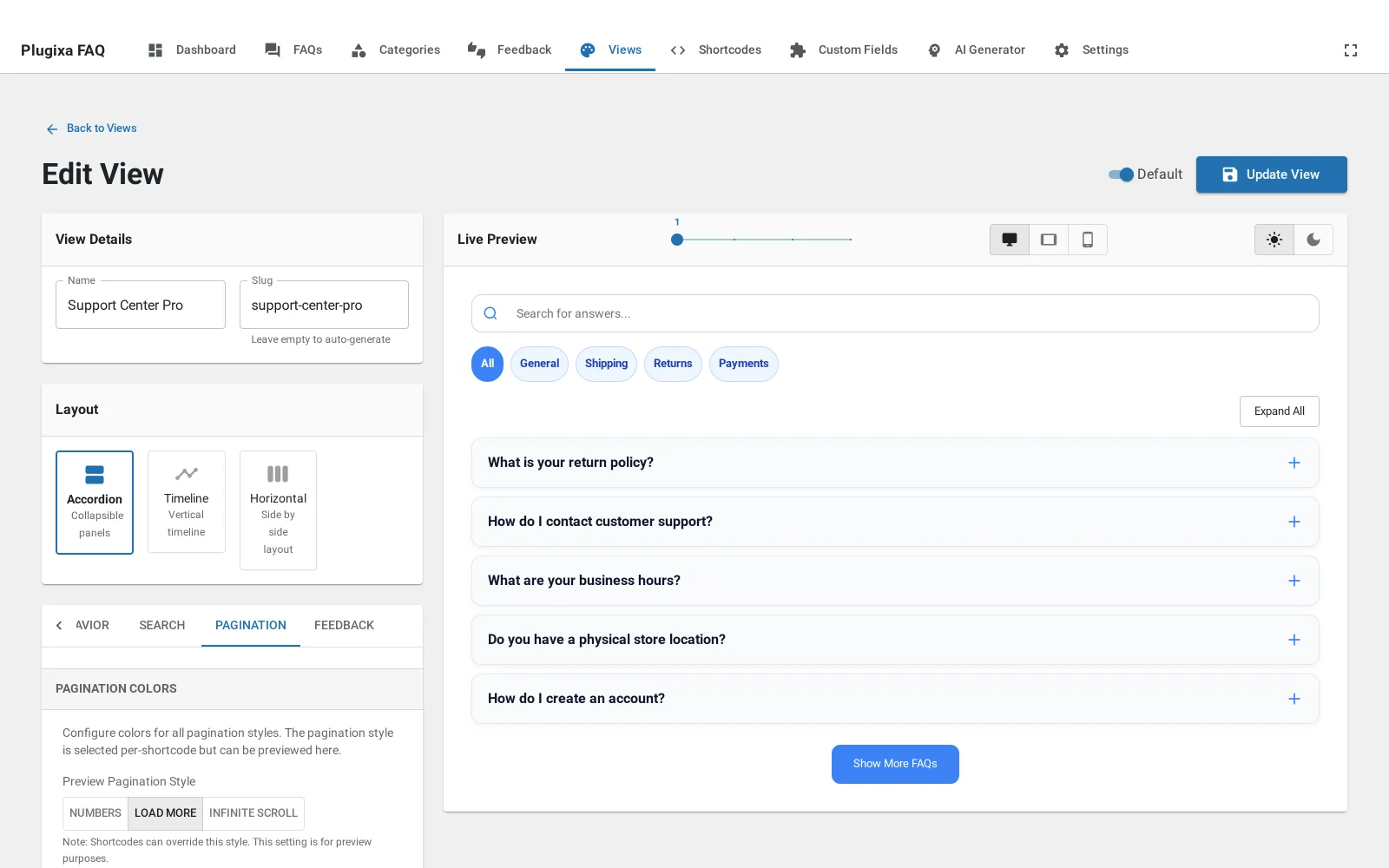
The four modes
| Mode | Behaviour |
|---|---|
| None | Render everything. The default |
| Numbers | Classic paged navigation |
| Load more | A button that appends the next page |
| Infinite scroll | Appends automatically as the visitor reaches the bottom |
None is usually right
A FAQ page is a reference. People arrive with a question, scan for it, and use their browser’s own find-on-page as often as they use yours. Paginating breaks that: find-on-page only searches what is rendered, so the answer on page two is invisible to it.
Rendering forty collapsed rows costs almost nothing, because the answers are in the markup but not drawn until opened.
Reach for pagination past about sixty answers, where the page itself gets heavy.
If you do paginate
Load more is the gentlest. The visitor keeps everything they have already seen, and the button is a clear affordance.
Infinite scroll is worth avoiding on a reference page. It makes it impossible to reach the footer, and the browser’s back button lands people somewhere they do not recognise.
Numbers suit a structured archive more than a FAQ, but they do give a visitor a sense of how much there is.
Page size
Set with per_page. Ten to fifteen is a reasonable band: enough that the first
page answers most questions, few enough that the page stays light.
Troubleshooting
| What you see | Why | What to do |
|---|---|---|
| Find-on-page misses an answer | It is on a later page | Set pagination="none" |
| Load more does nothing | Everything already fits in one page | It hides itself when there is no next page |
| Pagination ignores the search | Searching re-filters the whole set | Working as intended |
| Numbers appear on a short list | The mode is set but there is one page | Set the mode to none |