

Contents
Generating from a document - Plugixa FAQ
Where this appears: AI Generator, the Document tab.
Upload a file and it extracts the text, then produces questions and answers from it. The same extraction argument as the URL source applies: the facts come from your document rather than from the model.
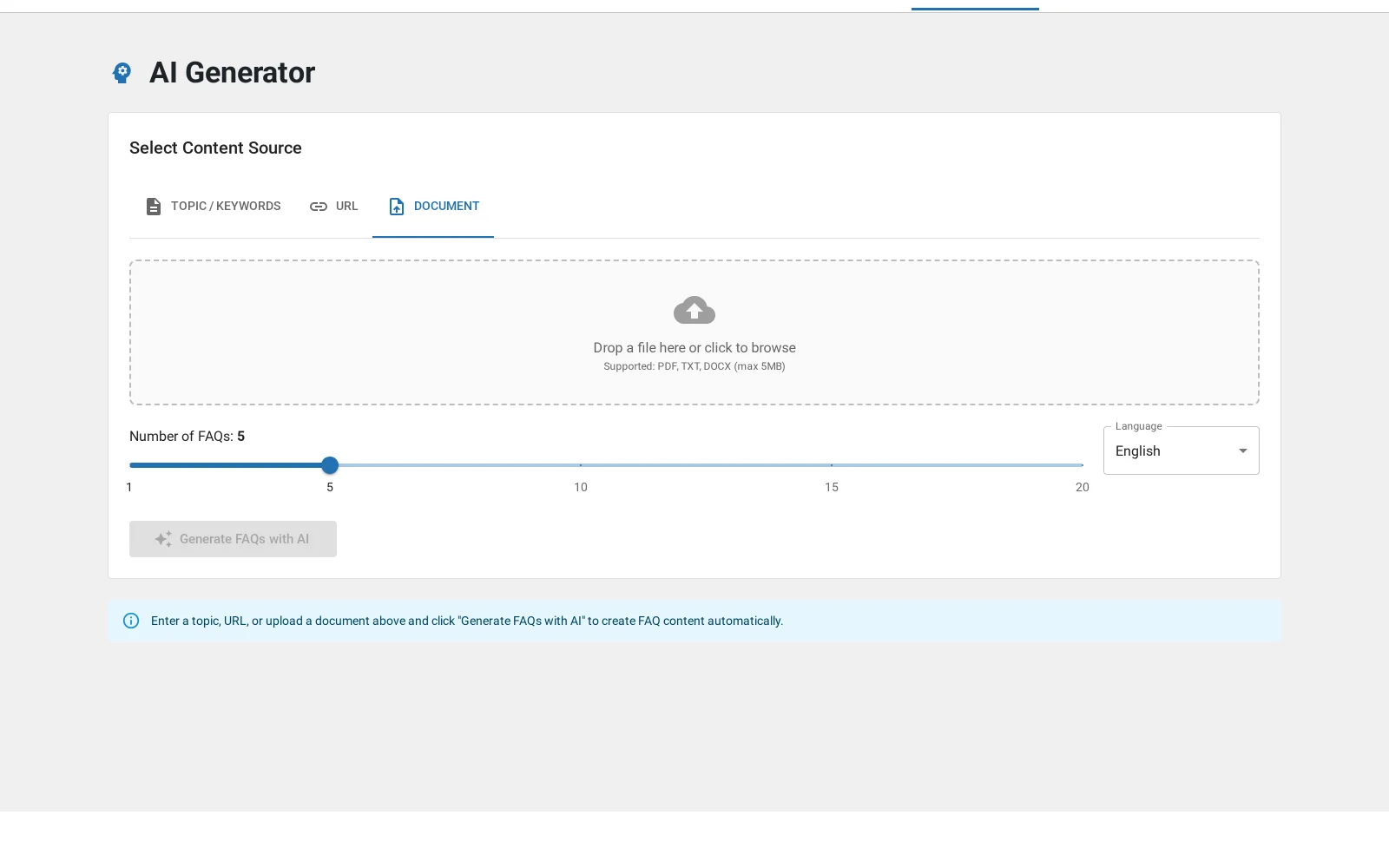
What it accepts
| Format | Notes |
|---|---|
| Text-based PDFs. A scanned page is an image and yields nothing | |
| DOCX | The modern Word format |
| Plain text | .txt, and the most reliable of the three |
The legacy .doc format is explicitly rejected rather than half-parsed, because
a half-parsed binary produces confident nonsense.
Good candidates
A product manual. An employee handbook. A specification sheet somebody keeps emailing to customers. A conference FAQ that exists as a PDF because that is how it was printed.
The pattern is the same each time: information that exists in a form nobody wants to read, which people therefore ask you about individually.
Scanned PDFs
A PDF of a photocopy contains images of words, not words. There is no OCR here, so extraction returns nothing and the run produces nothing useful. Run it through an OCR tool first, or use the plain text source.
Length
Very long documents get truncated before they reach the provider. If a hundred-page manual produces answers only about chapter one, that is why. Split it and run the sections separately, which also produces a better-organised set because you can give each run its own category.
Troubleshooting
| What you see | Why | What to do |
|---|---|---|
| Nothing was extracted | A scanned PDF, or a .doc |
OCR it, or convert to DOCX or text |
| Only the first part is covered | The document was truncated | Split it and run the sections |
| Upload is rejected | Wrong format, or over the server’s limit | Convert to text, or raise the upload limit |
| The tone is wrong | It follows the source document | Edit at the review step |
What to do next
Import and export is the non-AI way to bring answers in.