

Contents
Elementor - Plugixa FAQ
Where this appears: the Elementor editor panel, under Plugixa FAQ.
A real Elementor widget rather than a shortcode in a text box, in the free build. It has its own controls and renders live on the canvas.
1. Find the widget
Search the panel for Plugixa.
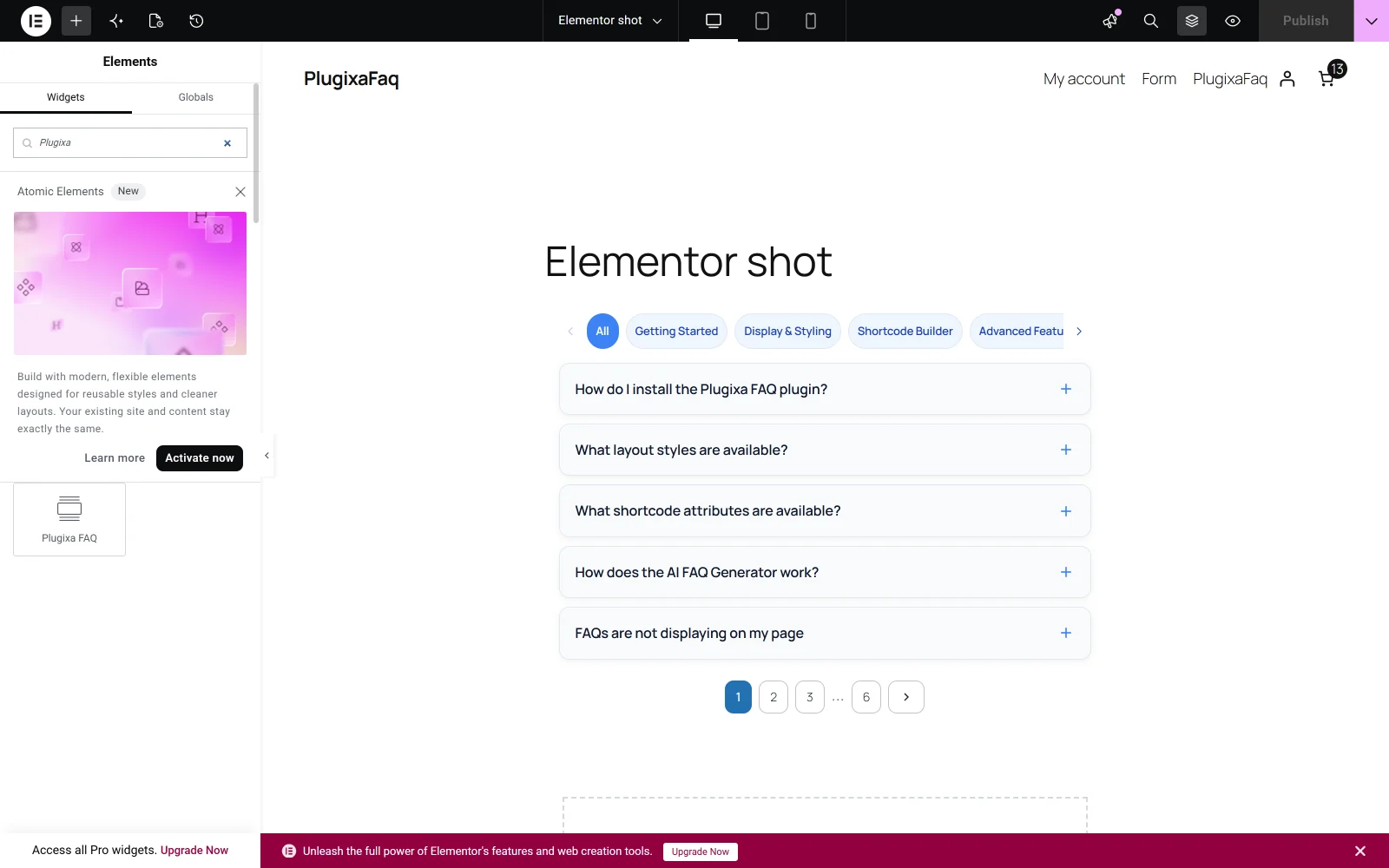
2. Drag it in and configure it
Drop it into a container. Its controls appear in the panel on the left.
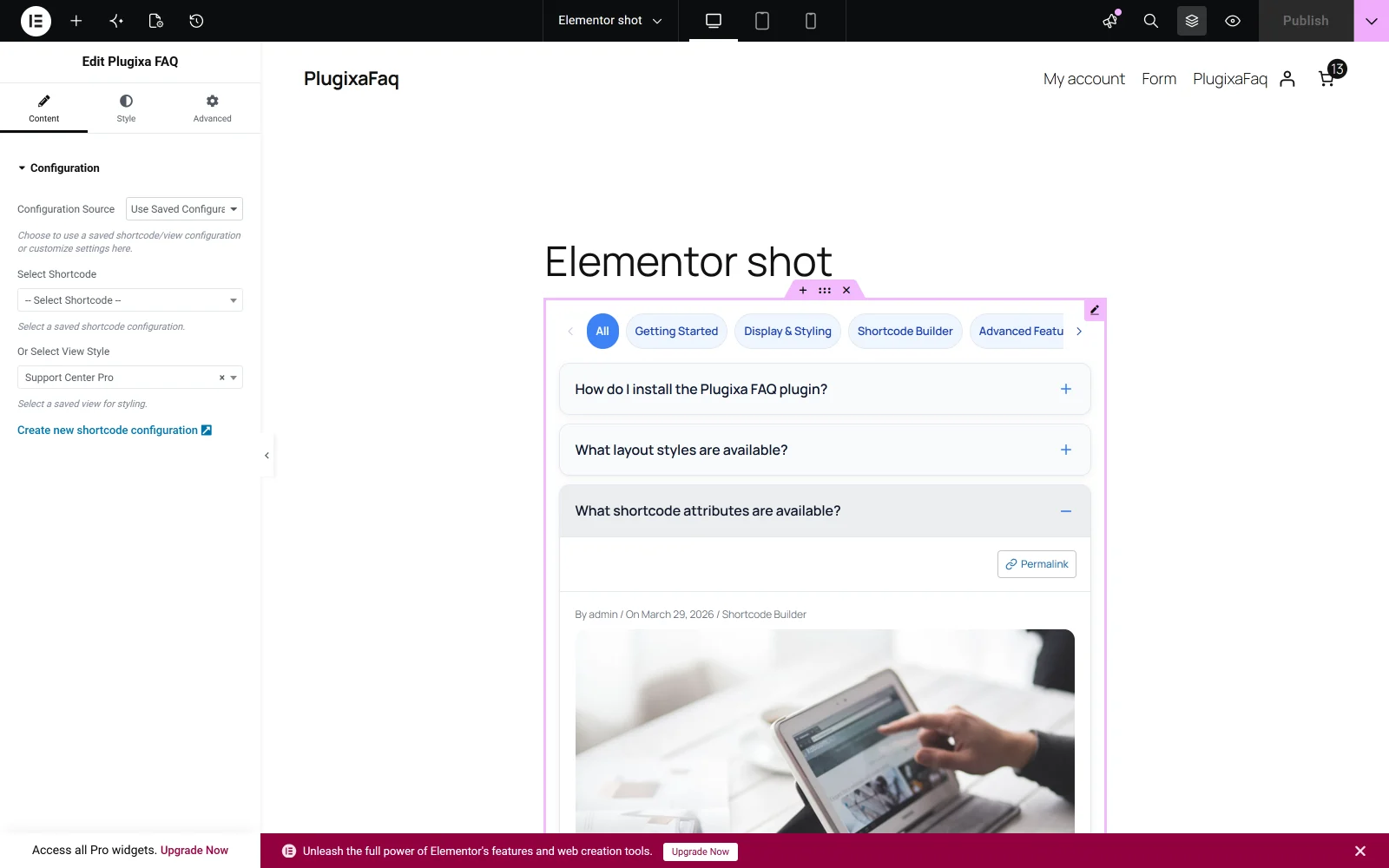
The controls
Configuration Source chooses between a saved configuration and a custom one.
With Use Saved Configuration, two selectors appear: Select Shortcode, and Or Select View Style. Pick one. A shortcode brings its whole configuration; a view brings only the design and leaves the content options to the widget.
With Custom Configuration, the widget exposes the content, display and behaviour options directly, the same set the shortcode takes.
The widget selects a view, the block selects a shortcode
Worth stating plainly because it catches people who use both. The Elementor widget offers a view selector, by slug. The Gutenberg block offers a shortcode selector, by id. Neither is wrong, but they are not the same dropdown, and a design chosen in one does not appear in the other’s list.
Requirements
Elementor 3.0 or later, and Elementor active. The widget registers itself when Elementor loads; if the plugin is active and the widget is missing, the usual cause is an Elementor version below 3.0.
Troubleshooting
| What you see | Why | What to do |
|---|---|---|
| The widget is not in the panel | Elementor is inactive, or below 3.0 | Activate and update Elementor |
| The canvas shows nothing | No view or shortcode is selected | Choose one under Configuration Source |
| The design does not match the page | The widget names a different view | Check Or Select View Style |
| Styles look wrong only in the editor | Elementor’s own reset is applying | Preview the page rather than judging in the editor |
What to do next
Content sources covers where the answers can come from.