

Contents
Generating from a URL - Plugixa FAQ
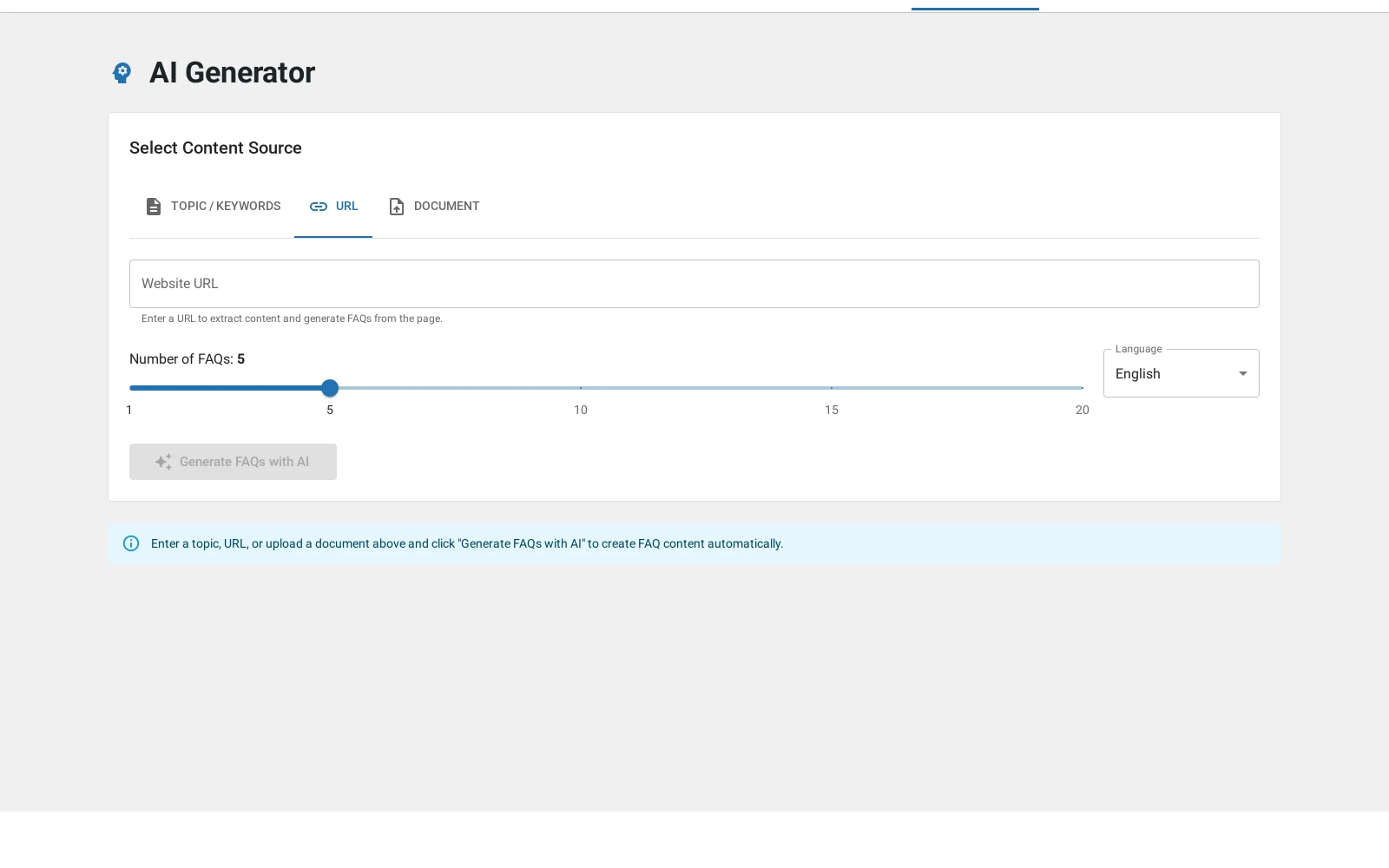
Where this appears: AI Generator, the URL tab.
Give it the address of a page and it reads that page, then produces questions and answers from what is actually on it.
Why this is the best of the three
The model is extracting rather than inventing. Your returns page already contains your returns window, so the answer it produces contains your returns window, not a plausible-looking guess at one.
That makes this the source to reach for if you use the generator at all. A fourteen-day policy turned into a FAQ is a formatting job. A fourteen-day policy invented by a model is a support ticket.
Good candidates
Terms and conditions. A shipping or returns page. A long “how it works” page. A documentation page. Anything where the information exists as prose and people keep asking about it anyway, which is usually a sign the prose is too long to scan.
What it fetches
Your server requests the page and the readable text is sent to the provider. A page behind a login, or one that renders entirely in JavaScript, gives it very little to work with, because what arrives is markup and not the article.
Still review it
The extraction is good, not perfect. It can flatten a conditional - “within 14 days, unless the item was personalised” - into the simpler half. Read the drafts against the source page before publishing, and pay attention to anything with an exception in it.
Imported answers arrive as drafts, so the review step is the safety net rather than a formality.
Troubleshooting
| What you see | Why | What to do |
|---|---|---|
| It fetched nothing | The page needs a login, or renders in JavaScript | Paste the text into the topic field instead |
| The answers miss exceptions | Conditionals get flattened | Check anything with “unless” or “except” in the source |
| Fetching times out | The page is slow, or blocks server requests | Try a different page, or the document source |
| Answers cover the wrong part | A long page with a lot of navigation text | Link to the specific section |
What to do next
From a document does the same from a file.