

Contents
Accordion layout - Plugixa FAQ
Where this appears: the layout picker in the view editor, and five of the ten shipped views.
One question per row. Clicking a row opens its answer. It is the layout most FAQ pages want, because a visitor can see the whole set before reading any of it and then open only what they came for.
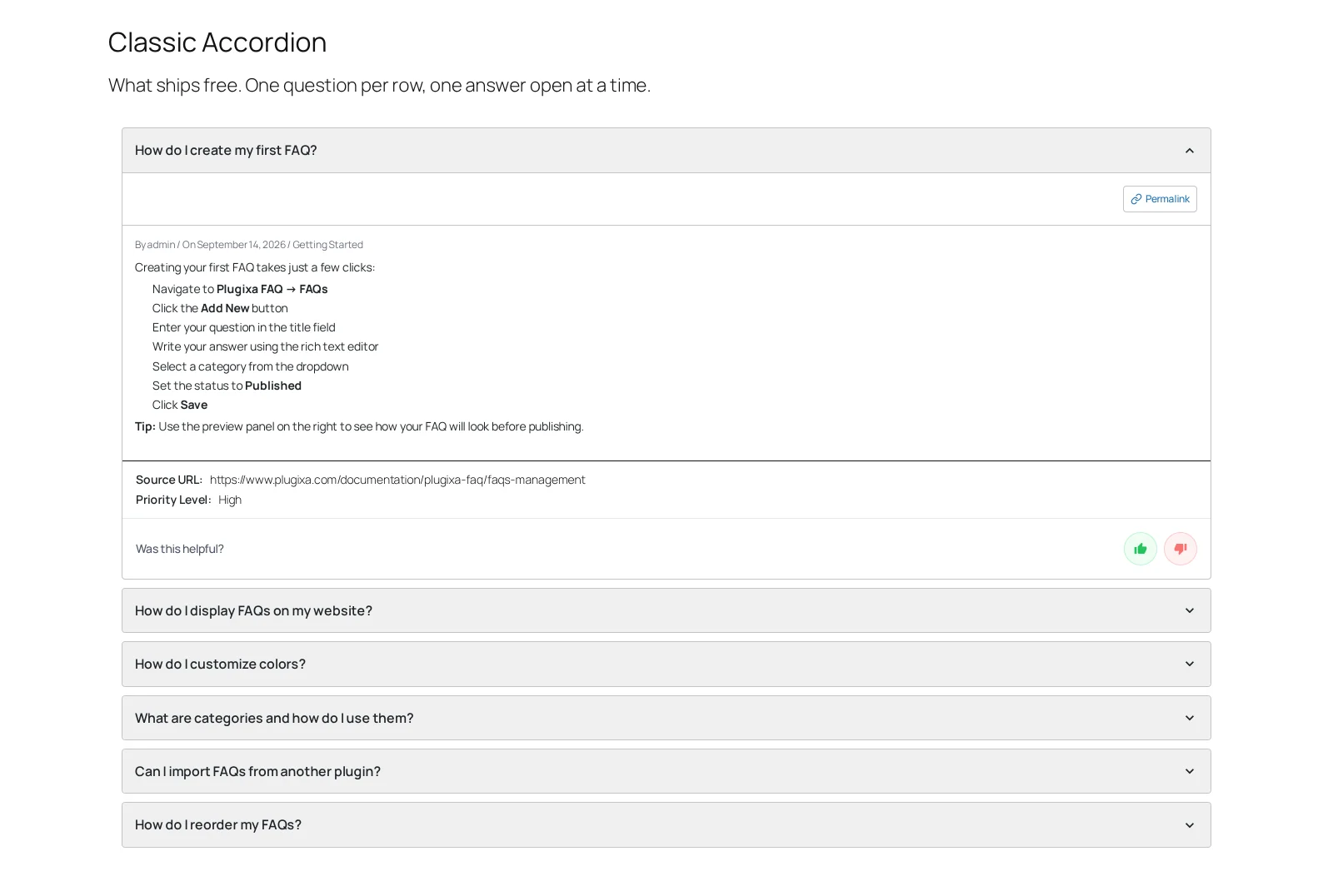
What you can change
Everything visual is on the view: the row background, border and radius, the question and answer type, the spacing between rows, the icon and how it animates. See colours and typography.
Two behaviour settings matter more than the rest, both on the view’s Behavior tab:
Allow multiple decides whether opening a second answer closes the first. Closing the first keeps the page short and the reader oriented. Allowing several suits a page people are comparing across rather than reading down.
Open first opens the top answer on load. It is worth turning on when the first question is the one almost everybody has, and worth leaving off when your first answer leads with a large image, because then the image is the page.
Toggle all
An Expand all control can be shown above the list. It is genuinely useful on a long policy page, where somebody wants to search the rendered text with their browser rather than yours.
Light and dark
Dark is not a filter over the light design. The dark values are saved on the
view, which is why accordion-dark and accordion are two views rather than
one with a switch. See dark mode.
Troubleshooting
| What you see | Why | What to do |
|---|---|---|
| Every answer is open | The view sets open first, or a stylesheet is forcing height | Check Behavior, then your theme’s CSS |
| Clicking does nothing | Another script is stopping the event | Check the browser console for an error from the theme |
| Rows jump on open | An image inside the answer has no dimensions | Set width and height on images in answers |
| Opening one closes another | Allow multiple is off | Turn it on in Behavior |
What to do next
Dark mode, or icons and animation for the chevron.