

Contents
On this page
Ordering - Plugixa FAQ
Where this appears: the Reorder button on both the FAQs and the Categories screens.
Order matters more on a FAQ page than almost anywhere else, because the first three questions are the only ones many visitors read. The ordering screens exist so that deciding this is dragging rather than typing numbers.
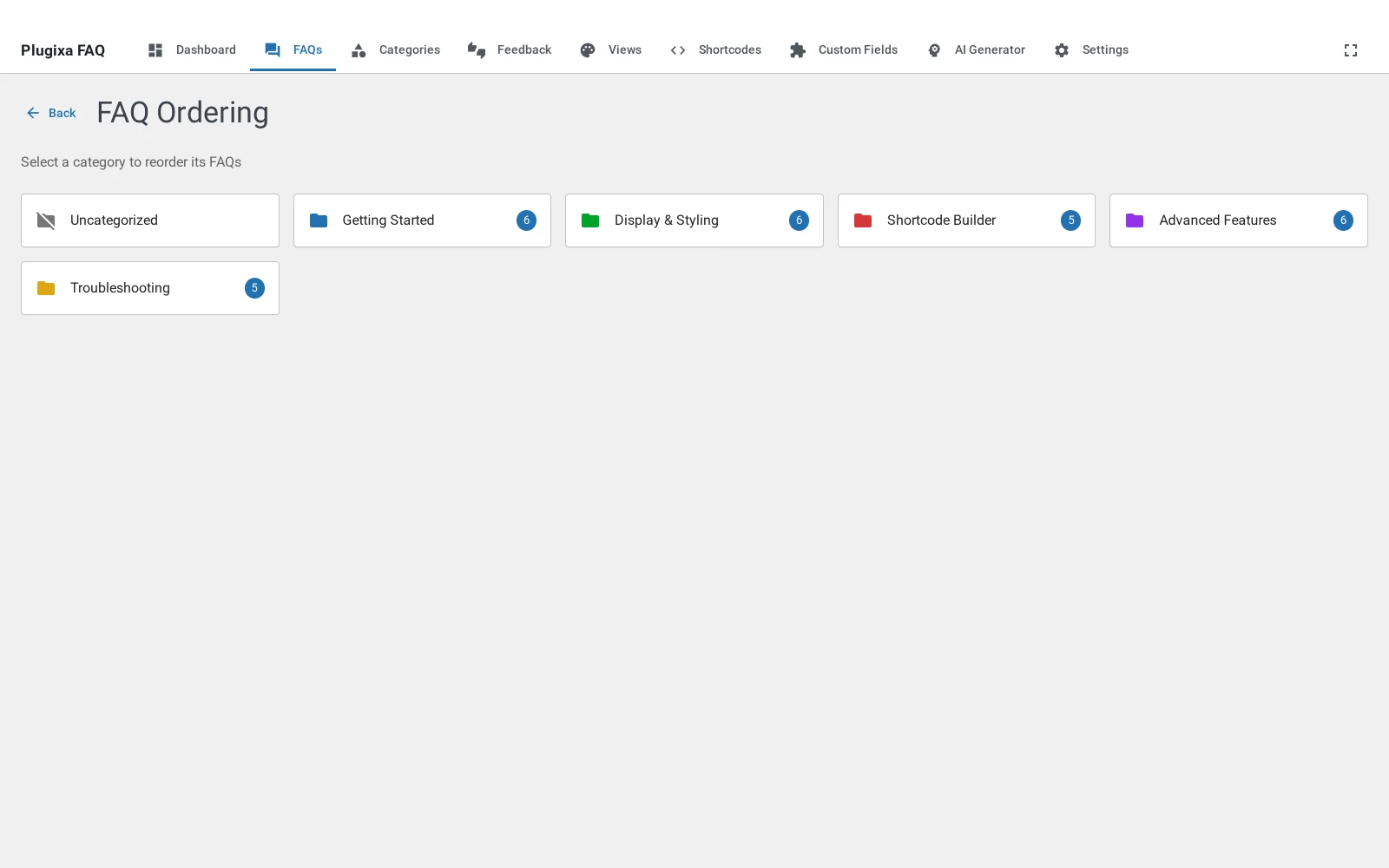
Ordering questions
Drag a row to move it. Children move with their parent, and dragging a child within its parent reorders it there without affecting the top level.
Order is stored per question, so it is the same wherever that question appears,
unless a shortcode overrides it with orderby.
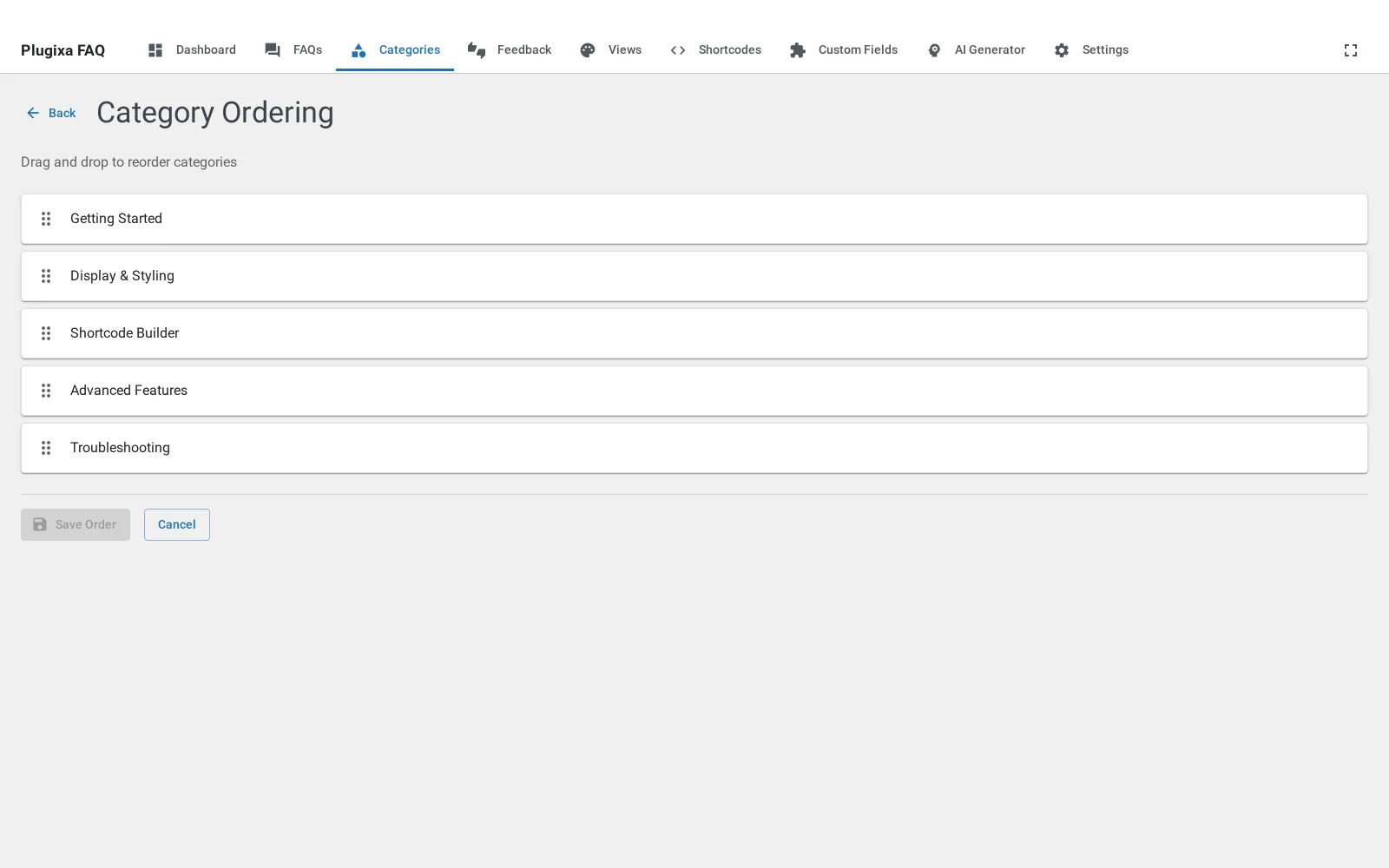
Ordering categories
The categories screen works the same way, and the order you set is the order of the filter bar on the front end.
When the order is ignored
A shortcode can override it:
[plugixa_faq orderby="date" order="DESC"]
orderby accepts menu_order (your dragged order, and the default),
question, id, created_at and view_count. Ordering by view_count is
worth knowing about: it puts whatever people actually read at the top, which is
often a better FAQ page than the one you designed.
Troubleshooting
| What you see | Why | What to do |
|---|---|---|
| The order reverts after a reload | The drag did not save | Wait for the save confirmation before leaving the screen |
| The front end ignores the order | The shortcode sets orderby |
Remove it, or set orderby="menu_order" |
| A child will not move to another parent | Drag moves within a parent only | Change the Parent field in the editor instead |
| Categories are in the wrong order on the front end | The filter bar follows category order | Reorder on the Categories screen, not the FAQs one |
What to do next
Categories covers the other half of this screen.
Quick Links
Share