

Contents
Live search - Plugixa FAQ
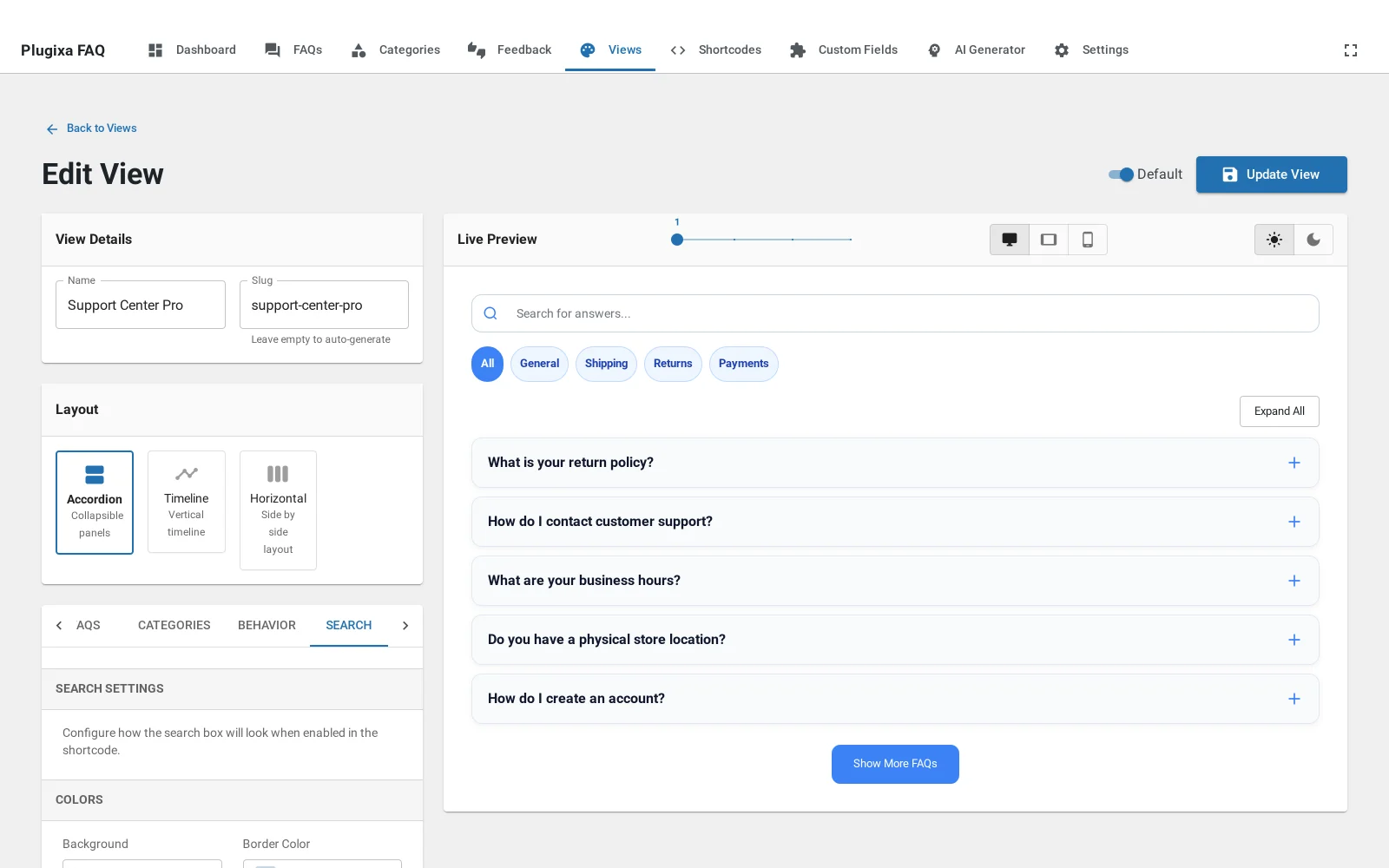
Where this appears: the Search tab of the view editor, and the search
attribute on the shortcode.
A box above the answers. Typing narrows the list immediately, without a page load. It searches the question and the answer body, so somebody who remembers only a word from the middle of an answer still finds it.
It is part of the free build. It is not held back, and it is not a Pro feature, whatever older copies of our own documentation said.
Turning it on
On the view, under Search. Or per placement:
[plugixa_faq search="true" search_placeholder="Search billing questions"]
The placeholder is worth writing. “Search FAQs” tells a visitor nothing they did not already know; “Search billing questions” tells them what this particular box covers, which matters on a page with more than one FAQ block.
Search and categories together
They combine. A visitor can filter to Billing and then search inside it, which is the behaviour people expect and the reason both are worth having on a long page.
Nested and translated answers
Child questions are searched even though a visitor would not have browsed to them, which is often how somebody finds the specific follow-up they needed.
On a multilingual site, search covers the current language only. A French visitor searching “remboursement” should not be shown the English answer.
When to leave it off
Under about eight answers, a search box is furniture. The visitor can see the whole list, and the box implies there is more than there is.
Troubleshooting
| What you see | Why | What to do |
|---|---|---|
| No search box | The view has it off and the shortcode does not set it | Set search="true" or turn it on in the view |
| Searching finds nothing | The term is in a draft answer | Only published answers are searched |
| It searches the whole site | You are using the theme’s search, not this one | The FAQ box sits inside the FAQ block |
| Results ignore the category filter | They should combine | Check that both are on the same placement |
What to do next
Pagination is the other long-list control.