

Contents
Free vs Pro - Plugixa FAQ
The free build is a complete FAQ plugin, not a limited trial. It has no answer cap, no watermark, no expiry, and it does not nag. Everything in the first table below works forever without paying anything.
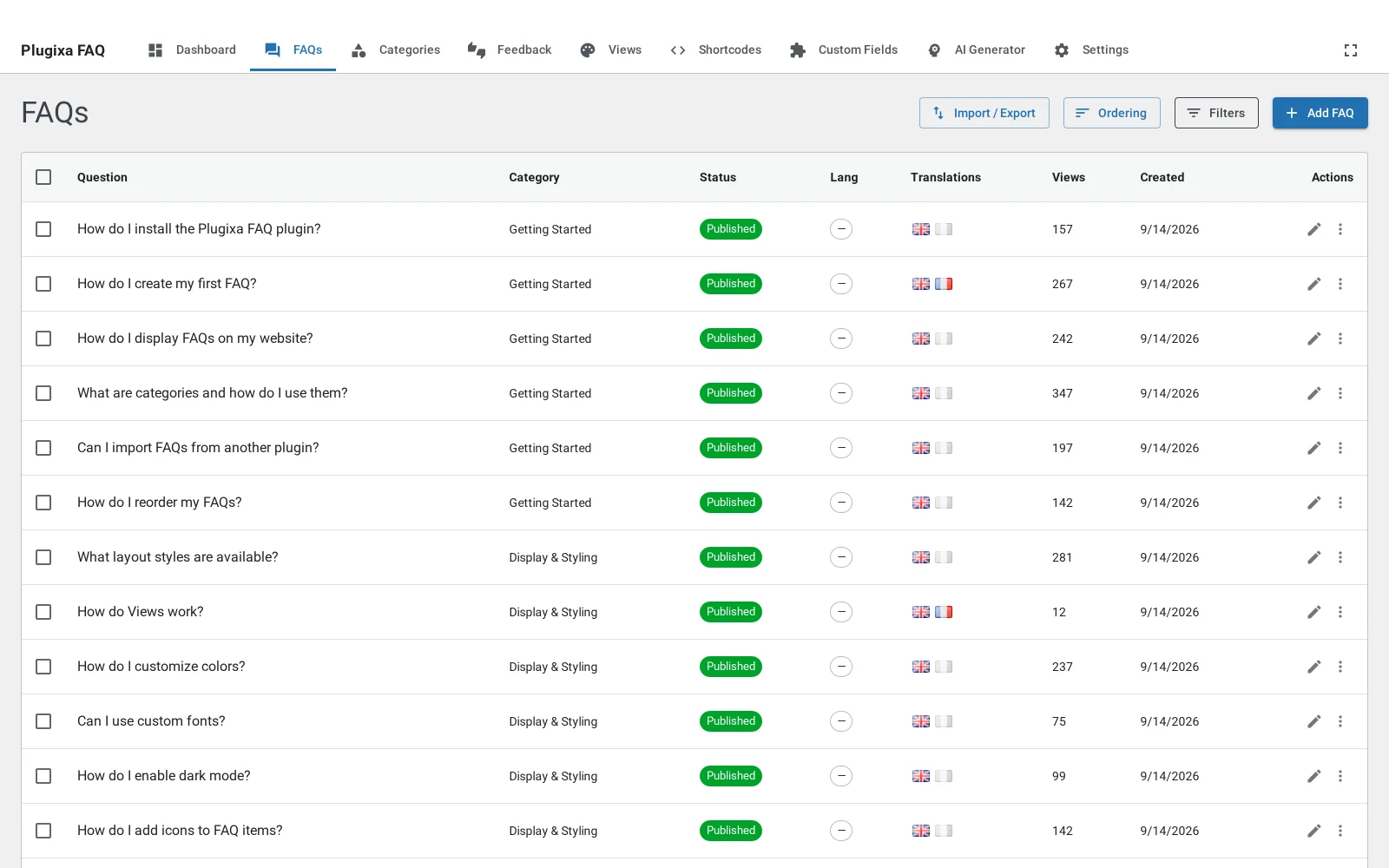
Free
| Feature | Notes |
|---|---|
| Unlimited FAQs, categories and views | No cap of any kind |
| Accordion layout | Light or dark, set on the view |
| Live search | Filters published answers as the visitor types |
| Category filters | Tabs, pills, a dropdown or a sidebar |
| Nested questions | A question can sit under another one |
| Drag-and-drop ordering | For both questions and categories |
| FAQ schema (JSON-LD) | Per shortcode or site-wide |
| Permalinks | A page per answer, in five URL structures |
| Shortcode builder | Visual, with a live preview |
| Gutenberg block | Renders a saved shortcode |
| Elementor widget | With its own controls |
| Content from posts, pages and media | Three of the five content sources |
| Import and export | JSON and CSV, both directions |
| Multilingual | Polylang and WPML, detected automatically |
| Rich text answers | With images and media |
Pro
| Feature | Notes |
|---|---|
| Timeline layout | A vertical timeline, for answers that are really steps |
| Horizontal layout | Card panels, in a bold and a quiet variant |
| Custom fields | Eight types, on every answer |
| AI generator | From a topic, a URL, or a PDF or DOCX |
| Submission form | Visitors send questions, which arrive as drafts |
| Feedback voting | Helpful and not helpful, with a review screen |
| WooCommerce | Product tab, product metabox, and products as a source |
| PDF export | A styled document of any filtered set |
| Priority email support | And a year of updates |
Three things worth being exact about
The feedback widget is Pro, all of it. The voting buttons, the optional comment and the admin screen that collects them are premium. The Feedback tab in Settings is visible on a free install because it configures a feature you may not have yet, which is confusing and is worth saying plainly rather than leaving you to find out.
Import and export is mostly free. JSON and CSV work in both directions in the free build. Only PDF export is premium.
Live search is free. It is a single attribute on the shortcode or a toggle on the view, and it is not held back.
How the Pro build differs
The premium features are not switched off in the free build, they are absent from it. The free download contains no premium code at all: no upgrade prompts in place of features, no disabled buttons, no routes that answer with a sales message. Installing Pro adds files rather than unlocking them.
That is why a free install shows nine tabs and a Pro one shows twelve, rather than showing twelve with three of them greyed out.
What to do next
The ten designs shows what you get in each build, since the layouts are split across the two.