

Contents
Nested questions - Plugixa FAQ
Where this appears: the Parent field in the FAQ editor, and the indents on the ordering screen.
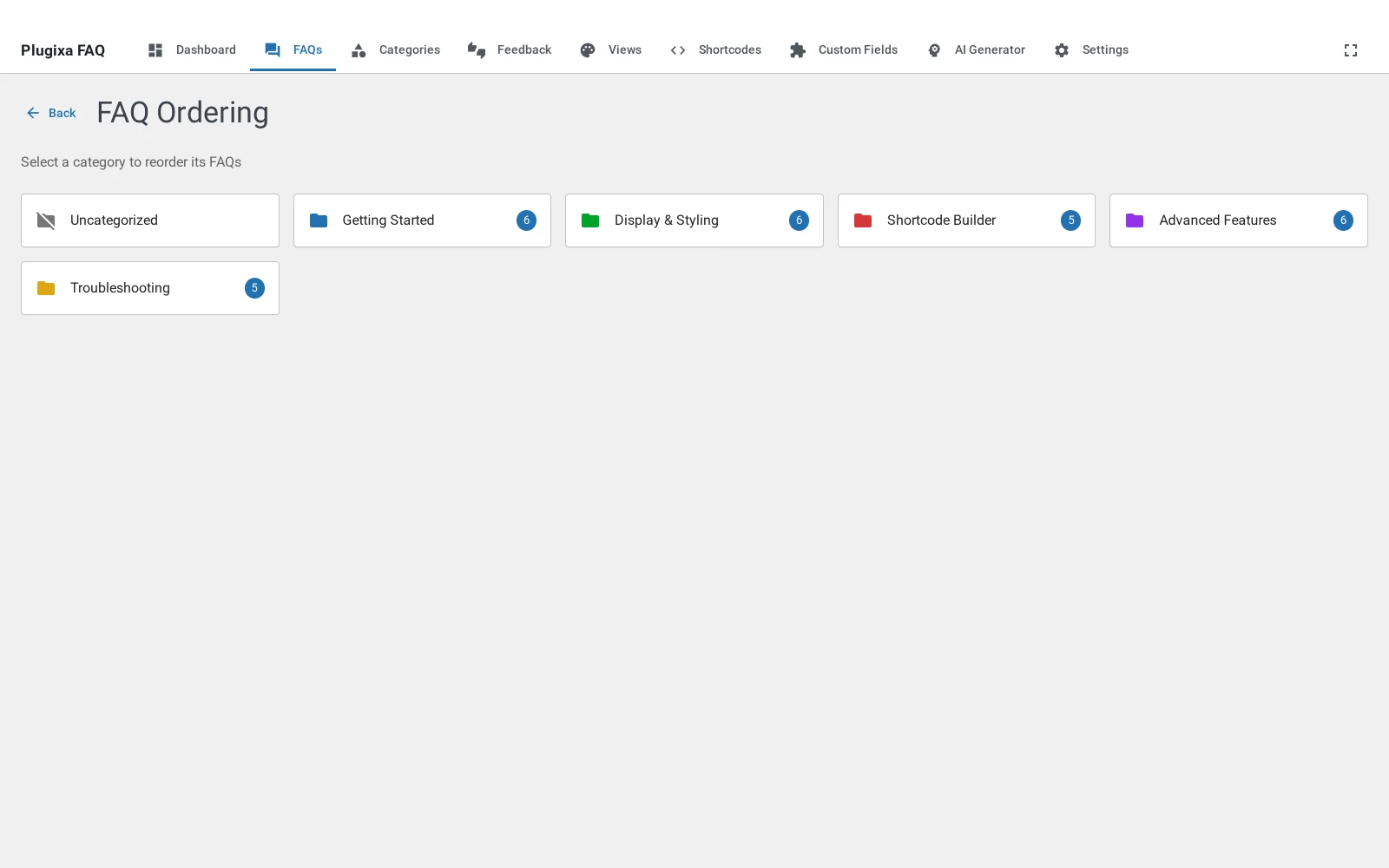
A question can sit under another question. It is a real parent and child relationship rather than a naming convention, so the front end indents the child and the ordering screen lets you drag it between parents.
When to nest, and when to use a category
Both group answers, and choosing the wrong one is the usual reason a FAQ page feels hard to scan.
A category is a subject. Billing, Shipping, Returns. A visitor arrives knowing which one they want, and the filter bar takes them there.
A parent is a question that has follow-ups. “Can I cancel?” with “Do I get a refund if I cancel?” and “What happens to my data?” underneath. Nobody arrives looking for the child on its own; it only makes sense after the parent.
If a child question would still make sense as the first thing somebody reads, it is not a child. Give it a category instead.
Setting a parent
Open the child question and choose the parent in the Parent field. Only top-level questions are offered, because the nesting is one level deep on purpose: two levels of indent in an accordion is a menu, not an answer.
What happens on the front end
Children render indented under their parent, in their own order. They are included in search, so a visitor can find a child directly even though they would not have browsed to it.
Deleting a parent
Deleting a question that has children does not delete them. They are promoted to the top level, and keep their category and their order. Nothing disappears because you tidied something above it.
Troubleshooting
| What you see | Why | What to do |
|---|---|---|
| A question will not accept a parent | It already has children of its own | Nesting is one level deep; move its children first |
| Children are not indented | The layout does not draw indents | Accordion does; check the view’s layout |
| A child appears at the top level | Its parent was deleted | Set the parent again, or leave it promoted |
| The order inside a parent is wrong | Child order is separate from the top level | Drag the children on the ordering screen |
What to do next
Ordering is where the dragging happens.