

Contents
Advanced settings - Plugixa FAQ
Where this appears: Settings, then the Advanced tab.
Three settings and one button. The button deletes everything, so this page spends most of its length on that.
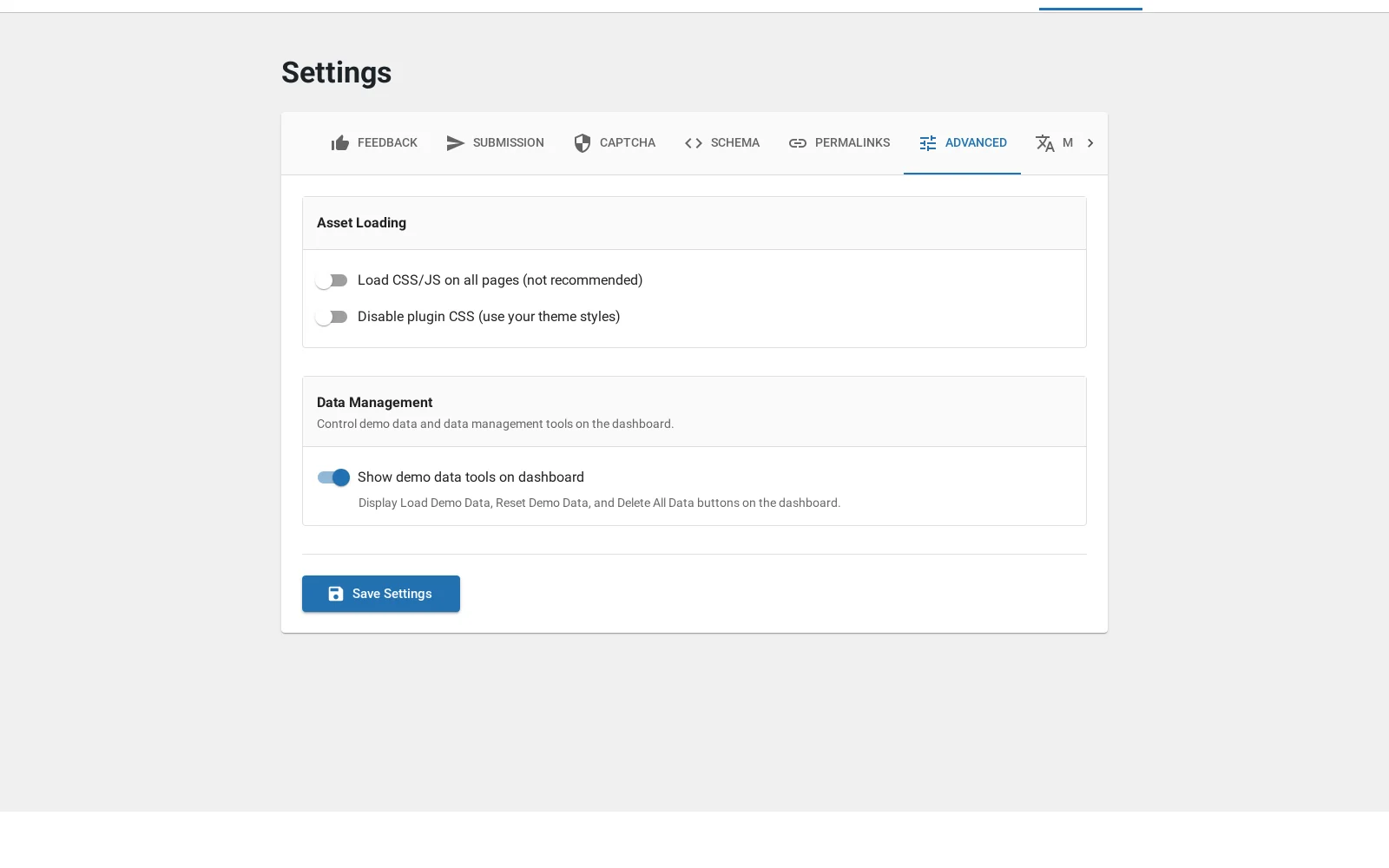
Load assets globally
Off by default, and worth leaving off. The plugin’s CSS and JavaScript load only on pages that actually contain a FAQ block, so the rest of your site carries nothing.
Turn it on only if you render the shortcode somewhere the plugin cannot detect in advance: inside a template part, a page builder that composes late, or an AJAX-loaded fragment. The symptom is a FAQ that renders unstyled and does not respond to clicks.
Disable plugin CSS
Stops the plugin’s stylesheet loading at all, leaving the markup for your own theme to style.
This is for a designer taking full control, and it removes everything the views do. Views set colours and typography through that stylesheet, so turning it off makes the view editor largely decorative. Reach for CSS variable overrides first, which are scoped and do not throw the whole design away. See colours.
Delete all data
The button that empties every one of the plugin’s tables: answers, categories, views, shortcodes, custom fields, field values and feedback.
It is not a reset to a clean demo. It does not restore the shipped views or put sample content back. It leaves the plugin installed and empty.
There is no undo. It does not read your backups, and nothing here can bring the content back afterwards. Take a database backup first, every time, including the time you are sure.
The honest uses are: clearing a staging site before importing real content, and removing your data before uninstalling.
Uninstalling
Removing the plugin through WordPress leaves your answers in place, so deactivating to test something does not cost you anything. The tables are dropped only on a full uninstall.
Troubleshooting
| What you see | Why | What to do |
|---|---|---|
| Unstyled FAQ in a template part | The plugin did not detect the shortcode | Turn on Load assets globally |
| The view editor has no effect | Plugin CSS is disabled | Turn it back on, and use variable overrides instead |
| Everything is gone | Delete all data was used | Restore from a backup; there is no undo |
| Content survived an uninstall | Deactivation does not drop tables | That is intentional |
What to do next
Hooks, if you are extending the plugin.