

Contents
Categories - Plugixa FAQ
Where this appears: Plugixa FAQ, then Categories, and the filter bar on the front end.
A category is a subject: Billing, Shipping, Returns. Visitors use them to skip to the part they came for, which is why they carry an icon and a colour rather than just a name.
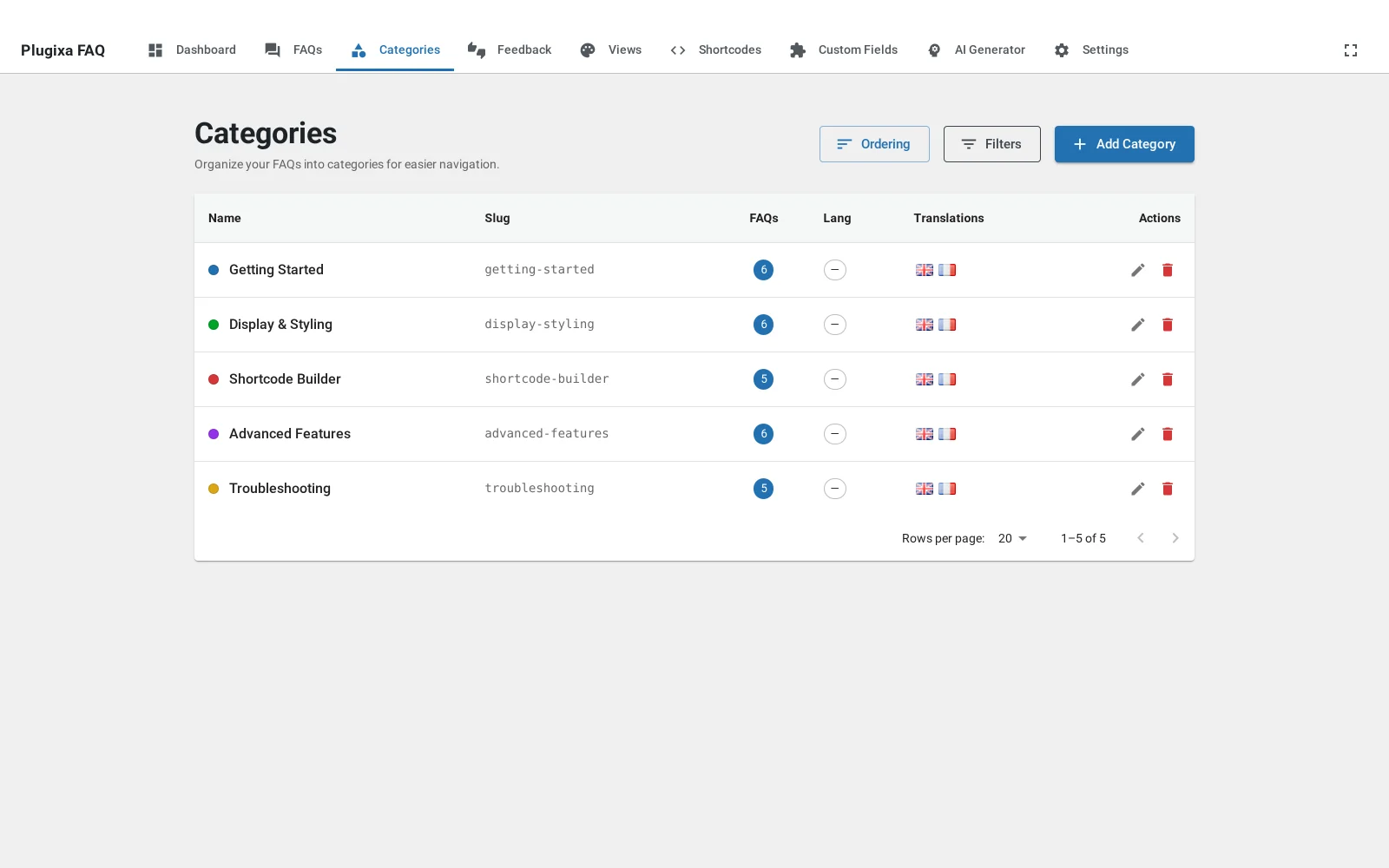
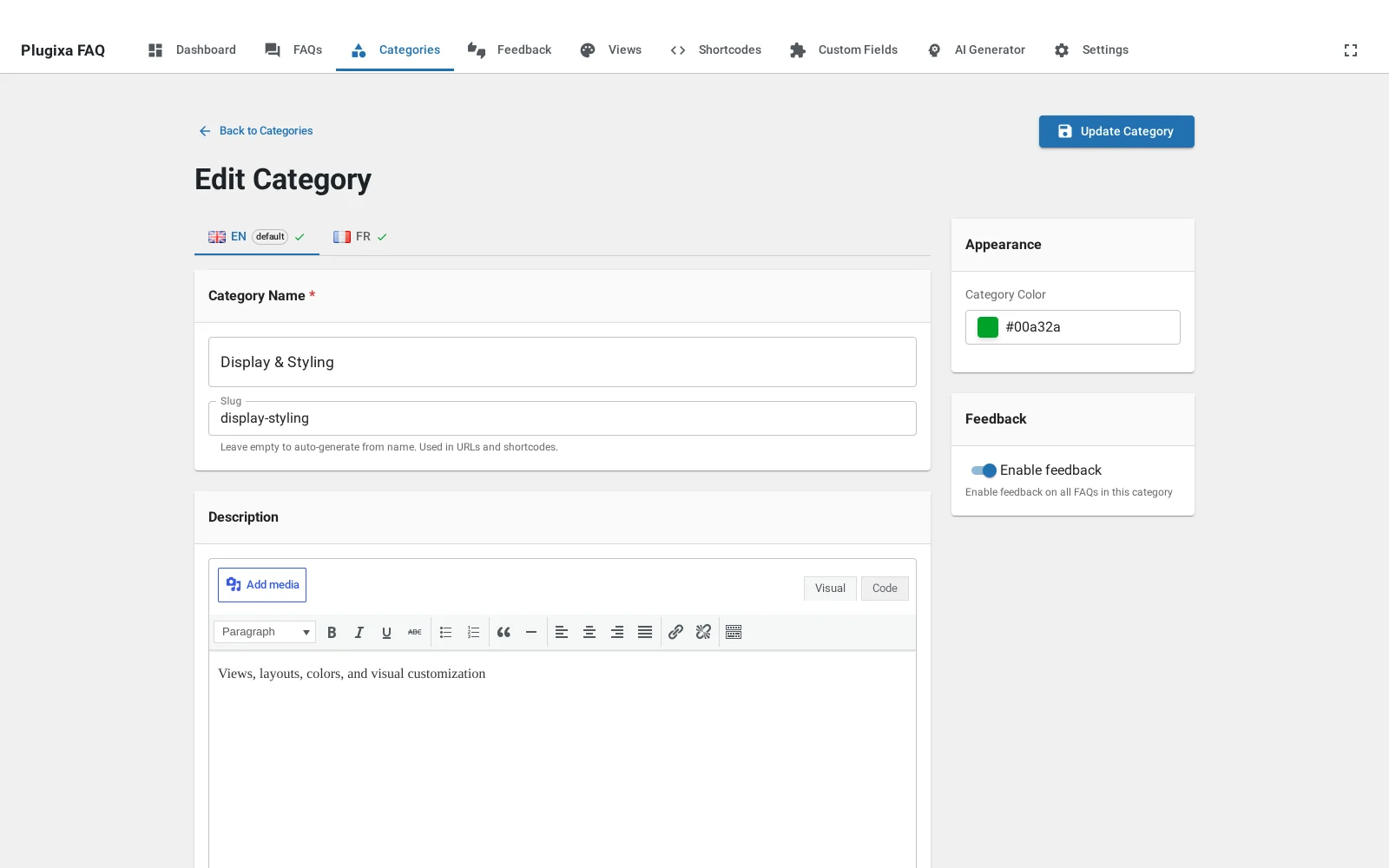
The fields
Name is what the filter bar shows. Slug is what the shortcode’s
category attribute matches, and it fills itself in.
Description appears above the group when a layout shows category headings, which is a good place for the one sentence that tells somebody they are in the right section.
Icon and Colour are used by the filter bar and by the headings in the grouped layouts. Leaving them empty is fine; the design falls back to its own palette.
Filtering by category in a shortcode
[plugixa_faq category="billing"]
That is the slug, not the name. Passing several is not supported on this attribute; use the front-end filter bar for that, or a saved shortcode per section.
Showing the filter bar
The filter bar is a property of the view, not of the category. Open the view and choose its style: tabs, pills, a dropdown or a sidebar. See category filters.
One category per answer
An answer belongs to exactly one category. If you find yourself wanting two, the question is usually really two questions, or the thing you want is nesting.
Troubleshooting
| What you see | Why | What to do |
|---|---|---|
| A category is missing from the filter bar | It has no published answers | Empty categories are hidden rather than shown as dead ends |
category="Billing" shows nothing |
The attribute matches the slug | Use billing, from the Slug column |
| Colours are not showing | The layout does not use them, or none is set | Check the view’s category style |
| Two categories look identical on the front end | Both have no icon or colour | Set them, or rely on the name alone |
What to do next
Views is where the filter bar’s appearance is decided.