

Plugixa Exam 1.2.0: Reading and Listening Papers for WordPress
Plugixa Exam 1.2.0 is out, and its headline is reading and listening papers PRO: a text or a recording stays on screen beside the questions that read from it. The release also makes the Fullscreen setting work, and adds a logo for the exam header and new per-exam controls.
A passage beside its questions
Language tests and comprehension papers ask several questions about one text. A candidate should not have to scroll back to it every time. In 1.2.0 you write a passage once and choose it on each question that reads from it. Any question type can use one, and nothing about marking changes.
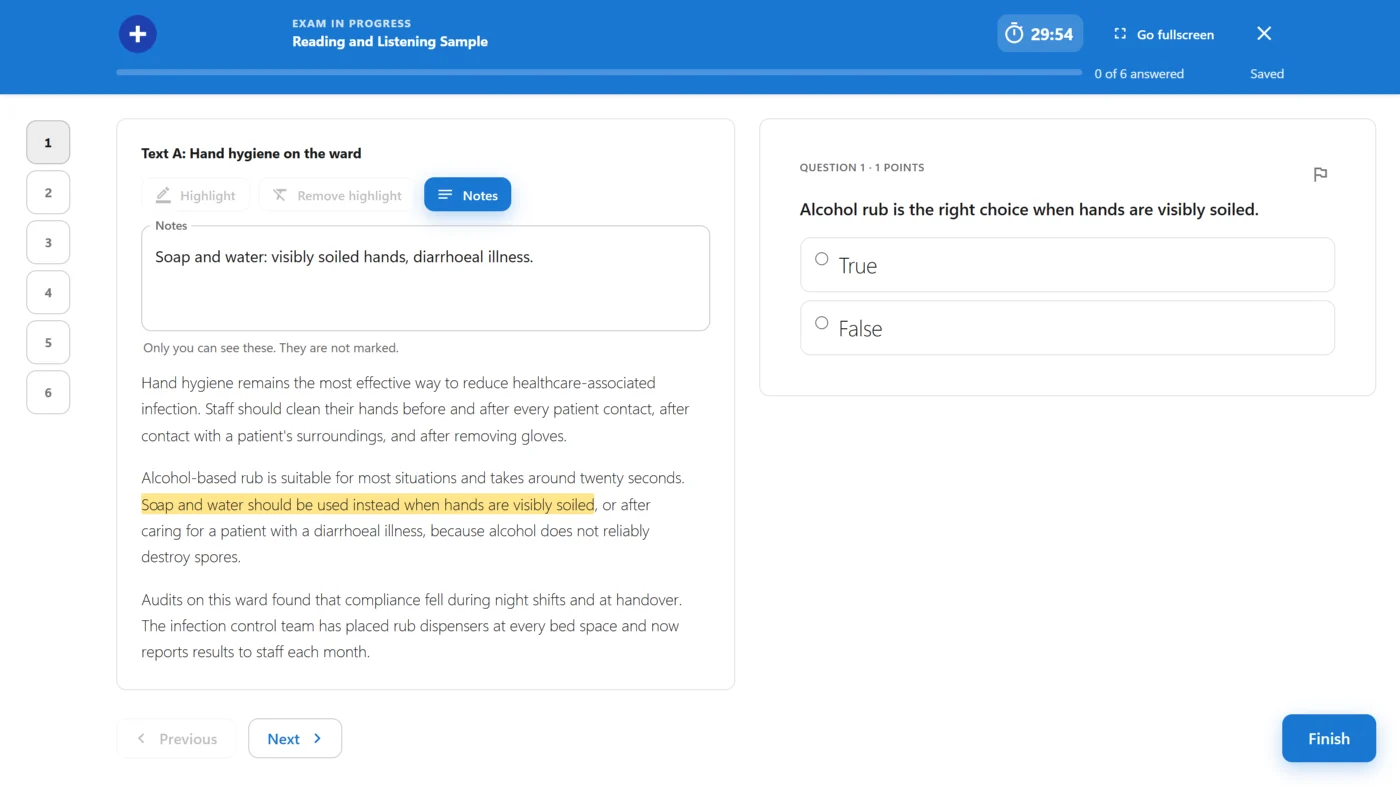
On a wide screen the passage sits on one side and scrolls on its own. On a phone it sits above the question, with a button to hide it. A shuffled exam or a random pool keeps a passage’s questions together.
Candidates can highlight the passage and keep notes. Both are theirs alone: they save with the answers and come back after a reload, they carry no marks, and markers do not see them.
Recordings with a limit on plays
A passage can carry an MP3 or M4A recording. You decide how many plays each candidate gets, whether they may move through the recording, and, when plays are limited, whether they may pause it.
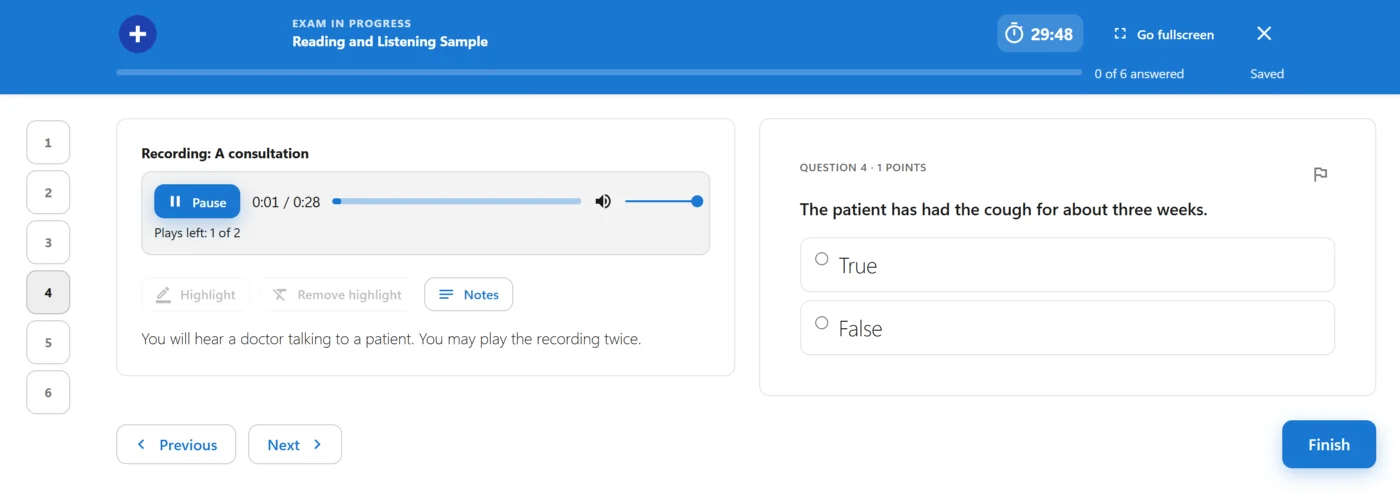
The server counts the plays, so repeated requests cannot get another download once they are used. A technical fault does not cost a candidate the recording either: after a reload they carry on from the last saved place without spending a play.
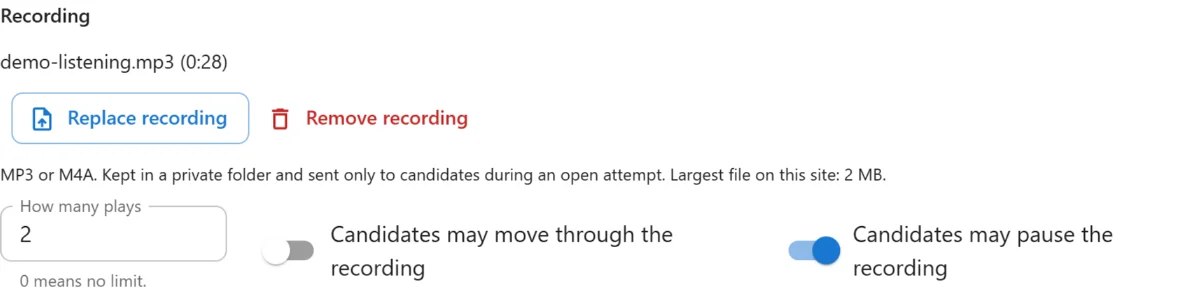
The file is not in the media library and has no public link. That deters casual saving, but it cannot prevent it, as anybody can record their own computer’s sound. The passages guide explains the limits, including the rule nginx needs to protect the folder.
A transcript appears only on the review page after the exam, never during it, so it is safe to include the answers in one.
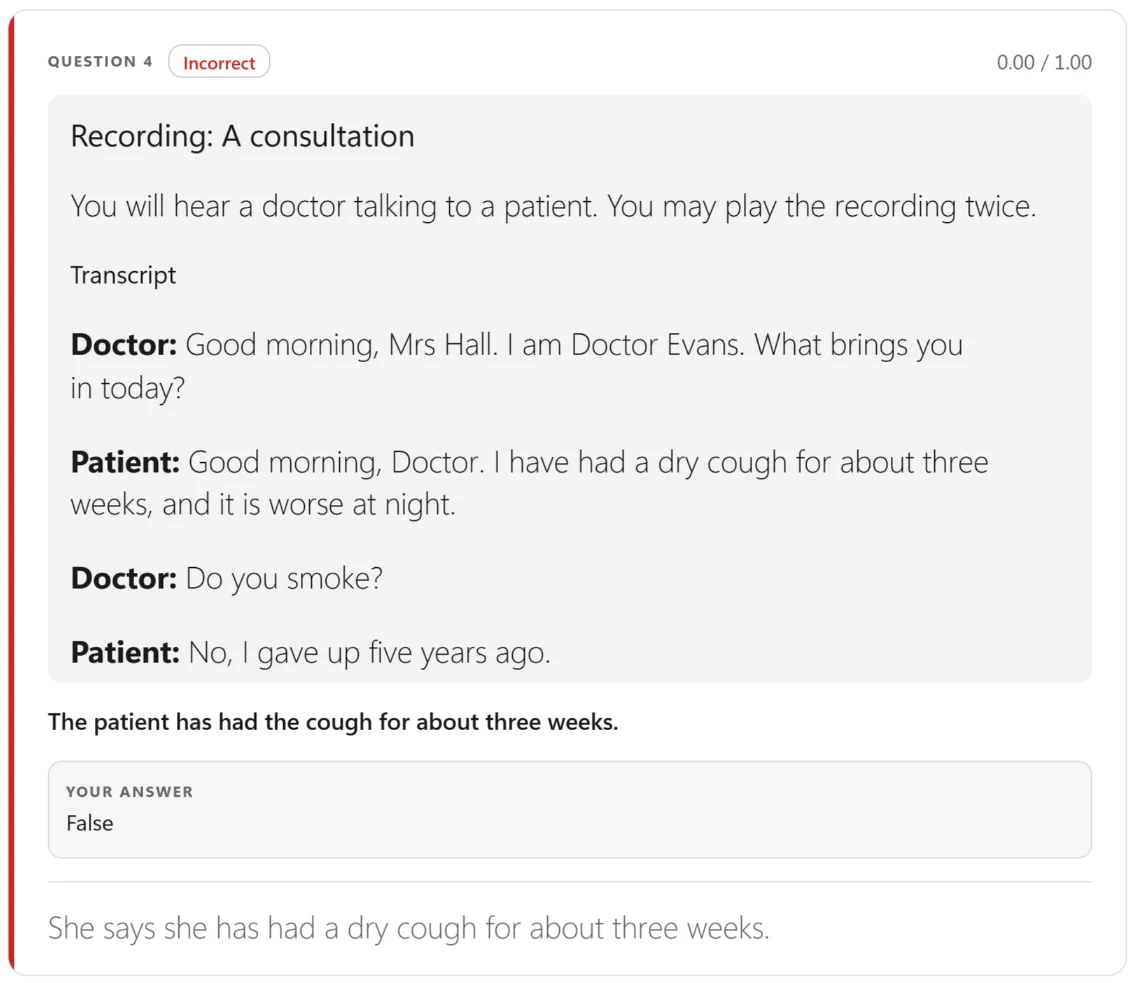
To try it, install the demo dataset: it now includes a Reading and Listening Sample exam.
Fullscreen now works
Before 1.2.0, the exam’s Fullscreen setting did nothing. Now Offered gives the candidate a button in the header, and Required covers the paper until they go fullscreen, and again if they leave.
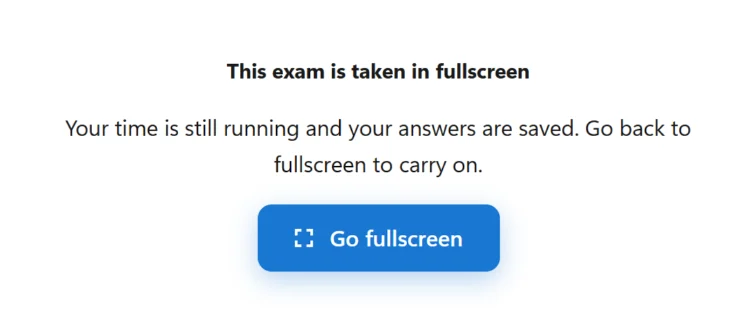
The clock keeps running behind the cover. A device that cannot go fullscreen, such as an iPhone, carries on as normal.
Exam environment and your logo
Two new switches PRO apply per exam: hide the site’s menu and footer during the sitting, and block copying, right-click and printing. The second is a deterrent, not a guarantee, as browser tools and a photograph of the screen get past it.

In the free plugin too, Settings -> Colours -> Exam logo puts your logo in the header of a paper in progress, beside the exam’s title.

And two fixes
- The last answers saved as a tab closes are now far more likely to arrive.
- An expiry reminder PRO no longer goes out straight after buying access shorter than the reminder period.
The passages guide and the exam runner guide cover all of this in detail, and every change is in the 1.2.0 changelog.