

Contents
WooCommerce - Plugixa Permalink Manager
PRO The WooCommerce integration lets a shop have the addresses a shop
should have: no /product/, no /product-category/, categories in the path,
and nothing broken at checkout.
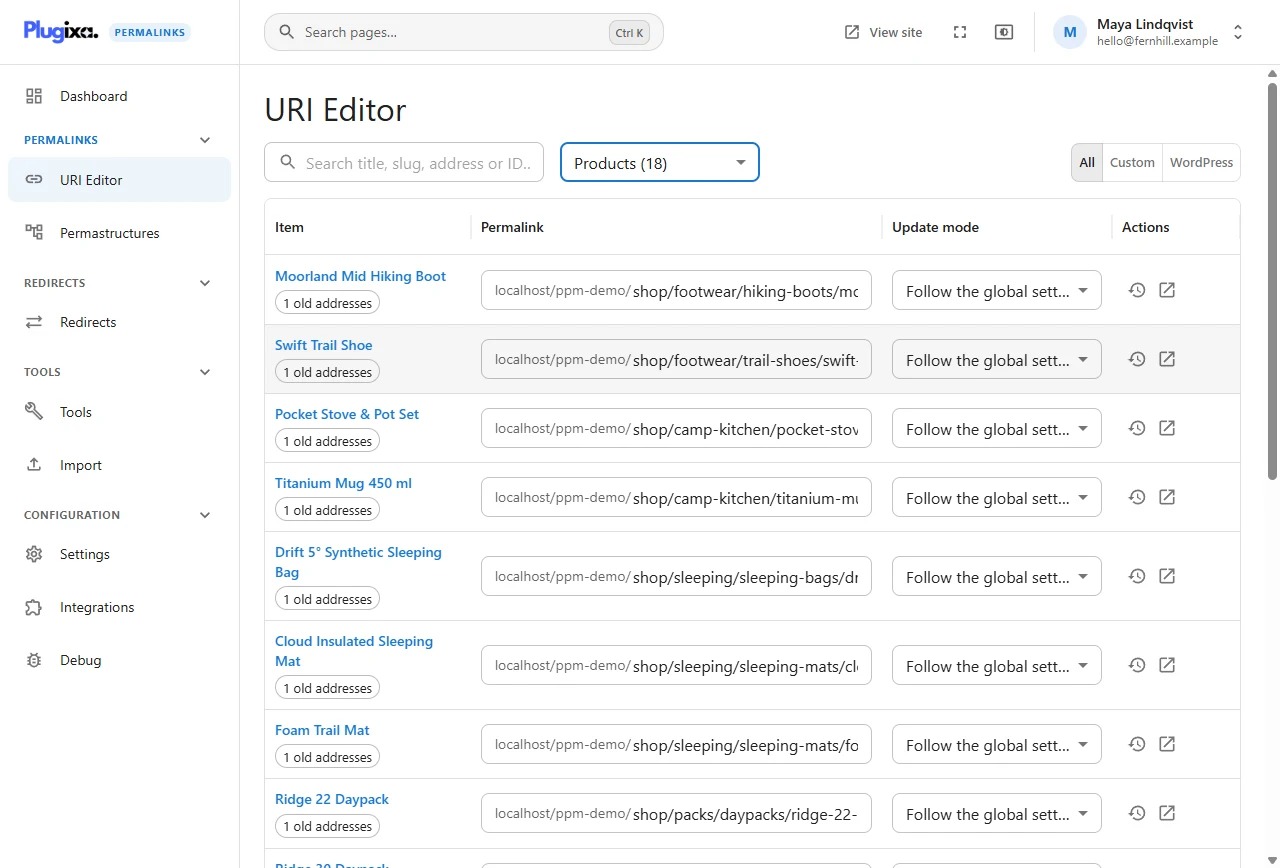
What a shop looks like afterwards
The demonstration shop, Fernhill Outdoor, before and after:
| WooCommerce default | With patterns | |
|---|---|---|
| Product | /product/skyline-3-backpacking-tent/ |
/shop/tents/backpacking-tents/skyline-3-backpacking-tent/ |
| Category | /product-category/tents/backpacking-tents/ |
/shop/tents/backpacking-tents/ |
| Brand | /brand/kestrel/ |
/brands/kestrel/ |
Two patterns do it:
- Products:
shop/%product_cat%/%postname% - Product categories:
shop/%product_cat%
Then one Regenerate run for each. The default addresses redirect to the new ones.
Any single product can still have an address typed by hand. The shop’s
best-seller lives at /shop/tents/skyline-2/.
Tags for products
On top of the standard tags:
| Tag | Replaced by |
|---|---|
%product_cat%, %product_cat_flat%, %product_cat_top% |
The product’s category: full path, own slug, or top-level ancestor |
%product_brand%, %product_tag% and their _flat / _top forms |
The same for brands and product tags |
%sku% |
The product’s SKU |
%pa_colour% and other %pa_...% tags |
The value of a product attribute. Pro lists them in the tag picker |
A pattern such as shop/%product_cat_top%/%sku% gives short, stable addresses
that do not change when a product is renamed: /shop/tents/tnt-sky-2/.
The shop page
WooCommerce shows the product catalogue on whichever page you chose as the shop. With the integration on, that page can have any custom address, and it is still the catalogue, including its second and later pages.
Cart, checkout and My account
These pages can have custom addresses too. WooCommerce’s sub-pages, such as
/my-account/orders/ and the order-received page after checkout, keep working
under whatever address you give the parent page. This part is in the free
plugin.
The integration reserves WooCommerce’s own technical addresses, so no item can be given an address that would break payment gateways or the WooCommerce app.
Switching it off
Use WooCommerce on the Integrations screen turns the integration off. Products keep their custom addresses, since those come from the core plugin; the shop-specific behaviour described here stops.
Without Pro
The free plugin gives products and product categories custom addresses and
patterns, with %product_cat%, the other taxonomy tags and attribute tags, and
keeps account and checkout sub-pages working. %sku%, the shop page handling
and the reserved technical addresses are Pro.