

Contents
Plugixa Permalink Manager - User Documentation
Welcome to the official documentation for Plugixa Permalink Manager, a WordPress plugin that lets you decide exactly what every address on your site looks like. Type an address by hand, or generate thousands from a pattern. When an address changes, the old one keeps working through a redirect.
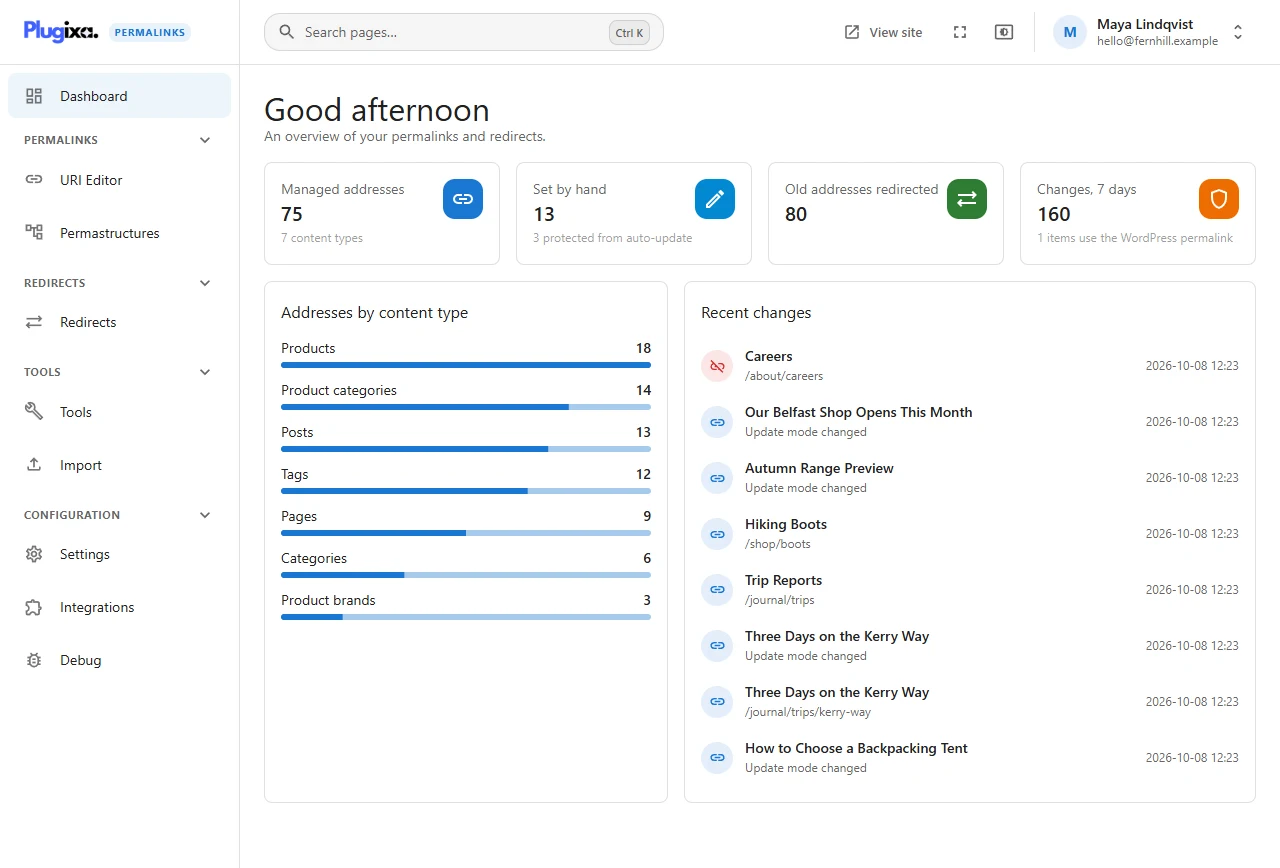
Plugixa Permalink Manager ships in two editions:
- Free - custom addresses for posts, pages, custom post types, categories, tags and custom taxonomies; URL patterns with a live preview; the URI Editor; fields on the edit screens and in Quick Edit; automatic redirects from old addresses; Regenerate and the Health check with preview and undo; import from Permalink Manager and Custom Permalinks; and the Polylang, WPML, Yoast SEO, Rank Math and SEOPress integrations.
- Pro PRO - the Redirects screen with manual and external redirects, Find and replace, the WooCommerce and Advanced Custom Fields integrations, import of the redirects kept by SEO plugins, and WP-CLI commands.
The free edition is not a trial. See the complete Free vs Pro feature matrix.
Three decisions that shape everything else
An address belongs to one item. Every custom address is stored once, in the plugin’s own database table, and no two items can hold the same one. If you type an address that is taken, you are told who owns it and offered a free one.
Changing an address never breaks a link. The moment an address changes, the old one is kept as a redirect to the new one. Visitors, search engines and the links in last year’s newsletter all still arrive.
Nothing is moved until you say so. Saving a URL pattern changes no existing address. Bulk tools show a preview first, and every real run can be undone.
The examples in this documentation
Every screenshot was taken on the same demonstration site: Fernhill Outdoor, an outdoor-gear shop with a journal. It has 18 products in 13 product categories, 13 journal posts, and a handful of pages. Its addresses look like this:
| Content | Address |
|---|---|
| A product | /shop/tents/backpacking-tents/skyline-3-backpacking-tent/ |
| A product with a hand-typed address | /shop/tents/skyline-2/ |
| A product category | /shop/tents/backpacking-tents/ |
| A journal post | /journal/guides/camping/sleeping-bag-ratings-explained/ |
| A help page | /help/size-guide/ |
Where to go next
| I want to… | Read |
|---|---|
| Install the plugin and set my first address | Getting started |
| Change one address, or twenty | URI Editor |
| Give a whole content type a new shape | Permastructures |
| Know what happens to the old address | Automatic redirects |
| Move every existing address to a new pattern | Regenerate addresses |
| Come over from another permalink plugin | Import |
| Find out why an address does what it does | Debug |
| Install Pro, or see what an update does | Installing and updating |
| Let somebody who is not an administrator use the plugin | Roles and permissions |
| Extend the plugin from code | Hooks |
Requirements
- WordPress 6.5 or newer
- PHP 8.2 or newer
- Pretty permalinks switched on (Settings, Permalinks, anything except “Plain”)