

Contents
Settings - Plugixa Permalink Manager
Settings are grouped into four tabs. The defaults suit most sites; a new install works without opening this screen at all.
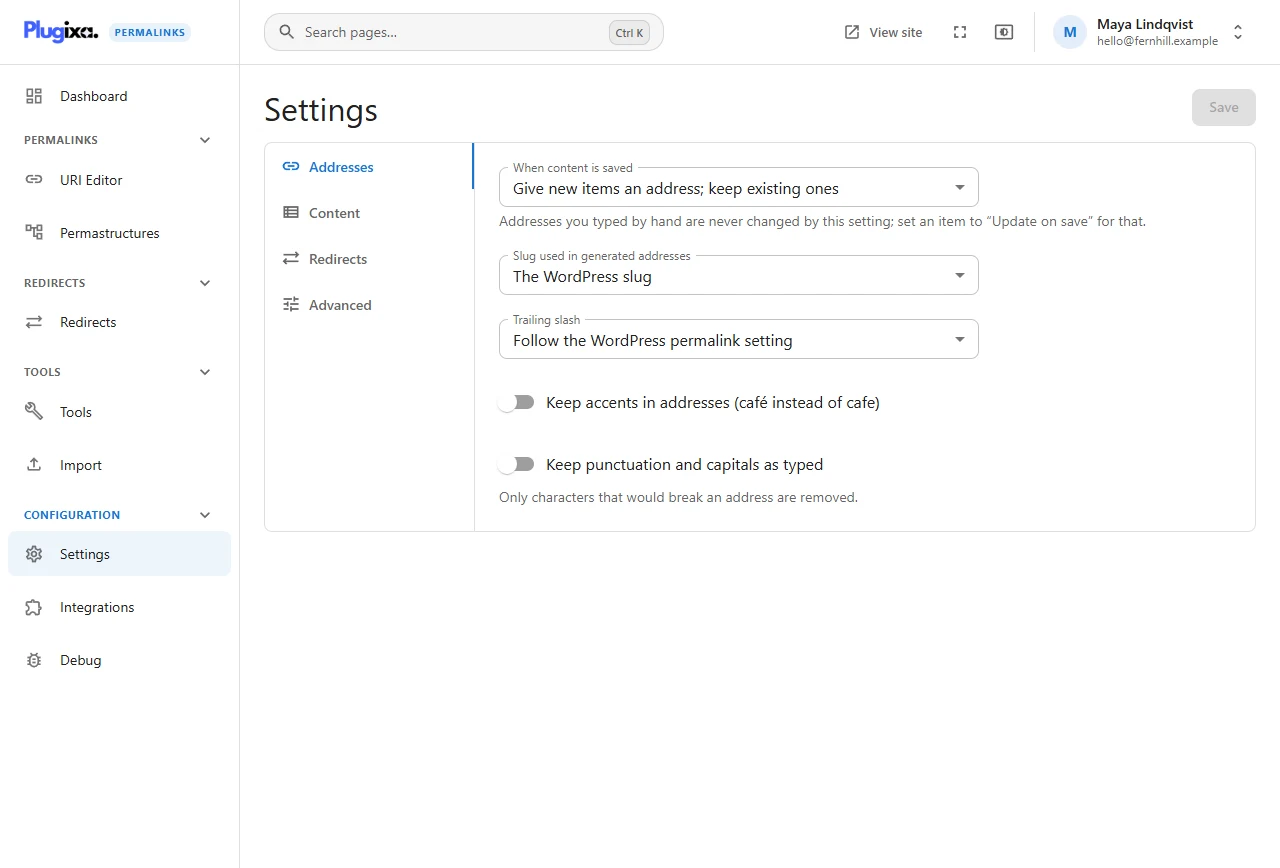
| Tab | What it decides |
|---|---|
| Addresses | What happens when content is saved, which slug is used, trailing slashes, accents and punctuation |
| Content | Which post types and taxonomies have custom addresses, single items to leave alone, drafts |
| Redirects | Redirect type, old addresses, WordPress addresses, slashes, query strings, other sites |
| Advanced | Who may edit addresses, how long history is kept, safe mode, deleting data |
Saving
Changes on a tab are not applied until you click Save. Saving a setting never moves an existing address: settings decide how addresses are made and served from now on. To apply a new rule to existing content, run Regenerate addresses.
Who can change settings
Viewing needs access to the plugin; saving needs the plugin’s settings permission. Administrators have both. Delete all permalink data when the plugin is deleted can only be changed by a user who can manage the site’s options. The exact permission names are in Roles and permissions.
The setup wizard sets the same things
The setup wizard is a guided pass over the most common of these options. Anything it sets can be changed here.
Integrations have their own screen
Switching an integration on or off is done on Integrations, not here.