

Contents
On this page
Languages and right-to-left - Plugixa Stream
Plugixa Stream speaks your site’s language. The Watch app, the series pages and the blocks show their text in the language set under Settings -> General -> Site Language, and the Watch app mirrors itself for Arabic and other right-to-left languages.
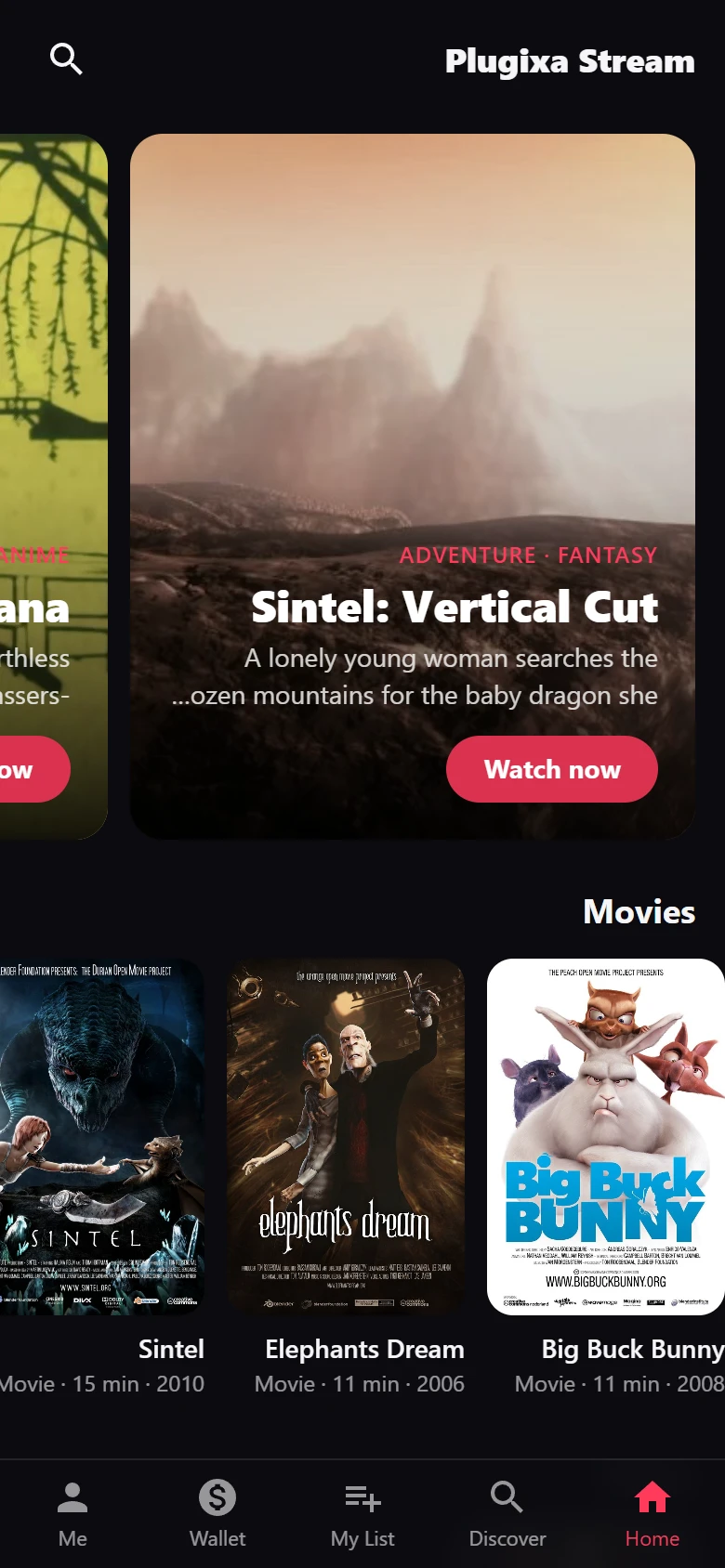
Right-to-left languages
When your site language is written right to left, such as Arabic, Hebrew or Persian, the Watch app switches its whole layout:
- The page reads from right to left: the logo and app name sit on the right, the menu and search on the left.
- Rows of posters, the featured carousel and the episode grid start on the right.
- Buttons, badges and the search icon move to the mirrored side, and the back arrow points the other way.
- Text in the player and its panels lines up on the right.
There is nothing to switch on: the app follows WordPress’s own direction for the site language.
The System and Serif fonts in Appearance include fonts for Arabic script, so Arabic titles render cleanly on most devices without downloading a font.
The series pages, page templates and embeds sit inside your theme, which sets their direction.
Translating the plugin
The plugin’s text uses the text domain plugixa-stream. A translation template ships in
the plugin at languages/plugixa-stream.pot.
The admin app’s labels and the Watch app’s text are kept in the plugin’s PHP files, generated
from the apps, so they are translated the usual WordPress way: there is no separate file for
the apps. One .mo file covers the admin screens, the Watch app and the series pages.
The block settings in the block editor are the one exception: like every block editor script,
they read WordPress’s JavaScript translation files (.json), which are made from the same .po
file, for example with wp i18n make-json.
To translate:
- Create a translation from
plugixa-stream.potwith any.poeditor, or a translation plugin. - Name the files after your locale:
plugixa-stream-<locale>.poand its compiledplugixa-stream-<locale>.mo, for exampleplugixa-stream-fr_FR.mofor French. - Upload them to
wp-content/languages/plugins/.
Keep translations in wp-content/languages/plugins/ rather than in the plugin’s own folder:
a plugin update replaces the plugin folder and would remove them.
Placeholders. Strings such as Episode %d or %1$d of %2$d episodes free to watch carry
numbers. Keep each %d, %s or %1$d in your translation. The numbered form lets a translation
put the values in another order.
The separator. The “ · “ between the items of a facts line (“2025 · 12 episodes”) is a translatable string too, so a language with a different list separator can change it.
What is not translated by the plugin
The titles, synopses, episode names, genres and row headings you write are your content. The plugin shows them as you typed them in each language you entered them in.
The Languages field of a series (and its /series-languages/ pages) describes the language
the title is spoken in. It is a catalog filter, not a site translation. See
Genres and taxonomies.
Polylang
On a site translated with Polylang, the genre, tag, studio and language pages of Plugixa Stream keep listing their series.
Polylang filters archive pages by language. Stream series are not part of Polylang’s translated content by default, so they carry no language, and that filter would show every genre page empty. The plugin lifts the language filter on its own archive pages while the series content type is not translated in Polylang. If you choose to translate series in Polylang’s settings, Polylang’s filter is kept and works as Polylang intends.
Quick Links
Share