

Contents
SEO Plugins (Yoast SEO / RankMath) — Plugixa Team
Plugixa Team auto-detects Yoast SEO and RankMath and integrates cleanly with each — injecting Person entities into the SEO plugin’s existing schema graph instead of emitting separate JSON-LD blocks. This avoids duplicate schema and preserves your SEO plugin’s linked-data graph.
No configuration required. The integration runs automatically whenever the SEO plugin is active.
How it works
Without an SEO plugin
Plugixa Team emits two <script type="application/ld+json"> blocks per shortcode:
- Organization schema with
employeeentities (one per visible member). - ItemList schema (an enumerated collection of Persons).
Each Person entity includes: @id, worksFor, knowsAbout (skills), workLocation, memberOf (department), ImageObject with dimensions, sameAs (social links), email, telephone, url.
With Yoast SEO
When Yoast is active (WPSEO_VERSION defined):
- Plugixa Team’s own JSON-LD output is suppressed via the
plugixa_team_render_schemafilter. - Person entities are injected into Yoast’s graph via the
wpseo_schema_graph_piecesfilter. - The result: one merged
<script>tag with both Yoast’s page / site schema and Plugixa Team’s team entities, properly cross-linked via@id.
With RankMath
When RankMath is active (class_exists('RankMath')):
- Same suppression pattern.
- Person entities are injected via the
rank_math/json_ldfilter. - Cross-linking to the SEO plugin’s
@idfor Organization and WebPage nodes.
Both active?
Yoast takes priority. This scenario is uncommon (sites usually run one or the other), but if both are active, the plugin injects into Yoast’s graph and leaves RankMath’s graph untouched.
Linked data bridge
Plugixa Team populates a request-scoped $plugixateam_rendered_members global when a shortcode renders. The integration reads this to know which members to include in the page’s schema. This happens at render time, so only members actually displayed on the page show up in the schema (paginated-out members don’t).
Schema SEO settings PRO
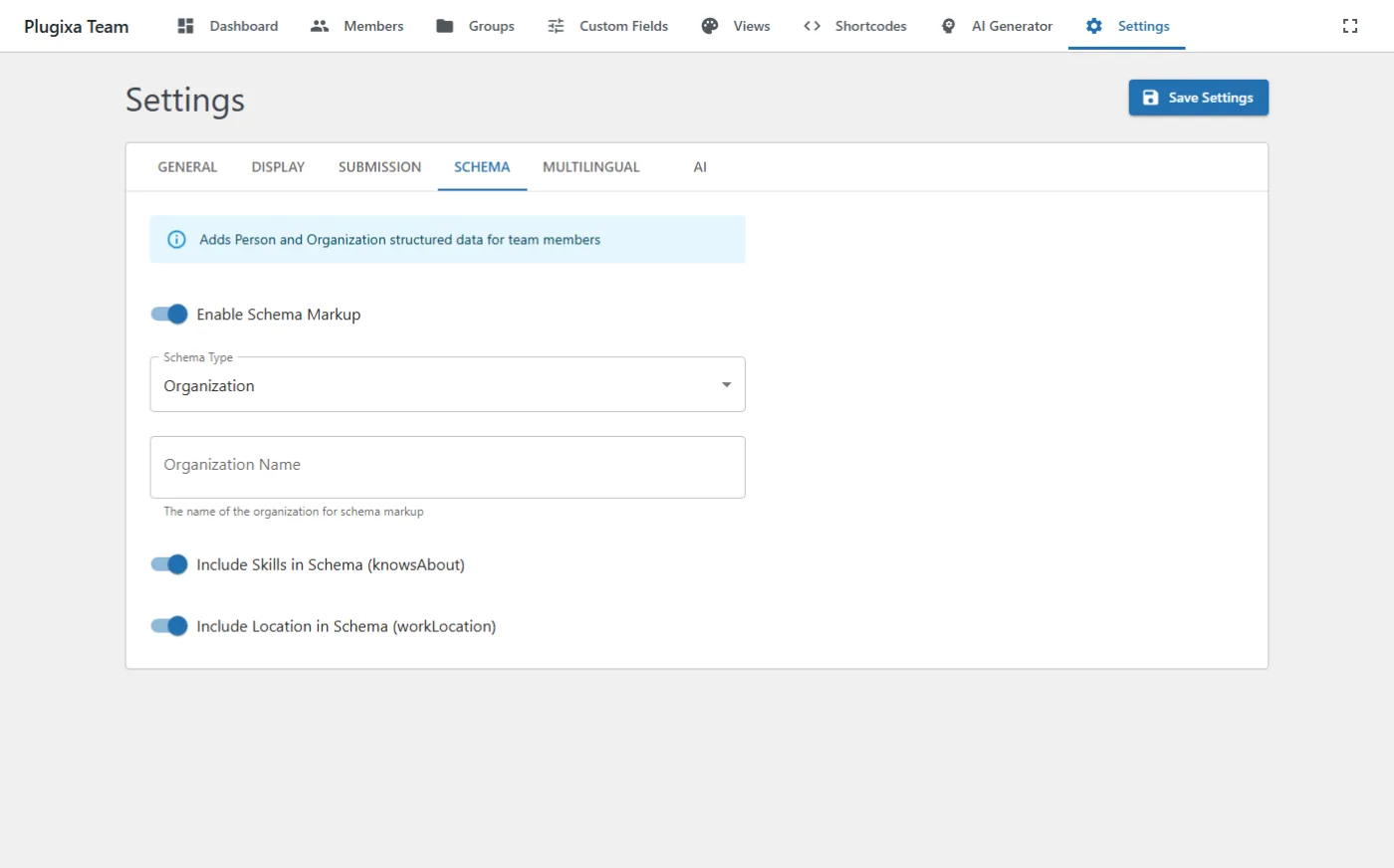
For advanced schema control (Organization type, logo, name overrides), see Settings → Schema and Settings → Schema / SEO. Some options like schema_type (LocalBusiness, Corporation) and logo selection are Pro features gated behind the schema_seo feature key.
Customizing the output
Skip schema on a specific shortcode
[plugixa_team schema="0"]
Disables JSON-LD (both standalone and injected) for this instance only.
Globally disable schema
Settings → Schema → Enable schema = off. The plugin emits no JSON-LD and the SEO plugin integration skips injection.
Filter Person entities before output
add_filter( 'plugixa_team_person_schema', function ( $person, $member ) {
    // Remove emails from schema for privacy
    unset( $person['email'] );
    return $person;
}, 10, 2 );
Change the Organization type
Settings → Schema → Type. Options: Organization (default), LocalBusiness, Corporation, NGO, EducationalOrganization, etc.
Microdata (HTML itemprop)
Independent of JSON-LD, all 9 frontend templates include HTML microdata attributes on member cards:
<article itemscope itemtype="https://schema.org/Person">
  <h3 itemprop="name">Jane Smith</h3>
  <p itemprop="jobTitle">Senior Engineer</p>
  <p itemprop="description">…</p>
  <img itemprop="image" src="…" />
  <a itemprop="sameAs" href="https://linkedin.com/...">LinkedIn</a>
</article>
Some crawlers prefer microdata over JSON-LD; having both is harmless and maximizes structured-data coverage.
Responsive images
Templates use wp_get_attachment_image() with srcset/sizes for optimized image delivery. This improves Largest Contentful Paint scores on team pages where member photos are often the LCP element.
Verify with Google’s tools
- Rich Results Test: Google Rich Results Test — paste your team page URL to validate structured data.
- Search Console → Enhancements → Organization — monitors schema health over time.
For Yoast users, the merged graph is visible in page source as a single JSON-LD block at the bottom of <head>.
Troubleshooting
Duplicate schema appears in page source
This means the suppression filter didn’t fire in time. Common causes:
- A custom theme caches the
<head>at page generation and strips the filter’s effect. - A minification plugin runs before Plugixa Team’s filter.
Fix: clear any HTML/page cache and retry.
Person entities don’t appear in Yoast graph
- Confirm members are actually rendered on the page (they must be in the current DOM for the request-scoped global to populate).
- Confirm Yoast version is recent enough to support
wpseo_schema_graph_pieces(8.0+ is fine).
RankMath shows its own JSON-LD but no Plugixa data
- Confirm RankMath’s schema module is enabled (Dashboard → Modules).
- Check the
rank_math/json_ldfilter is being called — some custom themes replace RankMath’s output wholesale.
Related
- Settings → Schema
- Shortcodes —
schemaattribute - Hooks —
plugixa_team_render_schema,plugixa_team_person_schema