Contents
Gutenberg Block — Plugixa Team
Plugixa Team registers a native Gutenberg block named Plugixa Team (block name plugixa-team/team-display). Use it to drop a team directly into any post, page, or template without writing a shortcode.
Insert the block
- Open the block editor on any post or page.
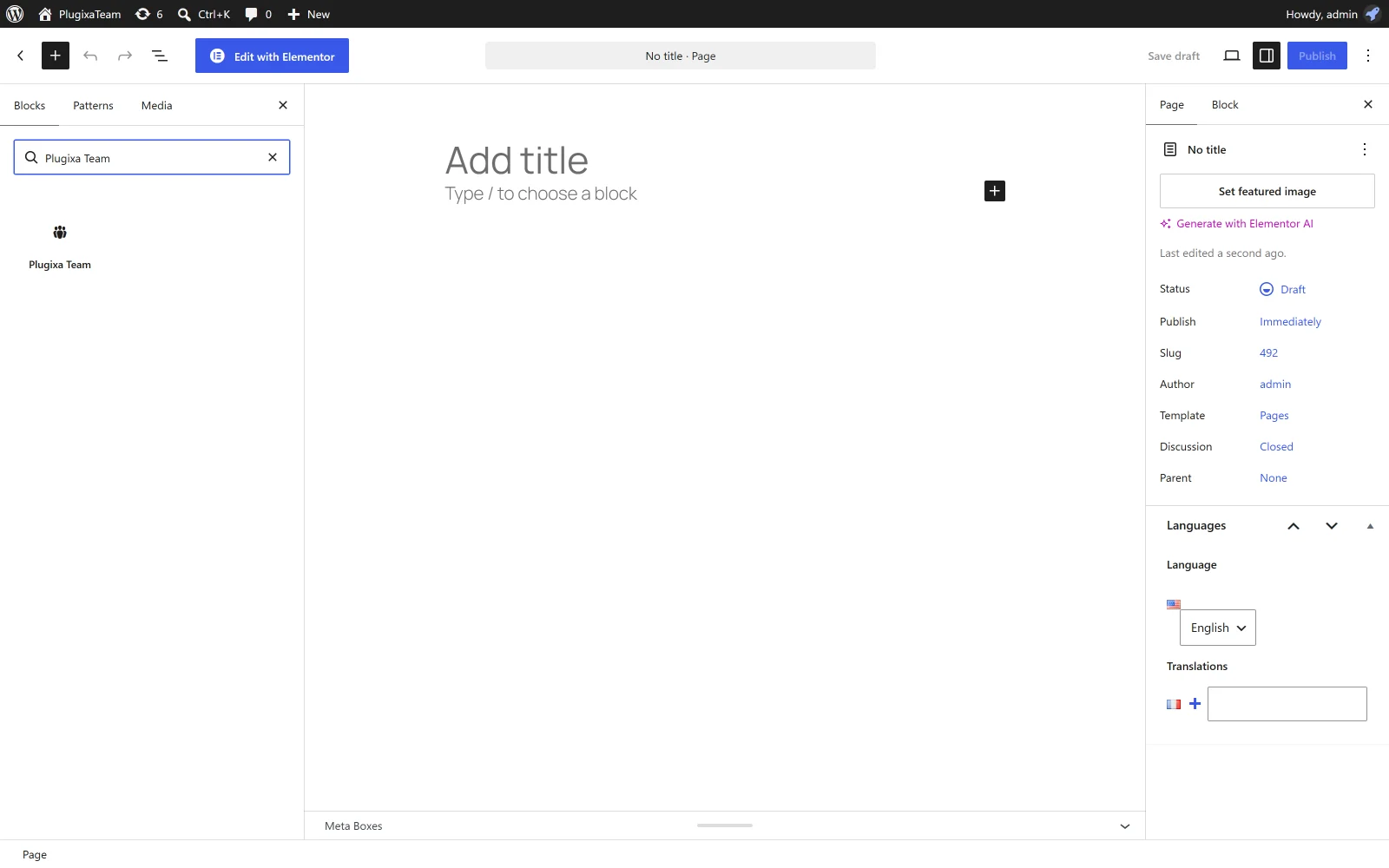
- Click + → search for “Plugixa Team”.
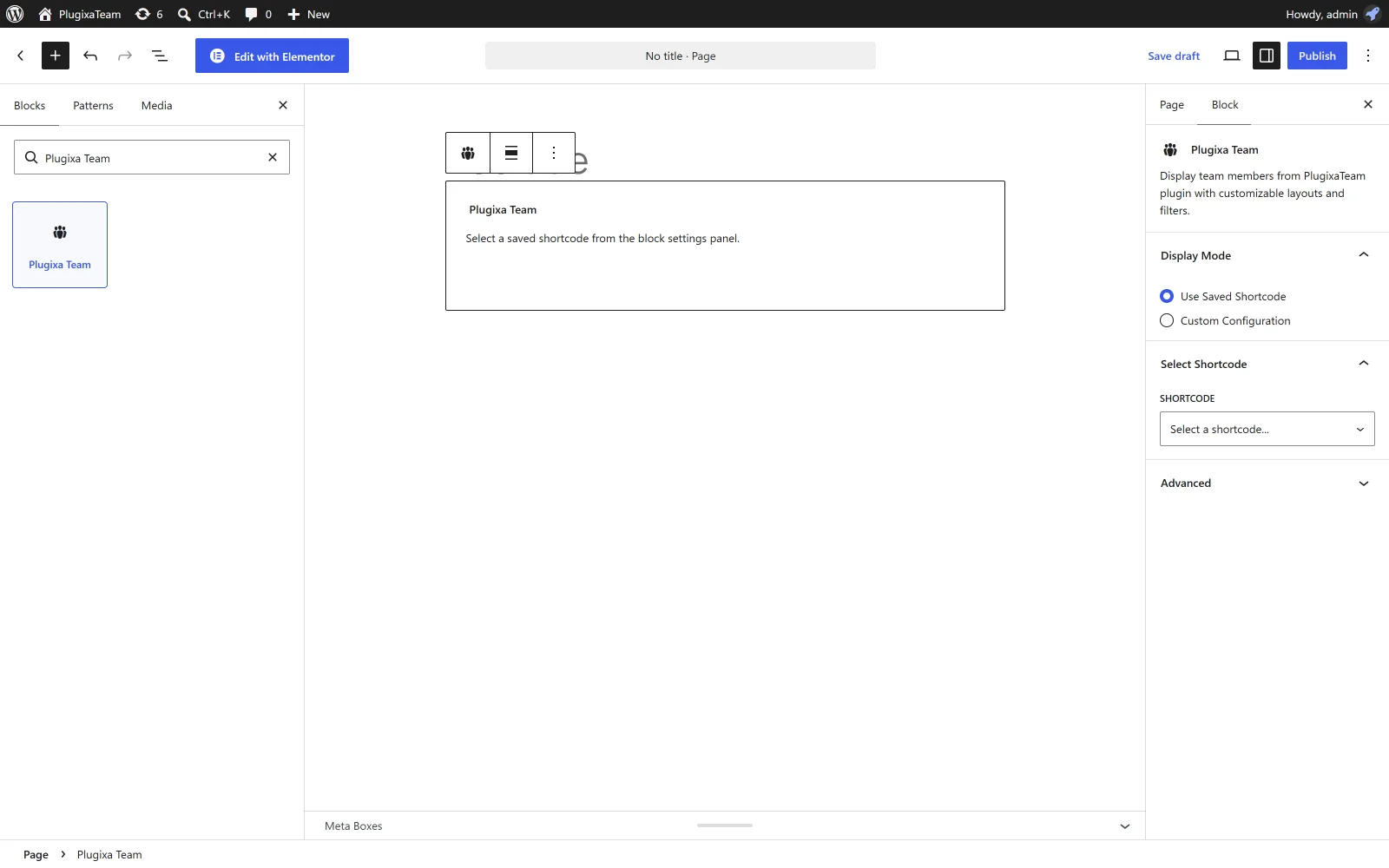
- Insert the block. The default view renders automatically in the editor via
ServerSideRender.

Modes
The block has two modes controlled by the “Display Mode” radio in the sidebar:
1 · Existing shortcode
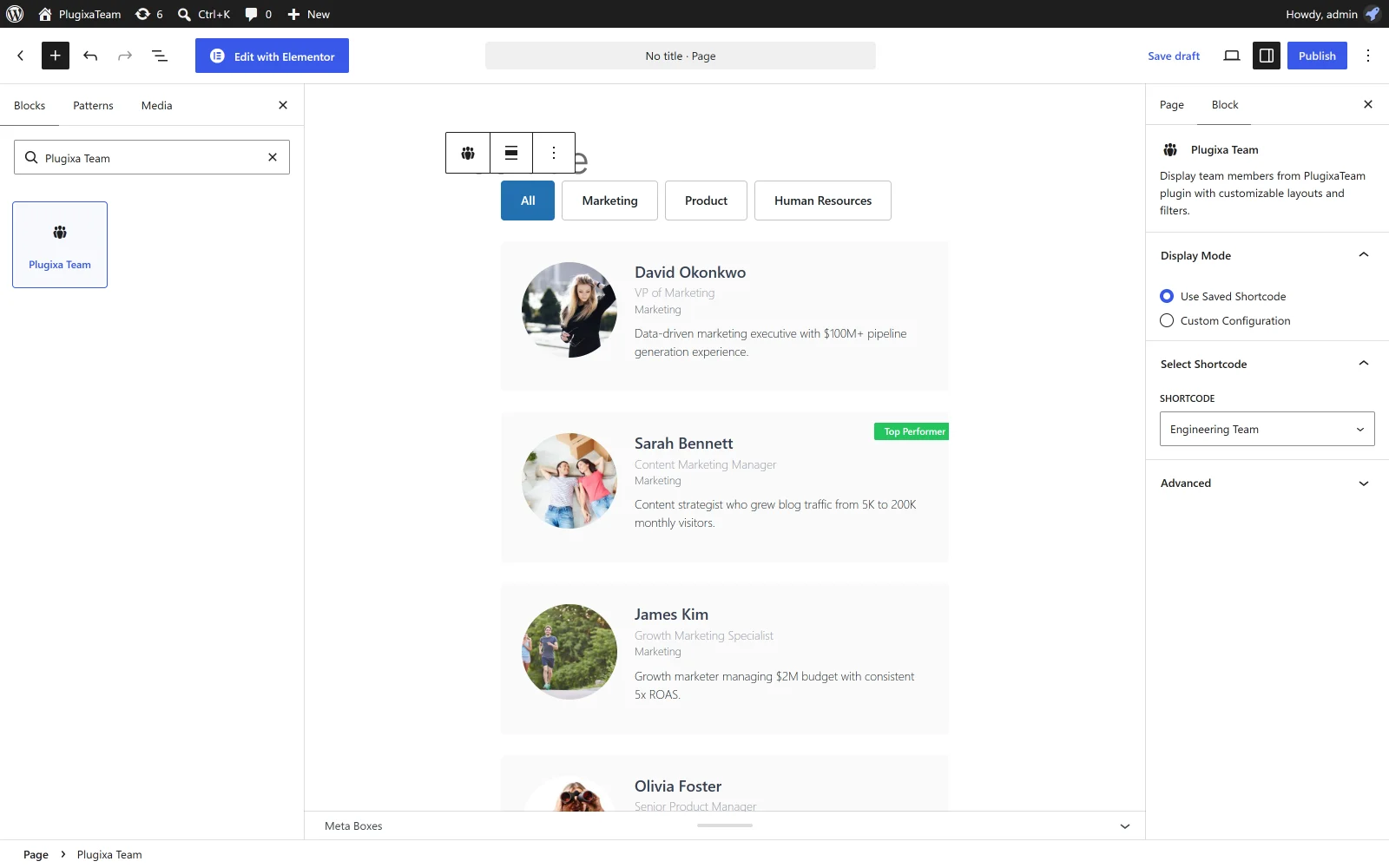
Pick a saved shortcode from the dropdown. The block reuses that shortcode’s configuration — perfect when you’ve built a config in the Shortcode Builder and want to reuse it across pages.
2 · Custom
Configure a one-off rendering directly in the block sidebar. All shortcode options are exposed as InspectorControls:
Query
- View — pick a saved view.
- Groups — multi-select from the groups list.
- Limit — max members to fetch.
- Order by —
display_order,created_at,first_name,last_name,hire_date. - Order — ascending / descending.
- Featured only — toggle.
Display Options
Show / hide toggles for: photo, name, job title, department, bio, social, skills, ribbon, email, phone.
Preview
The block uses WordPress’s ServerSideRender — the actual PHP shortcode renders in the editor, so what you see matches the frontend exactly.
Swiper carousels include a MutationObserver script that reinitializes Swiper after every ServerSideRender update, so carousels work correctly even as you tweak sidebar settings.
Block attributes
| Attribute | Type | Default | Description |
|---|---|---|---|
mode |
string | existing |
existing or custom. |
shortcodeId |
number | 0 |
Saved shortcode ID (existing mode). |
viewId |
number | 0 |
View ID (custom mode). |
group |
string | "" |
Comma-separated group IDs / slugs. |
limit |
number | -1 |
Max members. |
orderby |
string | display_order |
Sort field. |
order |
string | ASC |
Sort direction. |
featuredOnly |
bool | false |
Only featured members. |
showPhoto |
bool | true |
|
showName |
bool | true |
|
showJobTitle |
bool | true |
|
showDepartment |
bool | true |
|
showBio |
bool | true |
|
showSocial |
bool | true |
|
showSkills |
bool | true |
|
showRibbon |
bool | true |
|
showEmail |
bool | false |
|
showPhone |
bool | false |
Data flow
The block fetches groups, views, and saved shortcodes from the plugin’s REST API via apiFetch:
GET /wp-json/plugixateam/v1/groups
GET /wp-json/plugixateam/v1/views
GET /wp-json/plugixateam/v1/shortcodes
Editor users need the edit_posts capability to load these lists.
Block build
The block source lives at assets/blocks/team-block/ and is built with @wordpress/scripts:
cd assets/blocks
npm install
npm run build
# Output: assets/build/blocks/team-block/
The build ships with the plugin ZIP, so end users don’t need to run this.
Troubleshooting
Block appears as “This block has encountered an error”
- Check the browser console — usually a PHP fatal in a custom hook.
- Confirm the shortcode renders correctly on the frontend first.
Sidebar selects are empty
- Confirm the editor user has the
edit_postscapability. - Check the browser’s Network panel for
/wp-json/plugixateam/v1/...requests — they should return200. - If a security plugin blocks REST requests for logged-in users, whitelist the
plugixateam/v1namespace.
Carousel doesn’t slide in the editor
This is usually a Swiper reinit issue. The block uses a MutationObserver to call window.PlugixaTeamApp.init() after every render. If this script is disabled by a page builder:
- Switch back to the frontend preview to verify rendering is correct.
- Open the classic code editor view to confirm the block’s serialized attributes are what you expect.
Related
- Shortcodes — the same options in shortcode form
- Views — design presets picked in the sidebar
- Integrations: Elementor PRO