

Contents
Colours - Plugixa Team
Every colour a card uses is a field here, and the preview redraws as you change them.
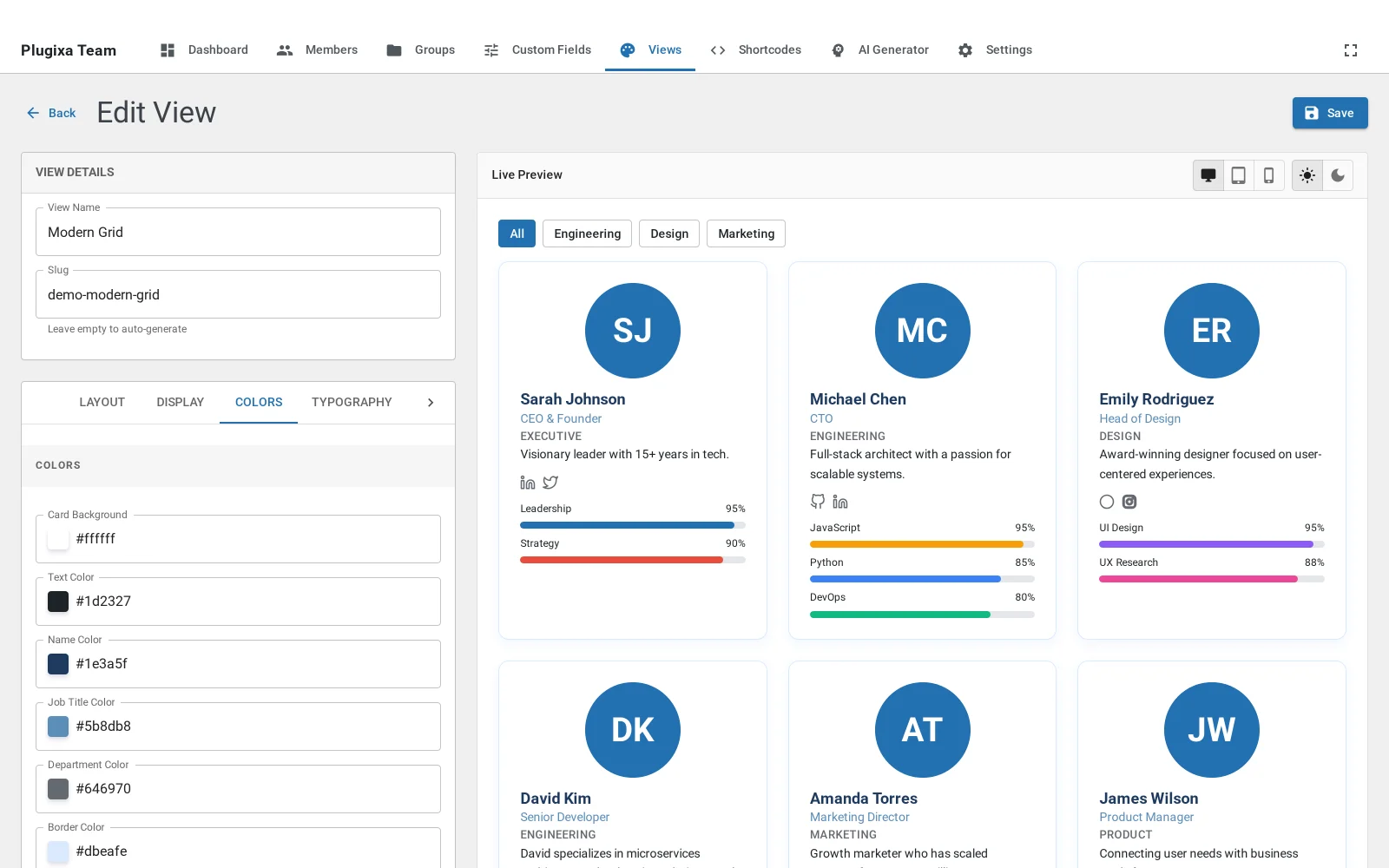
What you can set
Card background and the page behind it, the name, the job title, the department, the body text, borders, and the ribbon with its own text colour. Dark mode is set here too, as its own set of the same values.
Working with a brand
The two that carry the most weight are the name colour and the border. The name is the thing a visitor reads first, and the border is what makes a card look like part of your site rather than part of a plugin. Everything else can usually stay as it is.
Skill bar colours come from the skill, not from here, so a team can be monochrome with the bars still carrying meaning.
What to do next
Typography for sizes and weights.