

Contents
Display fields - Plugixa Team
A member carries many fields. This panel decides which of them a given view puts on screen.
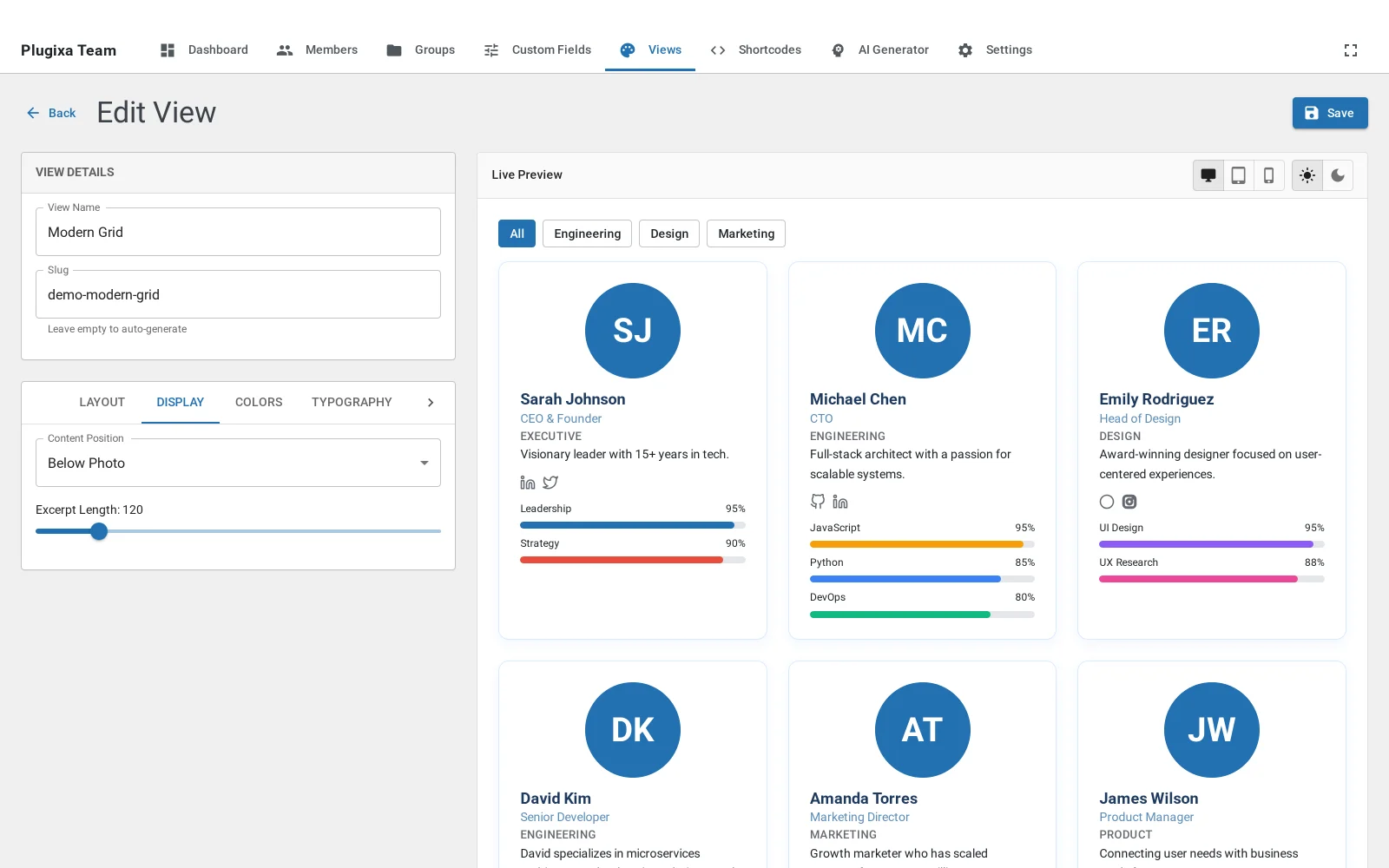
Why it is per view and not per member
Because the same person belongs on an internal directory with a phone extension and on a public page without one. Storing the field once and choosing its visibility per view is what avoids keeping two versions of everybody.
It is also how a layout stays itself
Switching layout does not automatically trim the fields. A table with a long bio turned on is a table with one enormous column; an inline strip with skills on wraps into something that is no longer inline. When a layout looks wrong, this panel is usually the reason.
Short bio and long bio
Two separate fields on the member, so a dense layout can show the short one and a card the full one without truncating mid-sentence.