Contents
Settings — Plugixa Team
Global settings live in the plugixateam_settings WordPress option (a single flat array). The REST API returns and accepts this flat key-value object — there’s no nested grouping on the wire.
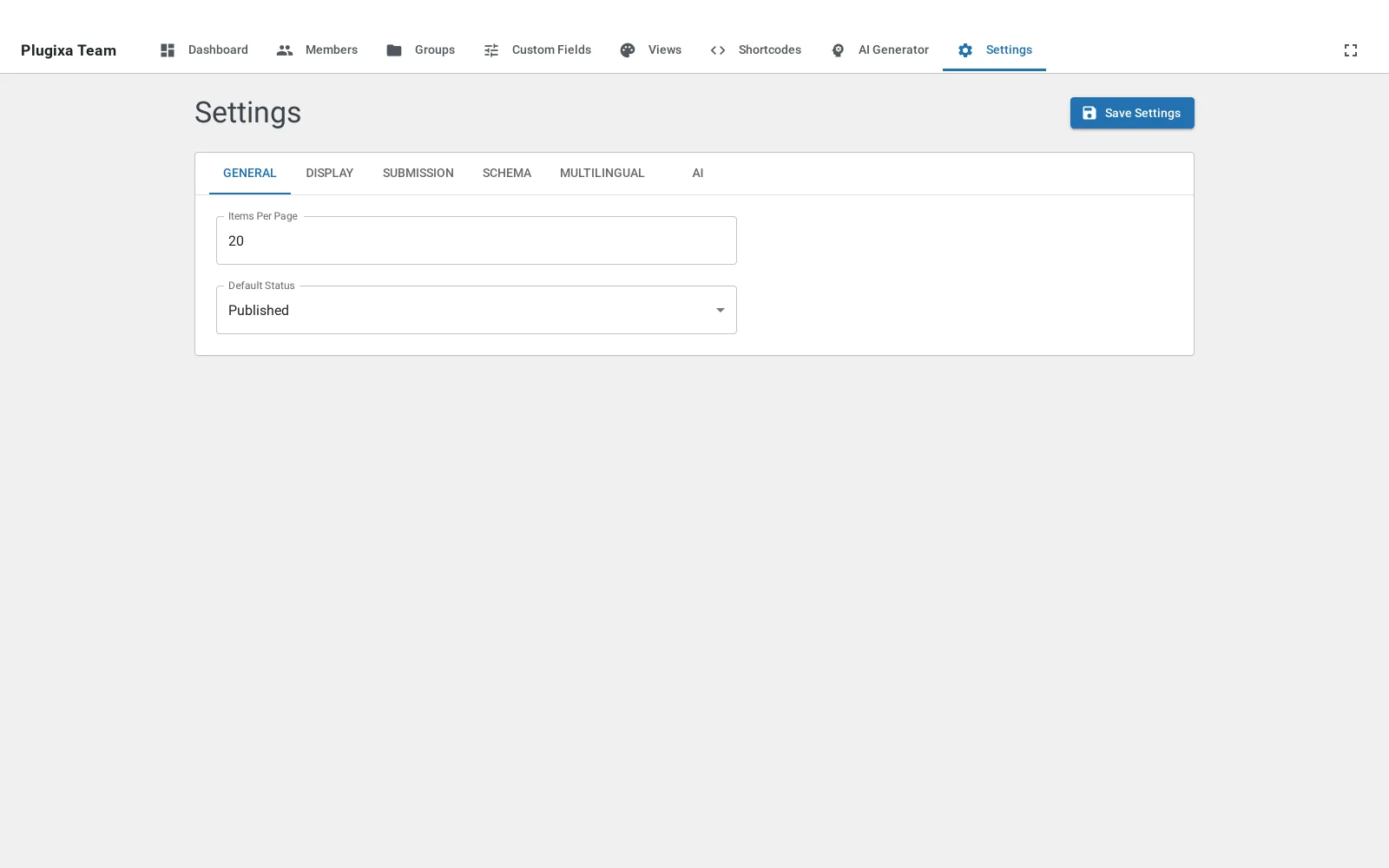
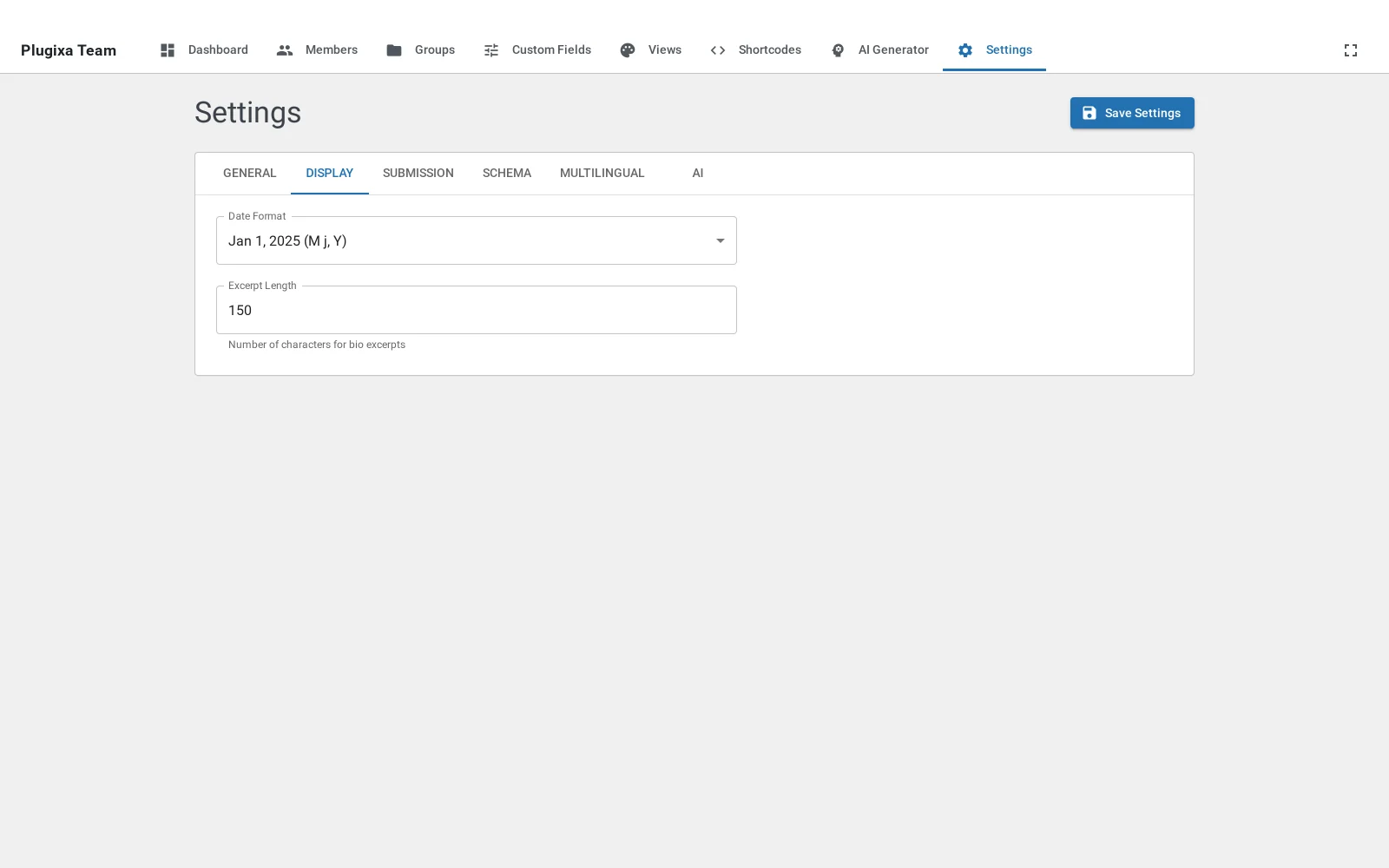
Open Plugixa Team → Settings in the admin sidebar. The page uses a tabbed layout, and every value here is the lowest priority default — a view can override it, and a shortcode attribute overrides the view.

Settings cascade
Shortcode attribute (highest)
↓ overrides
Saved shortcode config
↓ overrides
View config
↓ overrides
Global setting (this page) (lowest)
If a setting doesn’t seem to apply, check the higher-priority layers first (see Troubleshooting — Changing a setting doesn’t affect a shortcode).
Tabs
| Tab | Pro? | Controls |
|---|---|---|
| General | — | Default layout, pagination, sort defaults. |
| Display | — | Which member fields are visible (photo, name, bio, email, etc.). |
| Submission | PRO | Frontend [plugixa_team_form] behavior + reCAPTCHA. |
| Schema | PRO | JSON-LD Person / Organization output and Yoast/RankMath hand-off. |
| Multilingual | — | WPML / Polylang detection and fallback display. |
| WooCommerce | PRO | Per-product “Team” tab (tab appears only when WooCommerce is active). |
| AI | PRO | OpenAI / Gemini provider, keys, model, temperature, tokens. |
REST API
GET /wp-json/plugixateam/v1/settings
POST /wp-json/plugixateam/v1/settings
The response / request body is a flat object:
{
"default_layout": "grid",
"members_per_page": 8,
"show_photo": true,
"show_bio": true,
"ai_enabled": false,
"recaptcha_enabled": false,
"enable_schema": true,
"schema_type": "Organization"
}
Dashboard stats:
GET /wp-json/plugixateam/v1/settings/dashboard
Demo data PRO:
POST /wp-json/plugixateam/v1/settings/demo-data # Load
DELETE /wp-json/plugixateam/v1/settings/demo-data # Reset + re-seed
All endpoints require manage_options capability.
Hooks
plugixateam/settings/defaults— filter the default settings array returned when no option exists.plugixateam/settings/before_save— filter the settings payload before writing the option.plugixateam/settings/after_save— action fired after the option is updated.
See HOOKS.md for the full reference.
Troubleshooting
Changing a setting doesn’t affect a shortcode
Settings are the lowest priority. A view or per-shortcode override masks them. Check, in this order:
- Shortcode attribute explicitly passed —
[plugixa_team layout="grid"]overrides everything. - Saved shortcode config via
id="..."— override? - View config — override?
Only then does the global setting apply.
reCAPTCHA settings saved but submissions are rejected
- Confirm
recaptcha_thresholdisn’t too high.0.5is the Google-recommended baseline; raise only if you see spam. - Verify the site key and secret key are for reCAPTCHA v3, not v2 (different key types).
AI settings don’t show my model
Click Reload Models on the AI tab. This fetches the current list from the provider, which may include new releases since your last save.
Related
- Views — view overrides global settings.
- Shortcodes — shortcode attributes override views.
- Hooks — filters and actions to customize plugin behavior.