

Contents
Filter layout - Plugixa Team
Where this appears: the Layout panel of any view, once Pro is installed.
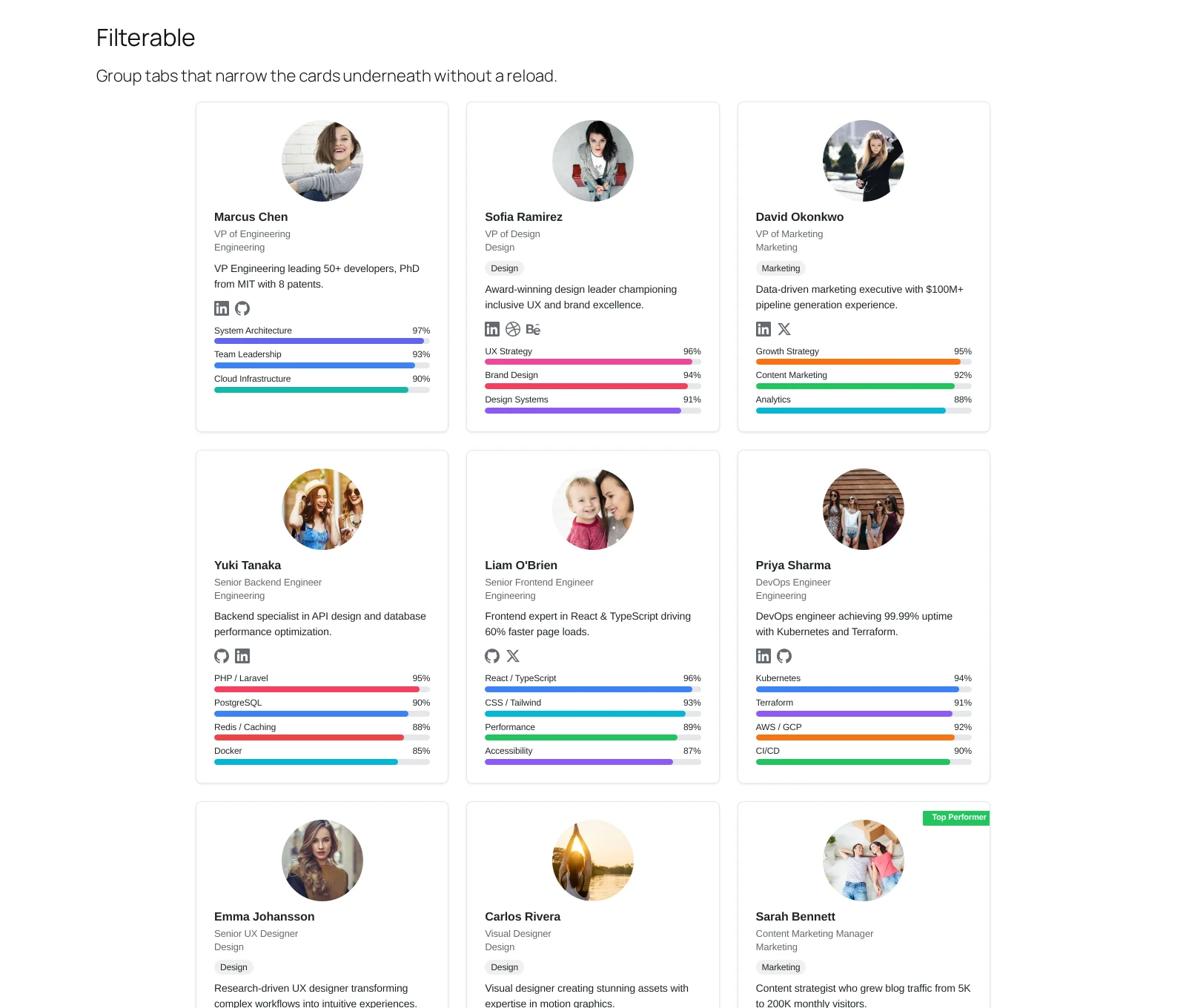
Group tabs across the top, cards underneath, and the cards re-flow when a tab is chosen. Nothing reloads.
When to use it
When visitors arrive knowing which part of the team they want. A company page where half the traffic is looking for Sales does not need to show them Engineering first.
It is the layout that most rewards having groups set up properly, because the tabs are the groups.
Settings that matter
Groups Nav controls the tabs: which groups appear, their order, and whether there is an All tab. Layout controls the cards below, exactly as in a grid.
Troubleshooting
| What you see | Why | What to do |
|---|---|---|
| No tabs | Nobody is assigned to a group | Assign members to groups |
| A tab shows nothing | Everyone in that group is a draft | Publish them |
What to do next
Accordion for a longer organisation.