

Contents
Group navigation - Plugixa Team
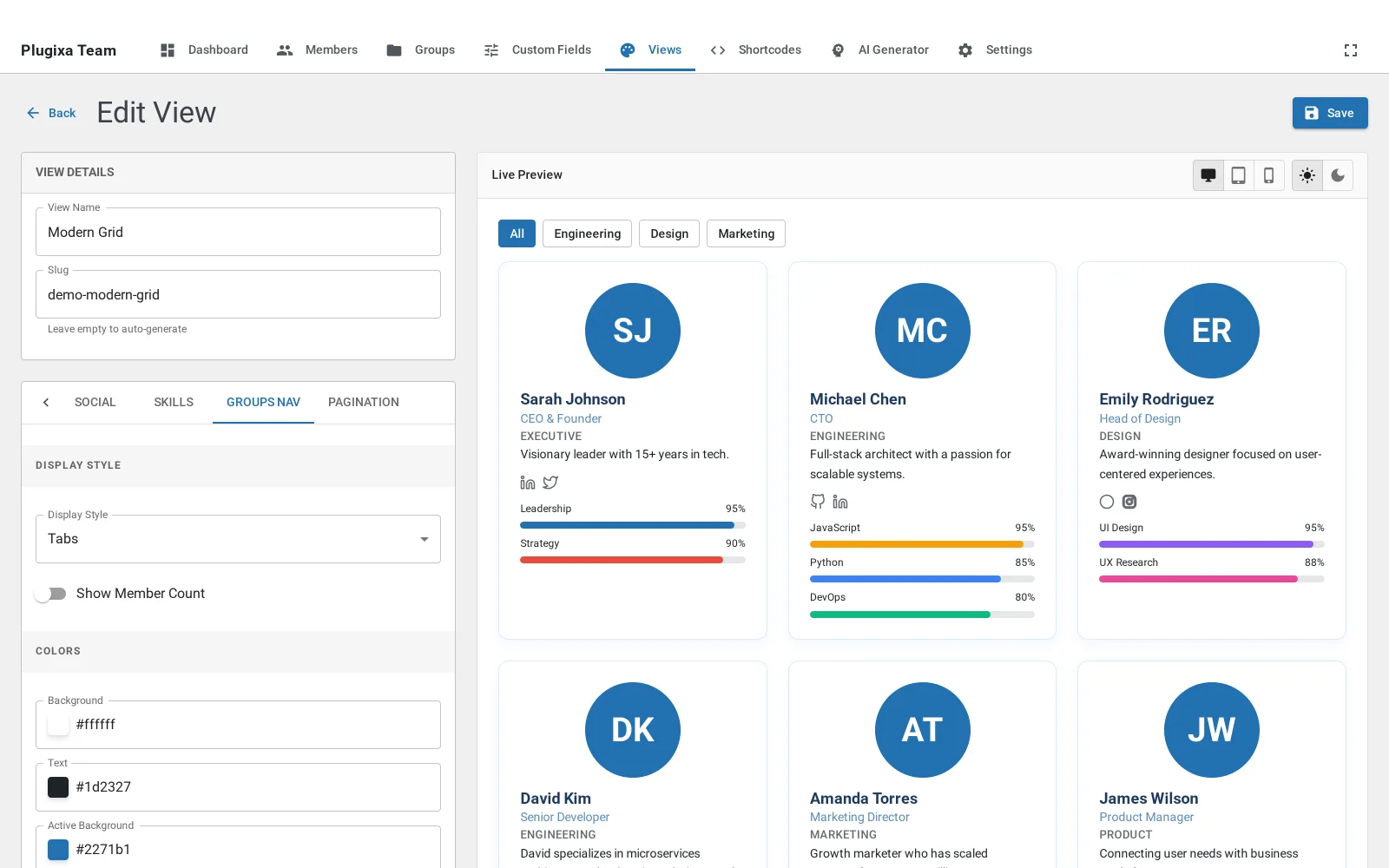
A row of tabs above the layout, one per group, with an All tab in front of them. Choosing one narrows what is shown.
What you can control
Which groups appear and in what order, whether there is an All tab, the alignment of the strip, and whether a member count shows beside each name.
Ordering is a content decision
The order here is the order a visitor reads. Put the group most people came for first. Alphabetical is the default and is almost never the right answer.
On a phone
The strip scrolls sideways rather than wrapping, so it stays one line instead of becoming three rows of tabs above a single card.
Troubleshooting
| What you see | Why | What to do |
|---|---|---|
| No tabs at all | Nobody published is in a group | Assign members to groups |
| A group is missing | It is deselected on this view | Check the panel’s group list |