

Contents
On this page
Inline layout - Plugixa Team
Where this appears: the Layout panel of any view, once Pro is installed.
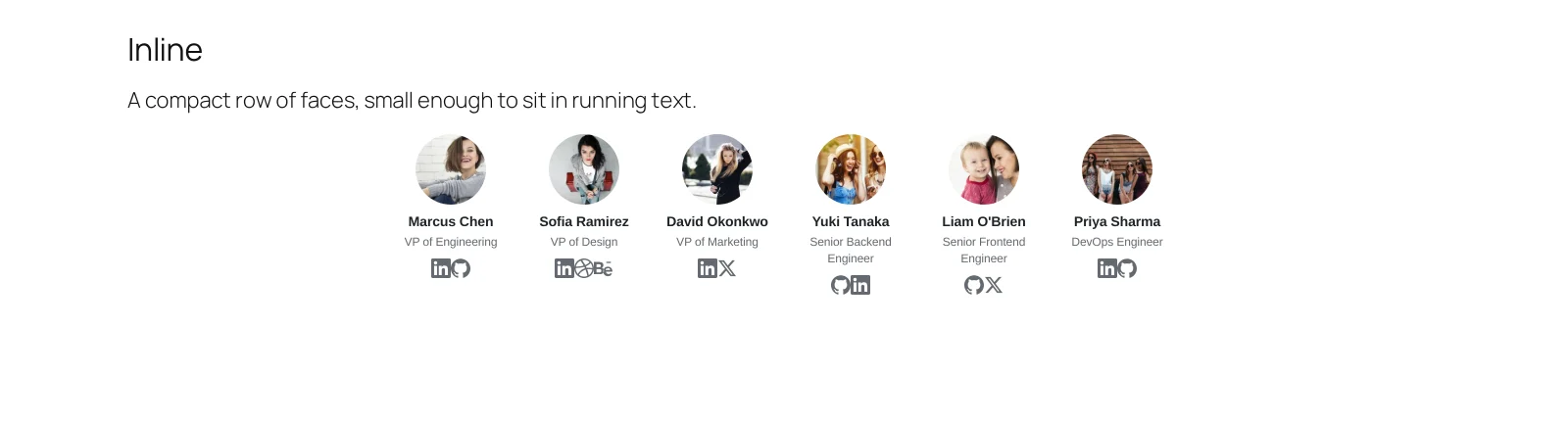
A compact horizontal row: photo, name, role and social icons, and nothing else.
When to use it
Inside a page that is mostly words. An About page that says who founded the company, a case study naming the team that delivered it, a post with the authors at the bottom. It is small enough to sit between paragraphs without taking the page over.
Settings that matter
Limit is the important one. Six or so is the point at which a row stops reading as an aside and starts wrapping into a grid nobody asked for.
Display should be trimmed hard here: no bio, no skills. If the information matters, the page wanted a different layout.
What to do next
Dark mode works across all of them.
Quick Links
Share