

Contents
Display settings — Plugixa Team
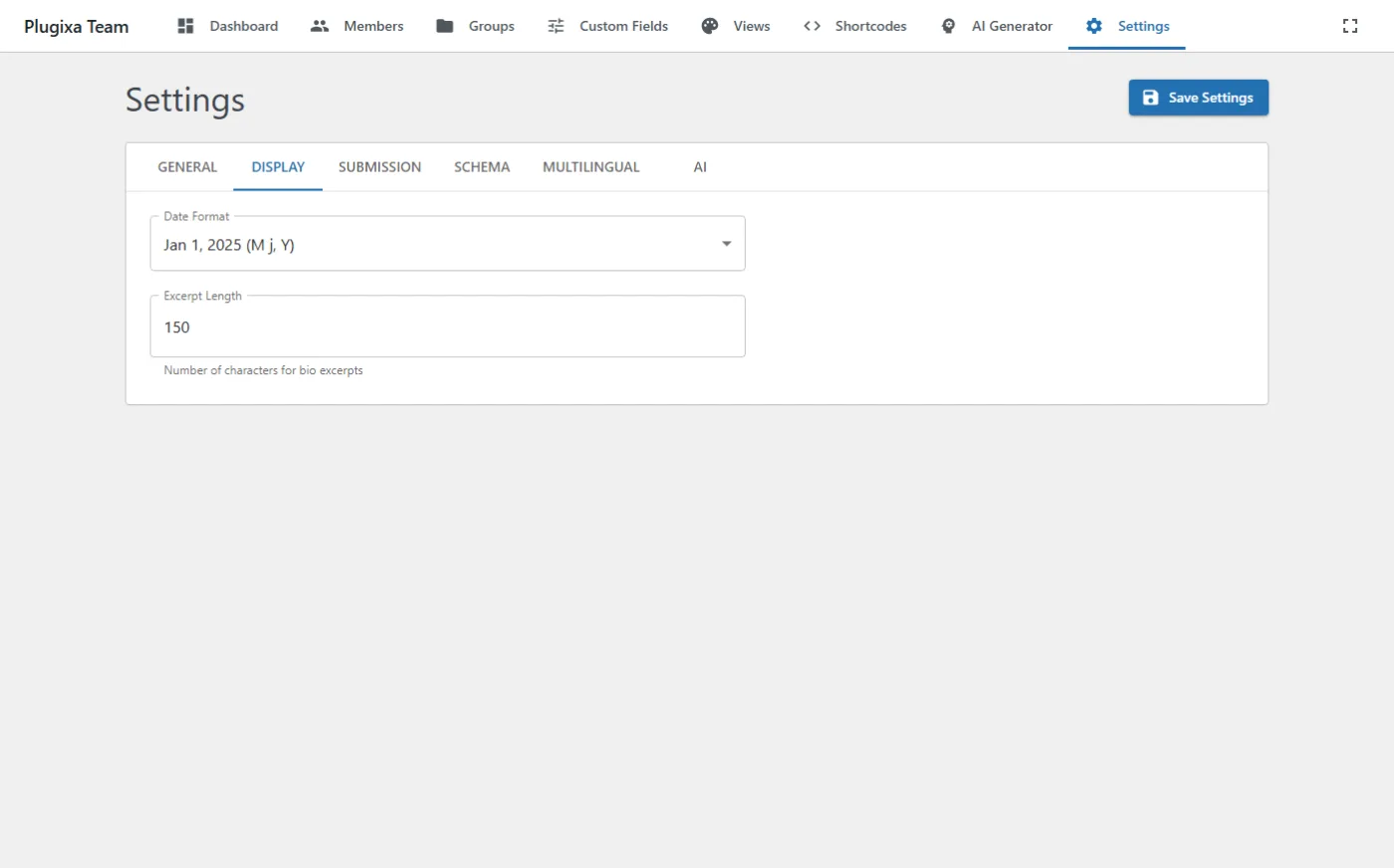
The Display tab toggles which member fields appear in the rendered output by default. Every toggle is the global default — views and shortcodes can flip them.
Options
| Key | Default | Notes |
|---|---|---|
show_photo |
true |
Global default for photo visibility. |
show_name |
true |
|
show_job_title |
true |
|
show_department |
true |
|
show_bio |
true |
|
show_social |
true |
|
show_skills |
true |
|
show_ribbon |
true |
|
show_email |
false |
Off by default to avoid scraping. |
show_phone |
false |
|
excerpt_length |
120 |
Chars for truncated bio fallback when the member has no short bio. |
When the toggle doesn’t take effect
Because these are the lowest priority, a view or shortcode override masks them. Check in this order:
[plugixa_team show_email="true"]— shortcode attribute wins.id="..."points to a saved shortcode config that may set its ownshow_email.- The selected view may override it.
- Only then does this tab apply.
See Settings — Troubleshooting for a deeper walkthrough.
Related
- Views — design presets.
- Custom Fields — adds extra per-member fields that sit alongside these defaults.