

Contents
General settings — Plugixa Team
The General tab sets the fallback layout, pagination, and sort for any shortcode or view that doesn’t override these keys.
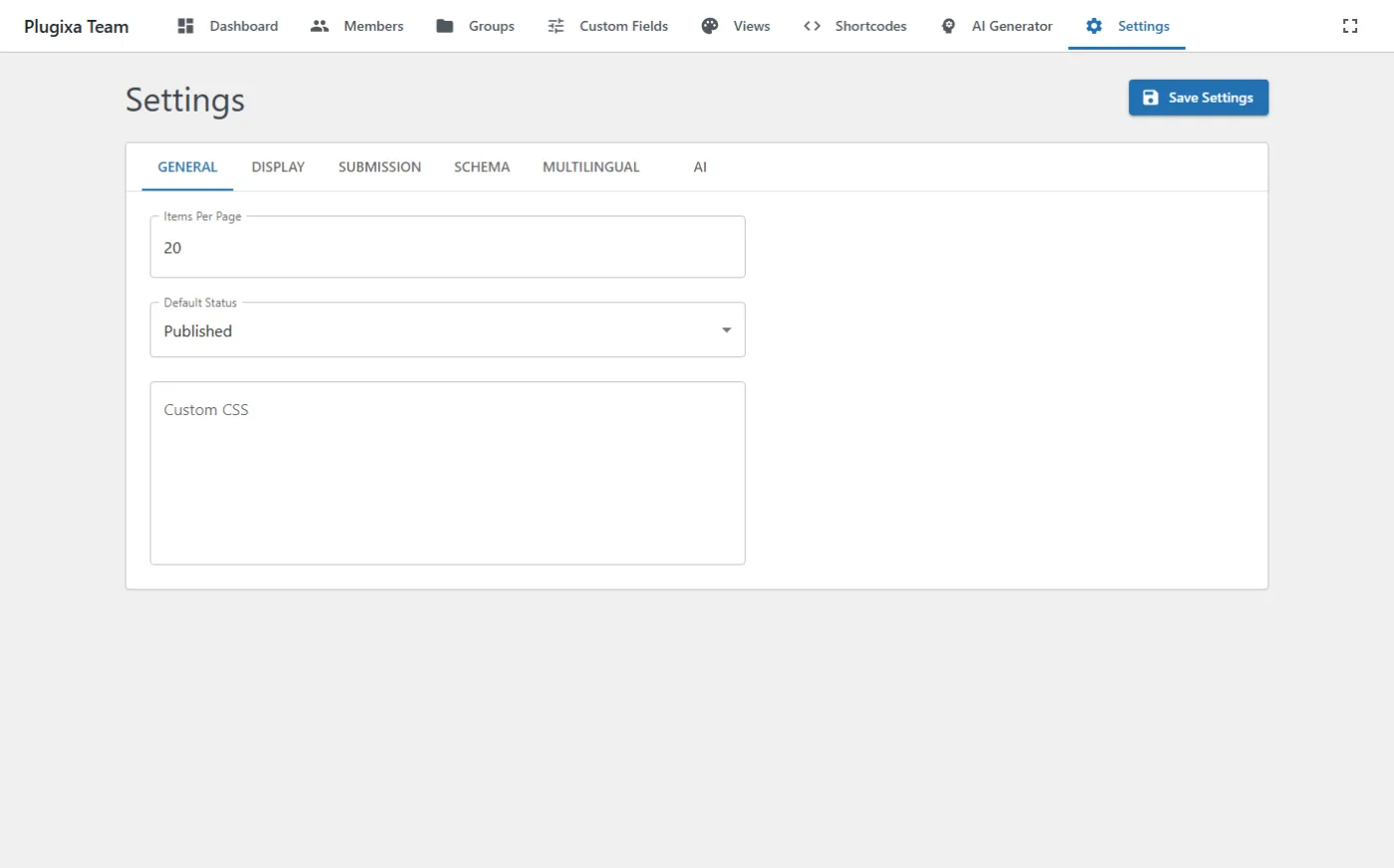
Options
| Key | Default | Values | Notes |
|---|---|---|---|
default_layout |
grid |
grid, list, masonry, carousel, table PRO, inline PRO, filter PRO, accordion PRO, org-chart PRO |
Fallback layout when a shortcode has no view. |
members_per_page |
8 |
int | Default pagination size. |
items_per_page |
20 |
int | Admin list page size. |
default_order_by |
display_order |
display_order, created_at, first_name, last_name, hire_date |
Default sort. |
default_order |
ASC |
ASC, DESC |
Default direction. |
default_status |
published |
published, draft |
Status assigned to new members from the admin. |
custom_css |
"" |
string | Custom CSS injected into the frontend after core styles. |
REST
GET  /wp-json/plugixateam/v1/settings
POST /wp-json/plugixateam/v1/settings
The request body is the same flat object as the overview shows — only the keys above are tied to this tab. Omitted keys retain their previous value.
Related
- Views — override these defaults per-view.
- Shortcodes — override per-shortcode.