

Contents
Schema / SEO settings — Plugixa Team
The Schema tab controls JSON-LD output emitted by Plugixa Team shortcodes. Structured data helps Google display richer results (team cards, organization knowledge panels).
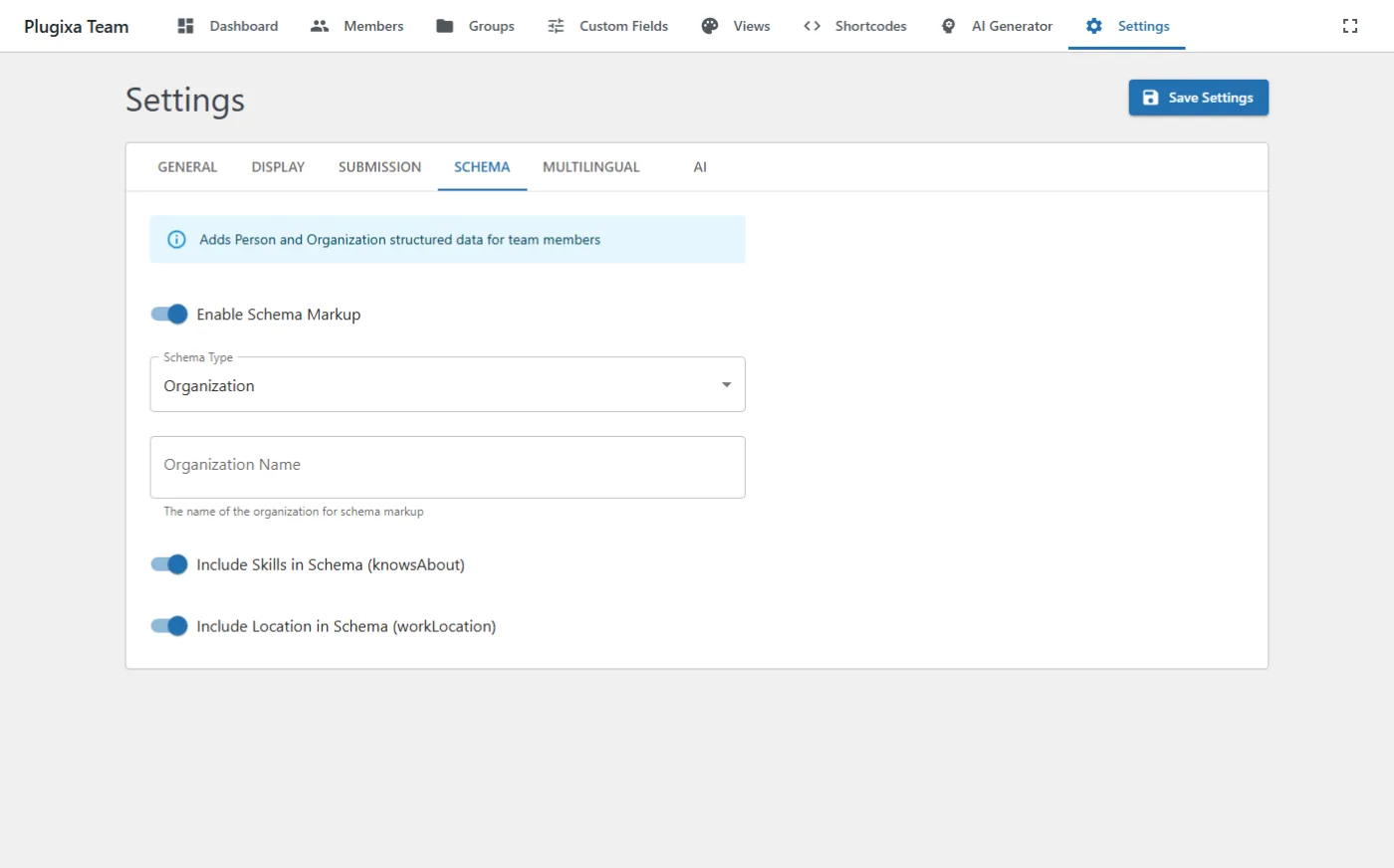
Options
| Key | Default | Values | Notes |
|---|---|---|---|
enable_schema |
true |
bool | Emit JSON-LD (Person + Organization + ItemList) for shortcodes. |
schema_type |
Organization |
Organization, LocalBusiness, Corporation, … |
Parent @type wrapping the employees list. |
schema_name |
"" |
string | Entity name. Empty = use site name. |
schema_logo_id |
null |
attachment ID | Organization logo (picked from media library). |
schema_include_skills |
true |
bool | Include skills as knowsAbout in Person entities. |
schema_include_location |
true |
bool | Include location as workLocation Place. |
Yoast / RankMath hand-off
When Yoast SEO or RankMath is active, Plugixa Team injects Person entities into the SEO plugin’s schema graph instead of emitting its own <script> tag. This avoids duplicate entities and keeps the page’s schema graph valid.
Detected automatically — no extra configuration. See Integrations → SEO Plugins for how the hand-off works.
Verifying the output
Paste a page URL into Google’s Rich Results Test and expand the “Organization” result. You should see employee: Person entries for every member on the page.