

Contents
Social Proof - Plugixa Testimonial
Notification popups cycling recent testimonials. See Social Proof.
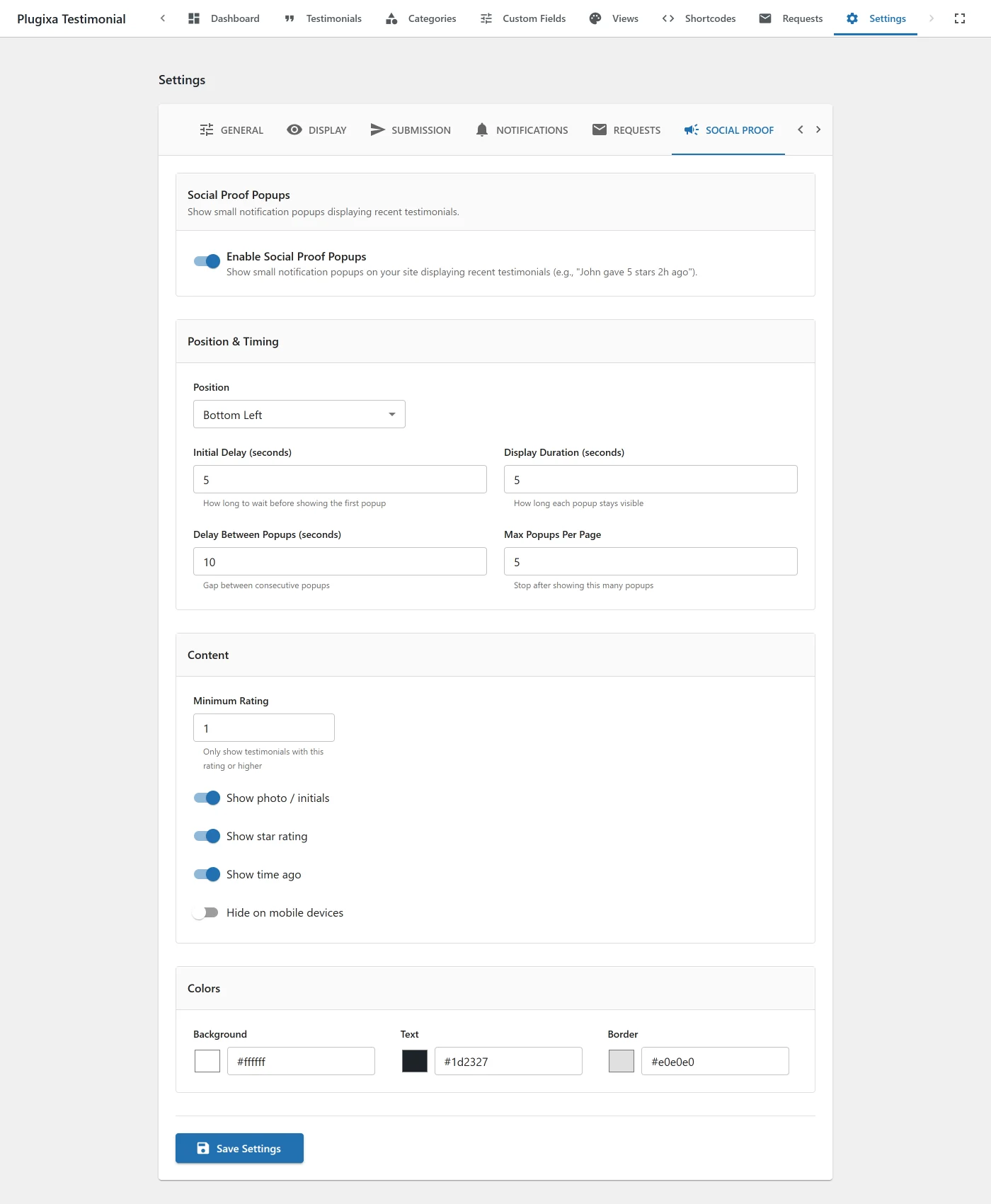
| Key | Default | Values |
|---|---|---|
sp_enabled |
false |
Master toggle. |
sp_position |
bottom-left |
bottom-left, bottom-right. |
sp_display_duration |
5 |
Seconds each popup stays visible (1–30). |
sp_delay_between |
10 |
Seconds between popups (1–60). |
sp_initial_delay |
5 |
Seconds before first popup (0–60). |
sp_max_popups |
5 |
Stop after N popups (1–20). |
sp_show_photo |
true |
|
sp_show_rating |
true |
|
sp_show_time_ago |
true |
|
sp_min_rating |
1 |
1–5. |
sp_bg_color |
#ffffff |
|
sp_text_color |
#1d2327 |
|
sp_border_color |
#e0e0e0 |
|
sp_hide_on_mobile |
false |
Hide on screens ≤480px. |