

Contents
WooCommerce Integration — Plugixa FAQ
Two distinct WooCommerce features ship with Pro:
- Product tab — an FAQs tab on every product’s single-product page, auto-populated with FAQs you assign.
- Products as content source — use
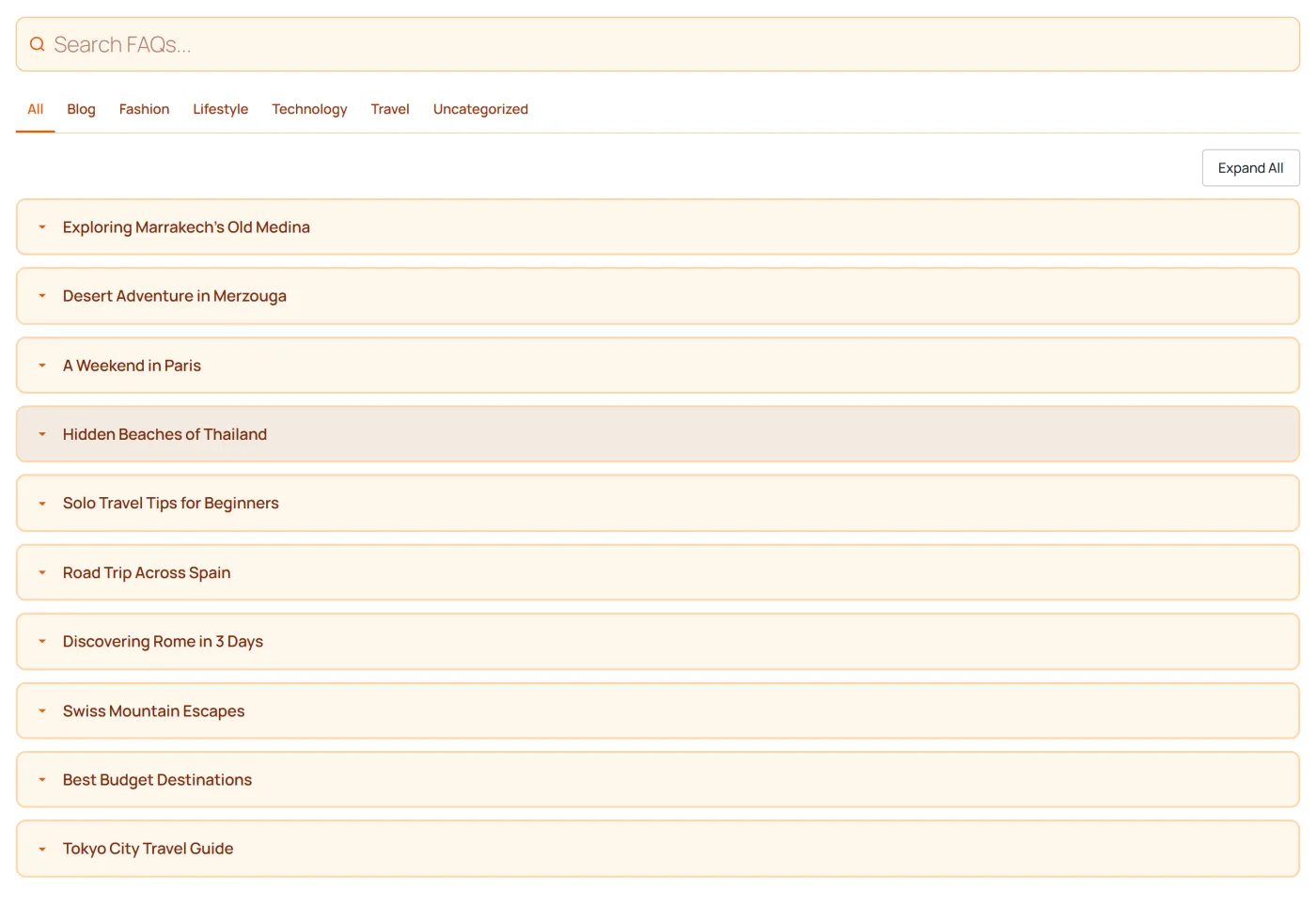
[plugixa_faq content_source="woocommerce_products"]to render product cards as FAQ items. Covered in Content Sources.
This page covers the product tab.
Requirements
- WooCommerce 6.0 or higher.
- Plugixa FAQ Pro.
Enable the tab
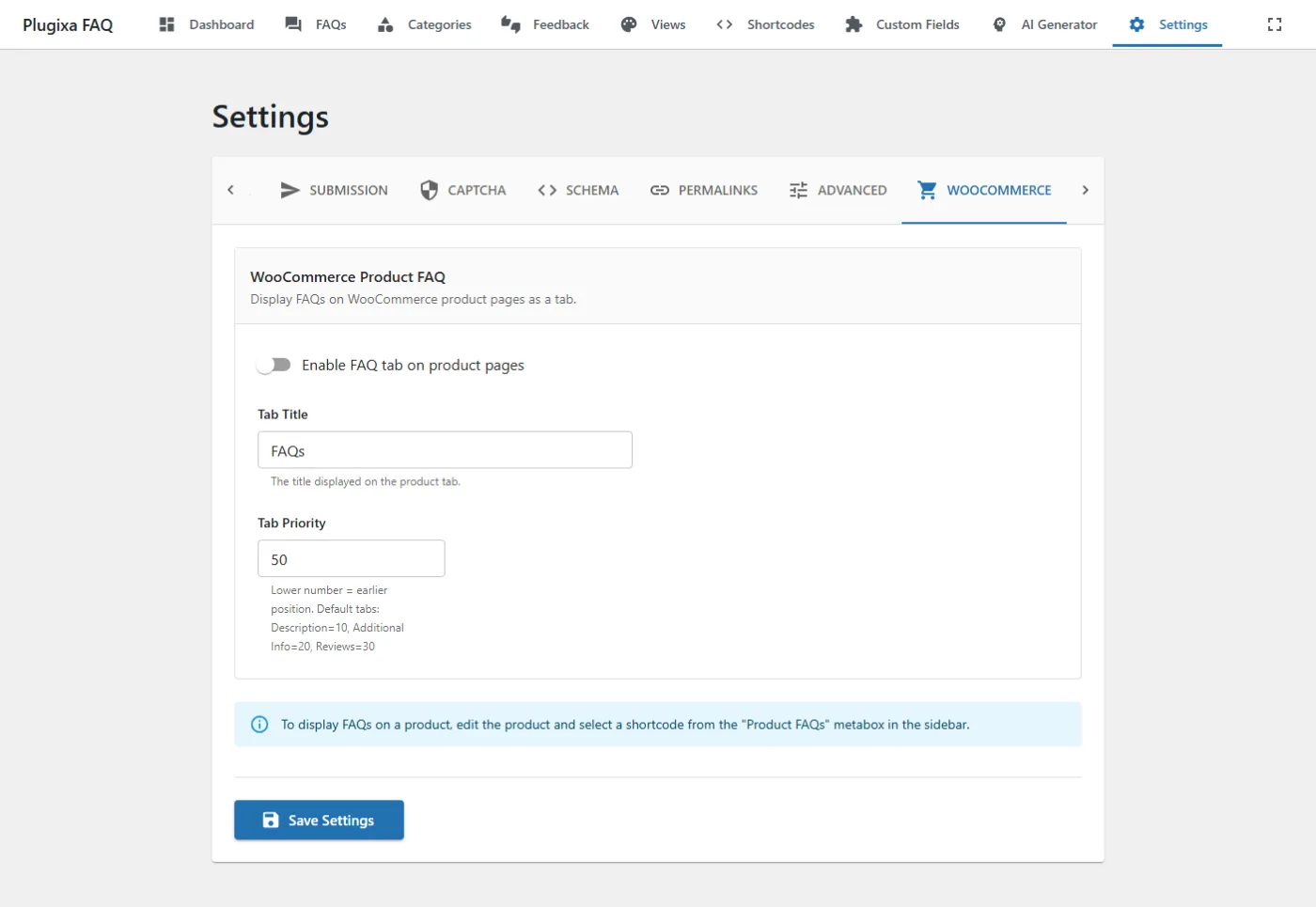
- Go to Plugixa FAQ → Settings → WooCommerce.
- Toggle Enable product FAQs on.
- Optionally customize:
- Tab title — default
FAQs. - Tab priority — default
50(tab position relative to other tabs: Description = 10, Additional Info = 20, Reviews = 30).
- Tab title — default
Assigning FAQs to a product
Edit any product in Products → All products. Scroll to the Plugixa FAQs metabox in the sidebar.
Two modes:
1 · Manual selection
Pick specific FAQs from your library. Those FAQs appear on the product tab.
2 · Category-based
Pick a category (e.g., “Shipping”). All FAQs in that category appear automatically on the product tab, including FAQs added later.
Both modes can be combined — e.g., “all FAQs from shipping + these 3 product-specific FAQs”.
How the tab renders
The tab uses the current site’s default view by default. Override per-product or globally:
- Per-product — choose a view in the product metabox.
- Globally — via filter:
add_filter( 'plugixa_faq_product_tab_atts', function( $atts, $product_id ) {
    $atts['view'] = 'my-custom-view';
    return $atts;
}, 10, 2 );
Schema.org FAQ markup is automatically embedded on the product page — search engines may surface those FAQs as rich snippets under the product listing.
Customizing the tab
Tab title per product
add_filter( 'plugixa_faq_product_tab_title', function( $title, $product_id ) {
    if ( has_term( 'electronics', 'product_cat', $product_id ) ) {
        return __( 'Specifications & FAQs', 'textdomain' );
    }
    return $title;
}, 10, 2 );
Tab priority (position)
add_filter( 'plugixa_faq_product_tab_priority', function( $priority, $product_id ) {
    return 15;  // between Description (10) and Additional Info (20)
}, 10, 2 );
Hide the tab when empty
By default, the tab is hidden automatically if a product has no associated FAQs. To force-show it:
add_filter( 'plugixa_faq_show_empty_product_tab', '__return_true' );
Replace the tab’s content
add_filter( 'plugixa_faq_product_tab_content', function( $content, $product_id, $atts ) {
    // Prepend a custom intro
    return '<p>Common questions about this product:</p>' . $content;
}, 10, 3 );
WooCommerce products as FAQ items
Separate from the tab, you can render the product catalog itself as an FAQ list — useful for a “Which product is right for me?” guide.
[plugixa_faq content_source="woocommerce_products" product_style="modern" limit="6"]
See Content Sources → WooCommerce.
Email notifications
When feedback is submitted on a product-tab FAQ, admin notifications use the product context — the email subject includes the product name for easier triage.
Override via:
add_filter( 'plugixa_faq_product_feedback_email_subject', function( $subject, $feedback, $product_id ) {
    return "[Support] New feedback on " . get_the_title( $product_id );
}, 10, 3 );
Performance notes
- Product-tab FAQs are loaded only when the FAQs tab is clicked (lazy-loaded). The initial product page doesn’t carry the overhead.
- FAQs are cached with WooCommerce’s transient cache (keyed by product ID and FAQ-set hash). Cache is invalidated when FAQ assignments change.
- On product category archives, Plugixa FAQs are not auto-rendered — use the shortcode or block if you want FAQ content there.
Caveats
- Variable products — the tab applies to the parent product, not individual variations. Variations inherit the parent’s FAQs.
- Bundle / grouped products — FAQs are shown only for the parent bundle product, not child items.
- Subscriptions — the tab works identically with WC Subscriptions.
- Custom product types — supported if they render standard product tabs. Non-standard product types may need a filter adjustment.
Troubleshooting
Tab not appearing
- WooCommerce active? Plugins screen.
- Pro license active? Plugixa FAQ → Account.
- Tab enabled? Settings → WooCommerce.
- FAQs assigned? Product edit → Plugixa FAQs metabox.
- Theme override? Some themes replace WC tabs. Test with Storefront to isolate.
Wrong FAQs appear
- Double-check the selected category in the product metabox.
- If the product uses category-based FAQs, check that the category slug matches.
Tab shows but FAQs blank
- Custom view missing — the view may have been deleted. Re-pick a view in the metabox.
- FAQs in draft status — set to
published.
REST API
Currently no dedicated REST endpoints for the tab — the UI is server-rendered. WooCommerce product IDs with associated FAQs can be queried via:
GET /wp-json/plugixa-faq/v1/faqs?product_id=123
Hooks
See Hooks → WooCommerce.
Related
- Content Sources
- Shortcodes
- WooCommerce settings — tab enable, title, priority
- Hooks Reference