

Contents
Permalinks settings — Plugixa FAQ
The Permalinks tab controls the URL structure for single FAQ pages. The plugin registers a custom rewrite rule so each FAQ can have its own canonical URL.
Go to Plugixa FAQ → Settings → Permalinks.
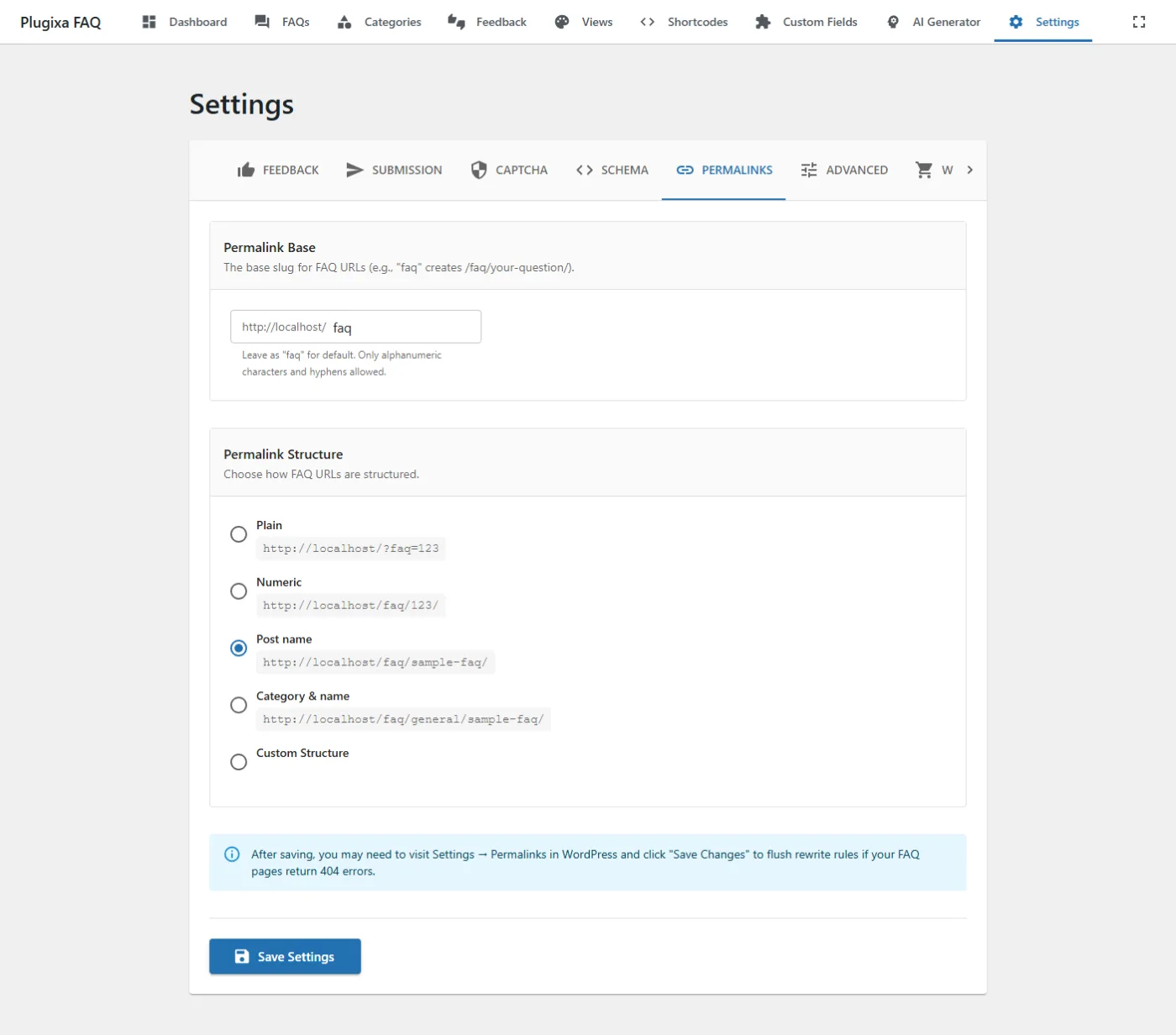
Options
| Key | Default | Values |
|---|---|---|
permalink_base |
faq |
Single URL segment. Results in /faq/... as the FAQ namespace. |
permalink_structure |
postname |
plain, numeric, postname, category, custom. |
permalink_custom |
/%faq_slug%/ |
Template. Tokens: %faq_id%, %faq_slug%, %category_slug%. Only used when permalink_structure=custom. |
Structure examples
| Structure | Resulting URL |
|---|---|
plain |
/?plugixa_faq=42 |
numeric |
/faq/42/ |
postname |
/faq/reset-password/ |
category |
/faq/account/reset-password/ |
custom (/help/%category_slug%/%faq_slug%/) |
/help/account/reset-password/ |
After changing structure
Visit Settings → Permalinks in wp-admin and click Save (no changes needed — just the save action). This flushes WordPress rewrite rules so your new structure takes effect. Without this step the new URLs return 404.
Enable permalinks per shortcode
The shortcode’s enable_permalinks="yes" attribute turns each FAQ into a link to its own page. Without it, FAQs open as accordion sections only.
[plugixa_faq enable_permalinks="yes"]
Related
- Shortcodes —
enable_permalinksattribute - Troubleshooting — fixing 404s after structure change
- Settings overview